
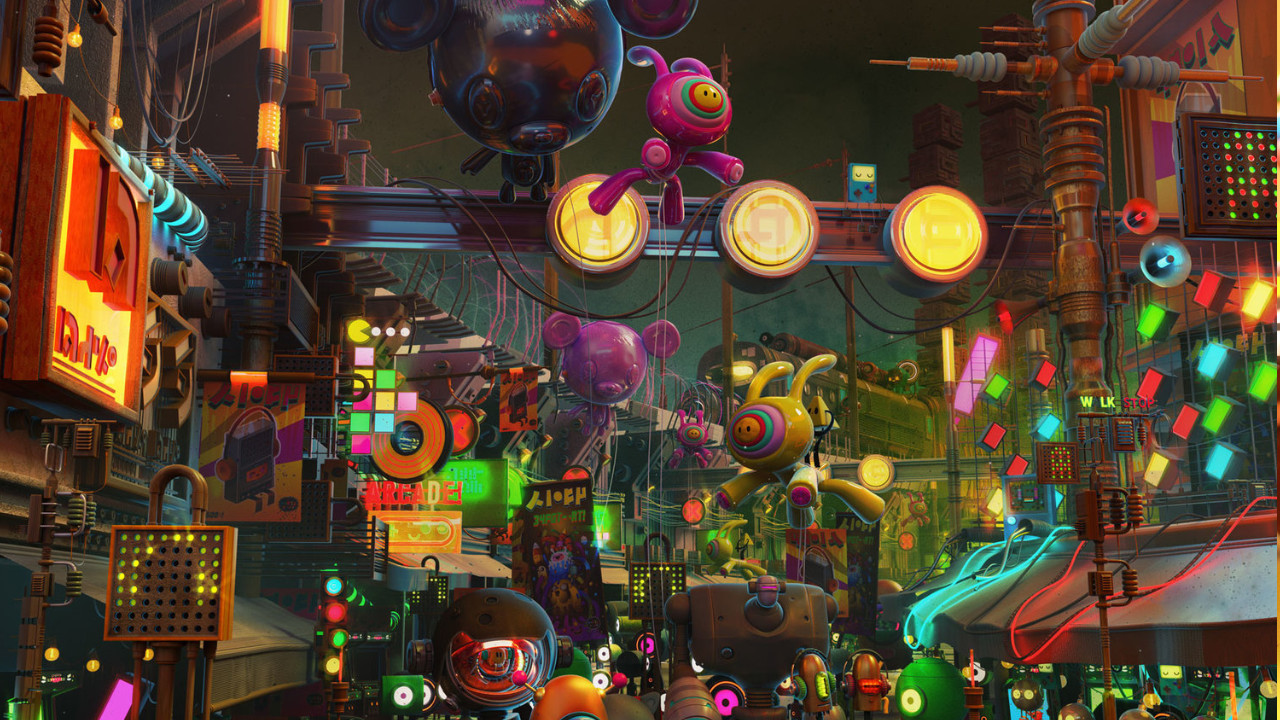

    Blender preview

    Blender Reviews, pricing and alternatives 2026

    Complete open-source 3D suite: modeling, animation, rendering, and compositing.

    Free.

    Blender, aperçu 11 / 2
    Best for
    Designer

    Solo / Freelance

    Highly recommended

    Team

    Highly recommended

    What it does
    Modelisation 3d
    Animation 2d 3d
    Rendu 3d
    Effets visuels

    Blender

    ToolTrim Verdict
    4.4/5
    Very good

    Free and complete: the default starting point for all 3D.

    Pricing verified on

    Our take

    Understanding Blender.

    Blender is the great open-source success story: a complete, free 3D suite covering the whole chain (modeling, sculpting, animation, rigging, simulation, rendering with Cycles and Eevee, compositing, and even editing and 2D motion with Grease Pencil). It's no longer the patched-together tool of ten years ago: Blender has become a pro application, used in studios, advertising and increasingly in film.

    Its unbeatable argument is price: $0, forever, with no subscription or license. Where Maya or Cinema 4D cost hundreds of euros a year, Blender does the essentials (and often more) for free. The community is huge, tutorials are everywhere, and updates are very regular.

    The limits are mostly about the pro ecosystem: some studios built their pipelines around Maya/Houdini and switching is costly, and Cinema 4D keeps the edge on After Effects integration and MoGraph. But for a freelancer or anyone starting 3D, the real question is no longer why Blender, but why pay for another tool. Start with Blender; you'll only pay for a competitor if a specific need demands it.

    Practical uses

    • Model and animate in 3DNo software budget
    • Render images and animationsCycles or Eevee
    • Sculpt models and do 3D concept work
    • Do 2D motionGrease Pencil

    Pros and cons

    What Blender does especially well — and the limits to anticipate.

    Pros

    • Free and open source, forever
    • Complete suite: modeling, sculpting, animation, rendering (Cycles/Eevee), compositing
    • Huge community, plenty of tutorials and add-ons
    • Pro level: used in studios, advertising and film

    Cons

    • Less integrated into Maya/Houdini studio pipelines
    • No MoGraph or After Effects integration like Cinema 4D
    • No official commercial support
    • Real learning curve (but plenty of resources)

    Blender: when it makes sense.

    Free and complete: the default starting point for all 3D. You only pay for a competitor if a specific need (studio pipeline, Adobe integration) demands it.

    Keep if

    You do 3D (modeling, animation, rendering) and want the best value: free. You're a beginner or freelancer with no imposed studio pipeline

    Challenge if

    Your studio mandates a Maya/Houdini pipeline or After Effects integration (Cinema 4D). You need commercial support and vendor certification

    How much does Blender cost?

    Free0 €

    Completely free and open source

    Official pricing sourceverified on

    Best alternatives to Blender.

    Blender preview
    Blender logo

    BlenderCurrent

    Complete open-source 3D suite: modeling, animation, rendering, and compositing.

    4.4ToolTrim score
    Monthly price
    Free
    Free plan
    Included
    Cinema 4D preview
    Cinema 4D logo
    Cinema 4D

    3D tool for motion design, product visualization, and professional animation.

    3.8ToolTrim score
    Monthly price
    95€
    Free plan
    No
    Maya preview
    Maya logo
    Maya

    3D standard for animation, characters, rigging, and game/film production.

    3.8ToolTrim score
    Monthly price
    245€
    Free plan
    No
    The AI angle

    Blender vs AI

    AI augments this tool
    Go further with AI

    Blender is the tool that benefits most from AI, because it's free and open: a swarm of add-ons plugs generative 3D (Meshy, Tripo) right into the interface, AI mocap (Move AI) exports its animations there, and AI tools speed up retopo, texturing and render denoising (Cycles). You can assemble a full AI flow without spending a cent on software.

    Can AI replace it?

    Replace Blender with an AI? No, and it would be absurd: it's precisely the free workshop where you bring in and finalize everything AI generates. AI creates bases, captures motion, textures fast, but it's in Blender that you stage, animate finely and render. Verdict: AI doesn't replace Blender, it makes it even more essential as the free hub of 3D production.

    Blender Summary

    Category
    productivity tool.
    Price from
    Free (Free).
    Best for
    teams and startups.
    Avoid if
    Your studio mandates a Maya/Houdini pipeline or After Effects integration (Cinema 4D); You need commercial support and vendor certification.
    Alternatives
    Cinema 4D, Maya.
    ToolTrim verdict
    Free and complete: the default starting point for all 3D.

    Our verdict on Blender.

    Why this verdict

    Very good

    Blender is hard to replace short-term, a free tier to test before paying, clearly documented use cases.

    Tool FAQ

    Frequently asked questions about Blender

    Pricing, usage, alternatives, and context: useful answers before adding one more tool to your stack.

    What is Blender used for?

    Complete open-source 3D suite: modeling, animation, rendering, and compositing.

    How much does Blender cost?

    Blender costs €0 (free) (Free plan). Price verified on 2026-03-13.

    Is Blender suitable for beginners?

    Blender is particularly suited for freelancers and solopreneurs.

    Is Blender worth the price?

    Free and complete: the default starting point for all 3D. You only pay for a competitor if a specific need (studio pipeline, Adobe integration) demands it.

    What are the best alternatives to Blender?

    The main alternatives to Blender are: Cinema 4D, Maya.