
    Meshy

    AI-powered 3D model generator that converts text descriptions or images into ready-to-use 3D models for games and 3D printing.

    ToolTrim verdict4.4/ 5Excellent

    Meshy suits creators seeking speed and accessibility; for projects demanding meticulous control, traditional tools are preferable.

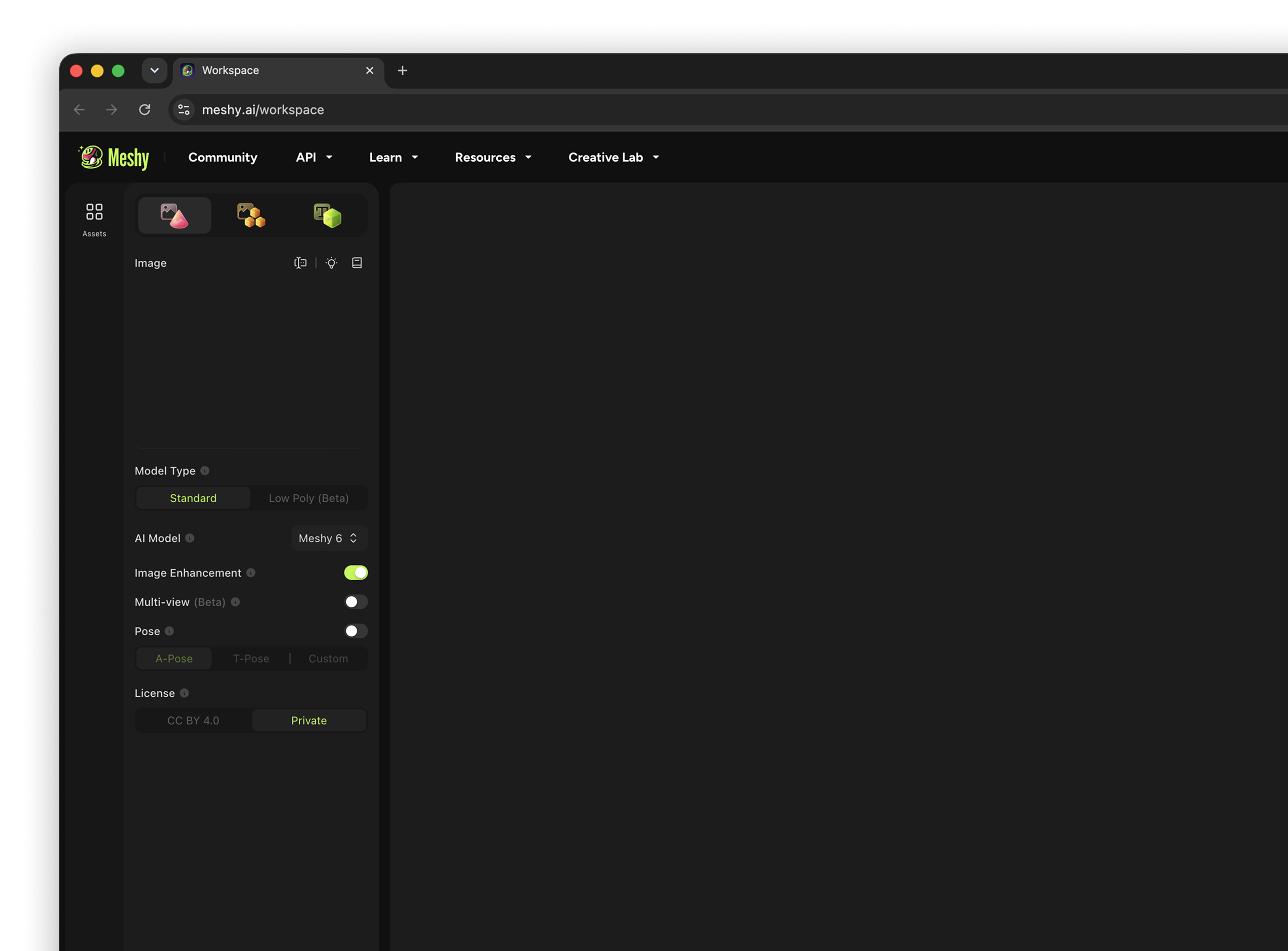
    Meshy, preview 1
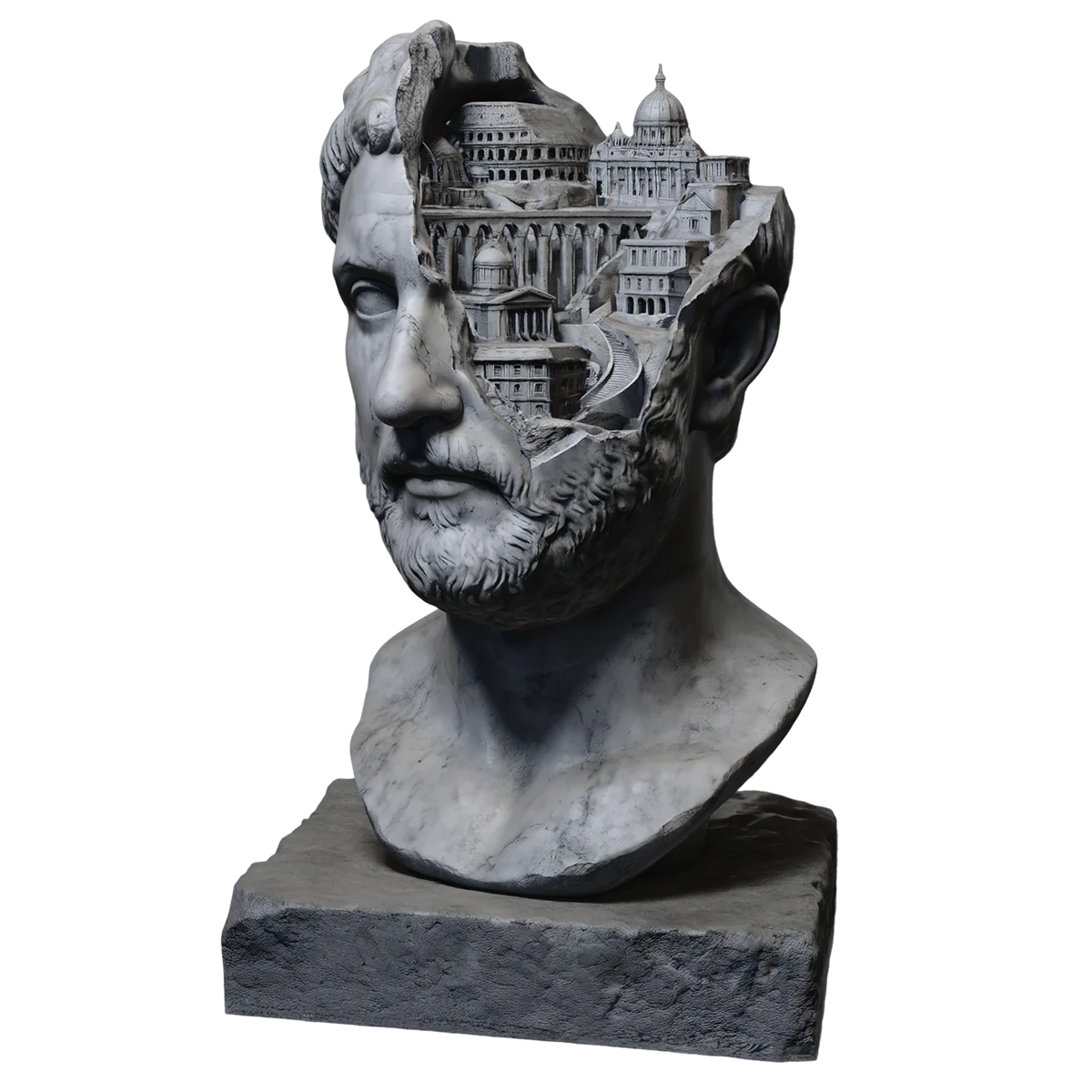
    Meshy, preview 2
    1 / 2
    About

    In practice. What you can do with Meshy.

    AI-powered 3D model generator that converts text descriptions or images into ready-to-use 3D models for games and 3D printing.

    Key strengths: Fast generation (under a minute).; No mandatory subscription to start.; Automatic optimization for 3D printing.; Multi-format and multi-engine support.; Automatic texturing and rigging..

    Meshy suits creators seeking speed and accessibility; for projects demanding meticulous control, traditional tools are preferable.

    Practical uses

    • Quickly generate game models.
    • Prepare objects for 3D printing.
    • Create 3D prototypes from text descriptions.

    Features & use cases

    Generation 3d

    Pros and cons

    What Meshy does especially well and the limits to anticipate.

    Pros

    • Fast generation (under a minute).
    • No mandatory subscription to start.
    • Automatic optimization for 3D printing.
    • Multi-format and multi-engine support.
    • Automatic texturing and rigging.

    Cons

    • Quality varies with model complexity.
    • Limited control over fine details.
    • Performance depends on text prompt quality.

    Meshy: when it makes sense.

    Meshy suits creators seeking speed and accessibility; for projects demanding meticulous control, traditional tools are preferable.

    Keep if

    You create 3D content for games.. You need printable models quickly.

    Meshy becomes worthwhile when
    • You use it at least once a week
    • The monthly cost ($20) is small next to the time it saves you

    Challenge if

    You require complete control over geometry.. You work on complex multi-object scenes.

    Meshy becomes too expensive when
    • You use it less than once a month
    • A simple free version or a tool already in your stack would do

    Pricing. What does Meshy cost?

    Free$0

    Free plan available.

    Pro (mensuel)$20/mo

    Paid plans available. See the official pricing source for details.

    Official pricing sourceverified on

    Alternatives. What could replace Meshy?

    Current

    Direct substitutes

    Meshy Summary

    Category
    productivity tool.
    Price from
    $20/mo (Pro (mensuel)).
    Best for
    freelancers and solopreneurs.
    Avoid if
    You require complete control over geometry.; You work on complex multi-object scenes..
    Alternatives
    Tripo, Blender.
    ToolTrim verdict
    Meshy suits creators seeking speed and accessibility; for projects demanding meticulous control, traditional tools are preferable.

    Our verdict. What to know about Meshy.

    Why this verdict

    Excellent

    Meshy is fairly easy to replace with an alternative, a free tier to test before paying, clearly documented use cases.

    Frequently asked questions.

    What to know before choosing Meshy.

    What is Meshy used for?

    AI-powered 3D model generator that converts text descriptions or images into ready-to-use 3D models for games and 3D printing.

    How much does Meshy cost?

    Meshy costs €20/month (Pro (monthly) plan). Price verified on 2026-08-31.

    Is Meshy suitable for beginners?

    Meshy is particularly suited for freelancers and solopreneurs.

    Is Meshy worth the price?

    Meshy suits creators seeking speed and accessibility; for projects demanding meticulous control, traditional tools are preferable.

    What are the best alternatives to Meshy?

    The main alternatives to Meshy are: Tripo, Blender. Free alternatives: Blender.