    Tripo

    AI 3D model generator converting text descriptions or images into high-quality or game-optimized 3D models with automatic texturing and rigging.

    ToolTrim verdict4.4/ 5Excellent

    Tripo suits game devs and fast 3D creators; for complex art, Blender/Maya remain reference.

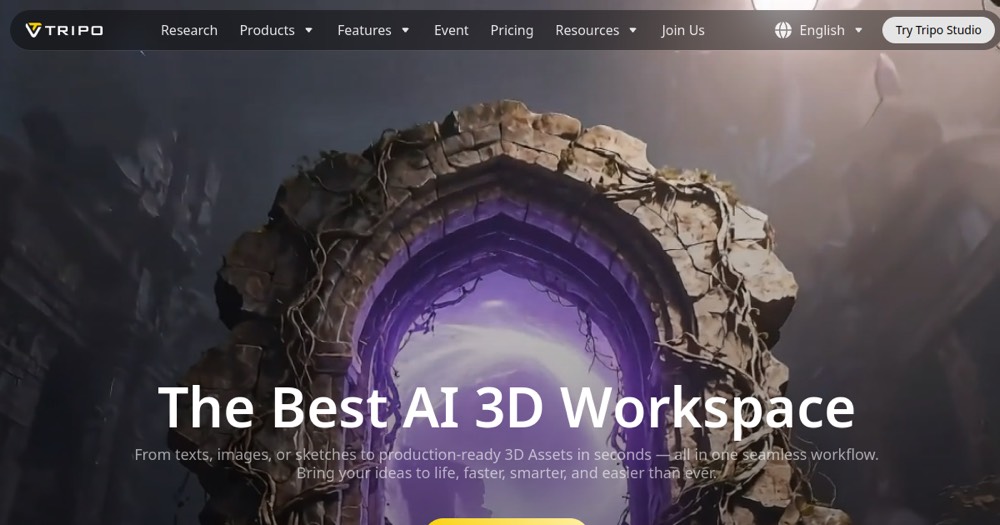
    Tripo, preview 1
    About

    In practice. What you can do with Tripo.

    AI 3D model generator converting text descriptions or images into high-quality or game-optimized 3D models with automatic texturing and rigging.

    Key strengths: Instant generation from text or image.; Two output modes (high-detail vs game-optimized).; Automatic texturing and rigging.; Free studio without clear usage limits.; Used by major studios..

    Tripo suits game devs and fast 3D creators; for complex art, Blender/Maya remain reference.

    Practical uses

    • Generate 3D models for games quickly.
    • Create optimized assets for VR/AR.
    • Produce models for 3D printing.

    Features & use cases

    Generation 3d

    Pros and cons

    What Tripo does especially well and the limits to anticipate.

    Pros

    • Instant generation from text or image.
    • Two output modes (high-detail vs game-optimized).
    • Automatic texturing and rigging.
    • Free studio without clear usage limits.
    • Used by major studios.

    Cons

    • Quality variable based on description complexity.
    • Less fine control than traditional sculpting.
    • Premium pricing not published (on request).

    Tripo: when it makes sense.

    Tripo suits game devs and fast 3D creators; for complex art, Blender/Maya remain reference.

    Keep if

    You create 3D content for games or VR.. You need game-optimized models.

    Tripo becomes worthwhile when
    • You use it at least once a week
    • The monthly cost ($10) is small next to the time it saves you

    Challenge if

    You create ultra-complex 3D sculptures.. You need pixel-level architectural control.

    Tripo becomes too expensive when
    • You use it less than once a month
    • A simple free version or a tool already in your stack would do

    Pricing. What does Tripo cost?

    Free$0

    Free plan available.

    Pro (mensuel)$10/mo

    Paid plans available. See the official pricing source for details.

    Official pricing sourceverified on

    Alternatives. What could replace Tripo?

    Current

    Direct substitutes

    Tripo Summary

    Category
    productivity tool.
    Price from
    $10/mo (Pro (mensuel)).
    Best for
    freelancers and solopreneurs.
    Avoid if
    You create ultra-complex 3D sculptures.; You need pixel-level architectural control..
    Alternatives
    Meshy, Blender.
    ToolTrim verdict
    Tripo suits game devs and fast 3D creators; for complex art, Blender/Maya remain reference.

    Our verdict. What to know about Tripo.

    Why this verdict

    Excellent

    Tripo is fairly easy to replace with an alternative, a free tier to test before paying, clearly documented use cases.

    Frequently asked questions.

    What to know before choosing Tripo.

    What is Tripo used for?

    AI 3D model generator converting text descriptions or images into high-quality or game-optimized 3D models with automatic texturing and rigging.

    How much does Tripo cost?

    Tripo costs €10/month (Pro (monthly) plan). Price verified on 2026-07-24.

    Is Tripo suitable for beginners?

    Tripo is particularly suited for freelancers and solopreneurs.

    Is Tripo worth the price?

    Tripo suits game devs and fast 3D creators; for complex art, Blender/Maya remain reference.

    What are the best alternatives to Tripo?

    The main alternatives to Tripo are: Meshy, Blender. Free alternatives: Blender.