    Notion

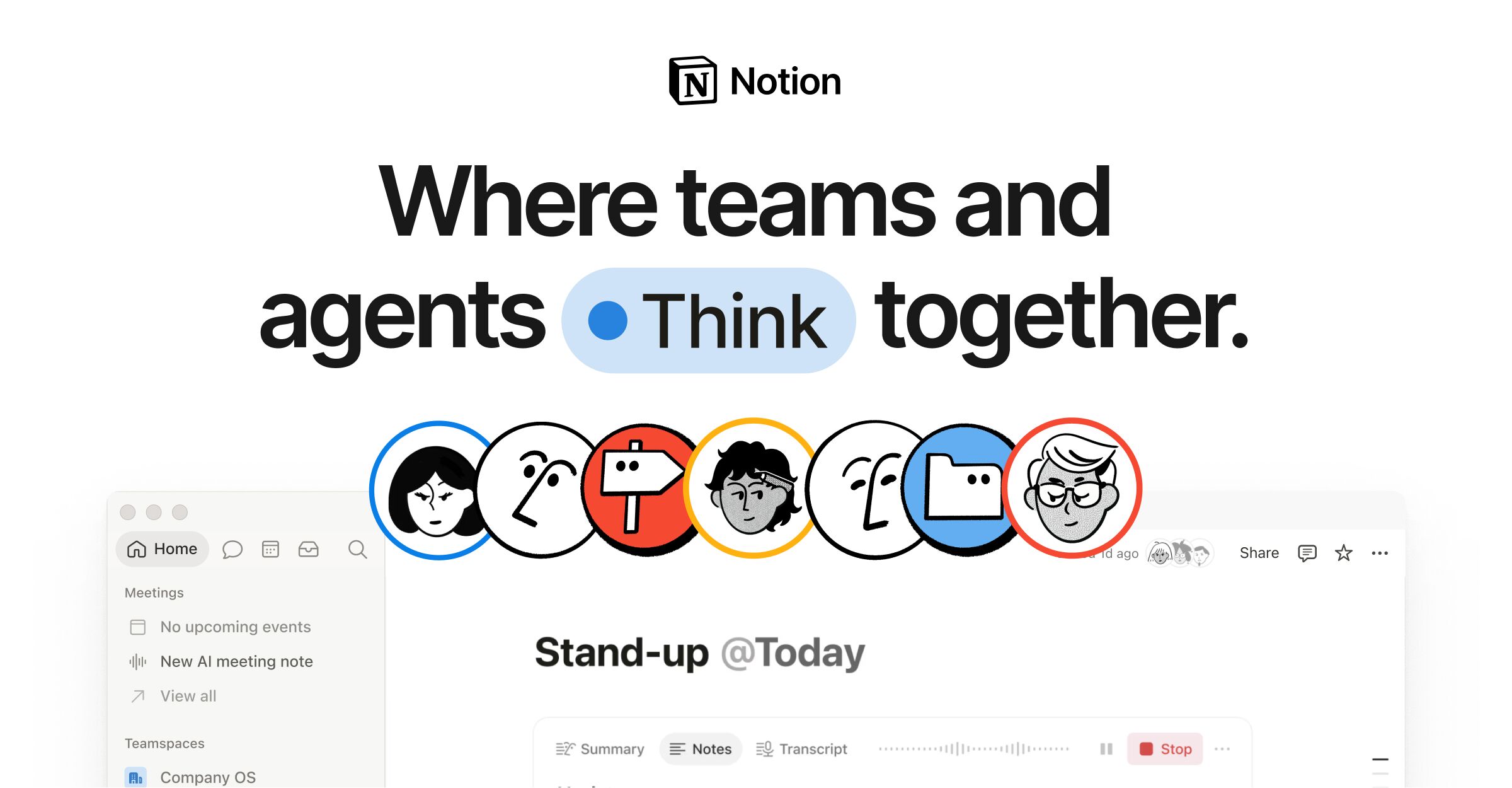
    Connected workspace bringing together notes, docs, wikis, databases and project management, with a built-in AI layer.

    Visit website
    Notion, preview 1
    ToolTrim verdict3.8/ 5Great

    Similar tools

    View all
    About

    Understanding Notion.

    Notion is an all-in-one workspace that gathers note-taking, documentation, team wikis, databases and project tracking into a single tool. Its strength is modularity: everything is made of blocks and nested pages you assemble freely, so you can build a personal notebook, a team intranet or a lightweight CRM without switching apps.

    Unlike a classic notes tool, Notion blends editorial content with structured data: the same page can be a document, a filterable table, a kanban board or a calendar depending on the view. That flexibility has a flip side — the blank page can be intimidating, and a team benefits from setting conventions (templates, workspace structure, permissions) to avoid sprawl.

    The tool suits a wide audience: a freelancer can use it for free to organise personal projects, while teams move up for collaboration, shared permissions and, higher up, security and administration controls. Notion AI is embedded in the workspace to draft, summarise and query content; a usage-based add-on extends its agent capabilities.

    Practical uses

    • Centralise a team's knowledge base and internal documentation.
    • Manage projects and tasksViews tailored to each profile (table, kanban, calendar).
    • Build a wiki, a lightweight CRM or an editorial tracker on custom databases.
    • Draft, summarise and retrieve informationAI directly inside the workspace.

    Features & use cases

    Database
    Notes
    Project management
    Wiki
    Collaboration
    Task management

    Pros and cons

    What Notion does especially well and the limits to anticipate.

    Pros

    • Rare modularity: blocks, nested pages and databases let you shape the tool to your use.
    • One space for notes, docs, wikis and project tracking, cutting down app sprawl.
    • Multi-view databases (table, kanban, calendar, gallery) over the same data.
    • AI embedded in the workspace to draft, summarise and query existing content.

    Cons

    • Learning curve: structural freedom can disorient without team conventions.
    • Per-member pricing pushes cost up as the team grows.
    • Advanced administration and security features are reserved for higher plans.
    • Offline work and performance on very large workspaces remain points to watch.

    Notion: when it makes sense.

    Notion becomes the right choice when the need to link documentation, knowledge and structured data in one space outweighs the simplicity of a single-purpose tool; below that, a dedicated notes app or task manager stays more direct.

    Keep if

    You want to centralise notes, docs, wikis and databases in a single modular tool.. Your team needs a collaborative space where editorial content and structured data coexist.

    Notion becomes worthwhile when
    • You use it at least once a week
    • The monthly cost (≈ $11.65) is small next to the time it saves you

    Challenge if

    You want a dead-simple notes tool that works instantly with no setup.. You need heavy project management with advanced dependencies and specialised reporting.

    Notion becomes too expensive when
    • You use it less than once a month
    • Obsidian (free) already covers the essentials for occasional use

    How much does Notion cost?

    Free$0

    Free and very generous for individual use

    Plus$11.65/mo

    Plus at $10/user/month (annual); Business at $24/user/month (Notion AI included)

    Official pricing sourceverified on

    Indicative conversion · 1 EUR = 1.1645 USD / 0.8574 GBP · ECB rate from 2026-08-27

    Notion's real cost by team size

    TeamPlanMonthly costAnnual costVerdict
    SoloPlus~$11.65~$139.74Limited cost
    3 peoplePlus~$34.94~$419.22Limited cost
    10 peoplePlus~$116.45~$1,397.4Worth a budget check
    50 peoplePlus~$582.25~$6,987Serious budget decision

    Estimate calculated from the displayed per-user price - check the official page for monthly/annual billing and any current promotions.

    Total cost = SaaS cost + (Setup time × Hourly rate) / 12 + Monthly maintenance × Hourly rate

    Concrete example: a consultant billing $50/h who spends 1h/month piecing together notes scattered across several apps is losing $50/month in hidden time. Notion Plus at $10/month pays for itself from that one recovered hour alone — but the real hidden cost is the setup time needed to structure databases that replace those apps.

    Tools in Notion

    This suite bundles 1 tools, included in the subscription.

    The AI angle

    Notion vs AI

    AI augments this tool
    Go further with AI

    Notion built Notion AI right into your workspace: it writes, summarizes, translates and queries your pages. To go further, a general assistant like ChatGPT or Claude stays more powerful for reasoning or long-form writing, as a complement.

    Can AI replace it?

    Replace Notion with an AI? No: Notion is your knowledge and organization base, not a chatbot. AI adds an assistance layer, but the structure (pages, databases, sharing) is its value. Notion AI saves you copy-pasting to ChatGPT for routine tasks. Verdict: AI augments Notion, it does not replace it.

    The AIs that matter here

    Notion Summary

    Category
    productivity tool.
    Price from
    ≈ $11.65/mo (Plus).
    Best for
    Ideal for flexible solo use (notes, databases, docs) or a small team centralizing its knowledge. Overkill for a simple task list.
    Avoid if
    You want a dead-simple notes tool that works instantly with no setup.; You need heavy project management with advanced dependencies and specialised reporting..
    Alternatives
    Obsidian, Coda, ClickUp.
    ToolTrim verdict
    Notion becomes the right choice when the need to link documentation, knowledge and structured data in one space outweighs the simplicity of a single-purpose tool; below that, a dedicated notes app or task manager stays more direct.

    Our verdict on Notion.

    Why this verdict

    Great

    Notion is fairly easy to replace with an alternative, a free tier to test before paying, clearly documented use cases.

    Tool FAQ

    Frequently asked questions about Notion

    Pricing, usage, alternatives, and context: useful answers before adding one more tool to your stack.

    What is Notion used for?

    Connected workspace bringing together notes, docs, wikis, databases and project management, with a built-in AI layer.

    How much does Notion cost?

    Notion costs $12/month (Plus plan). Price verified on 2026-06-15.

    Is Notion suitable for beginners?

    Ideal for flexible solo use (notes, databases, docs) or a small team centralizing its knowledge. Overkill for a simple task list.

    Is Notion worth the price?

    Notion becomes the right choice when the need to link documentation, knowledge and structured data in one space outweighs the simplicity of a single-purpose tool; below that, a dedicated notes app or task manager stays more direct.

    What are the best alternatives to Notion?

    The main alternatives to Notion are: Obsidian, Coda, ClickUp. Free alternatives: Obsidian.

    Is there a free alternative to Notion?

    Yes, Obsidian is a free alternative to Notion.