





The case for and against. What Todoist does well, and when it costs too much.
For. What works in its favour.
- Very fast natural-language capture.
- Strong recurring tasks and reminders for routines.
- Consistent interface across web, mobile and desktop.
- A free plan that is sufficient to test personal use.
- A broad integration catalog for everyday tools.
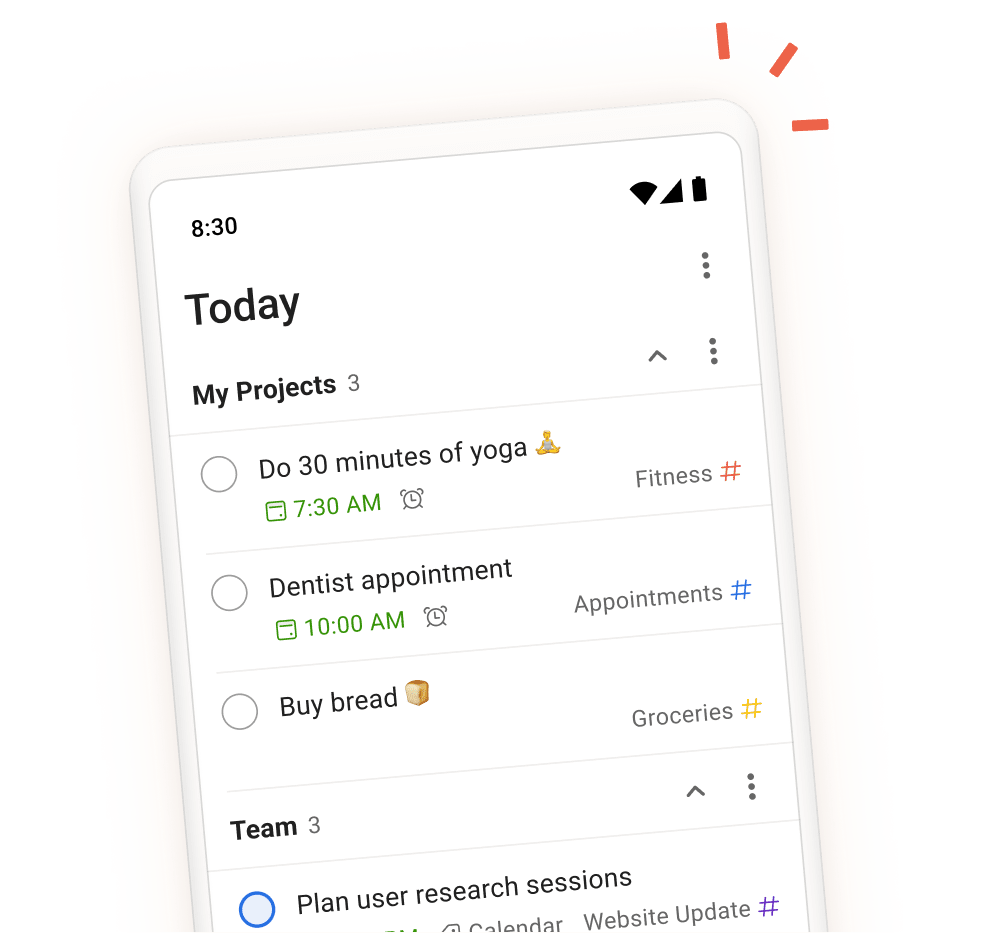
- Recurring tasks, reminders and Today or Upcoming views genuinely structure your week.
- You work solo or share a few projects with a small team.
Pays off from
8 minsaved a month
Todoist costs $5/month. If your hour is worth $40, those 8 min cover it.
Against. What to plan for.
- The most useful planning features require Pro.
- No Gantt chart or advanced resource management.
- Business is priced per user.
- Less suitable for projects requiring rich contextual documentation.
- Your work primarily lives in documents, knowledge bases or detailed briefs.
- Your team needs highly customized workflows and automation.
Too expensive if
- You use it less than once a month
- todoist (free) already covers the essentials for occasional use
