Keep Todoist when capture speed and routines matter more than project control. Move to a full project management tool once dependencies, resources or approvals become central.
1 / 2
About
In practice. What you can do with Todoist.
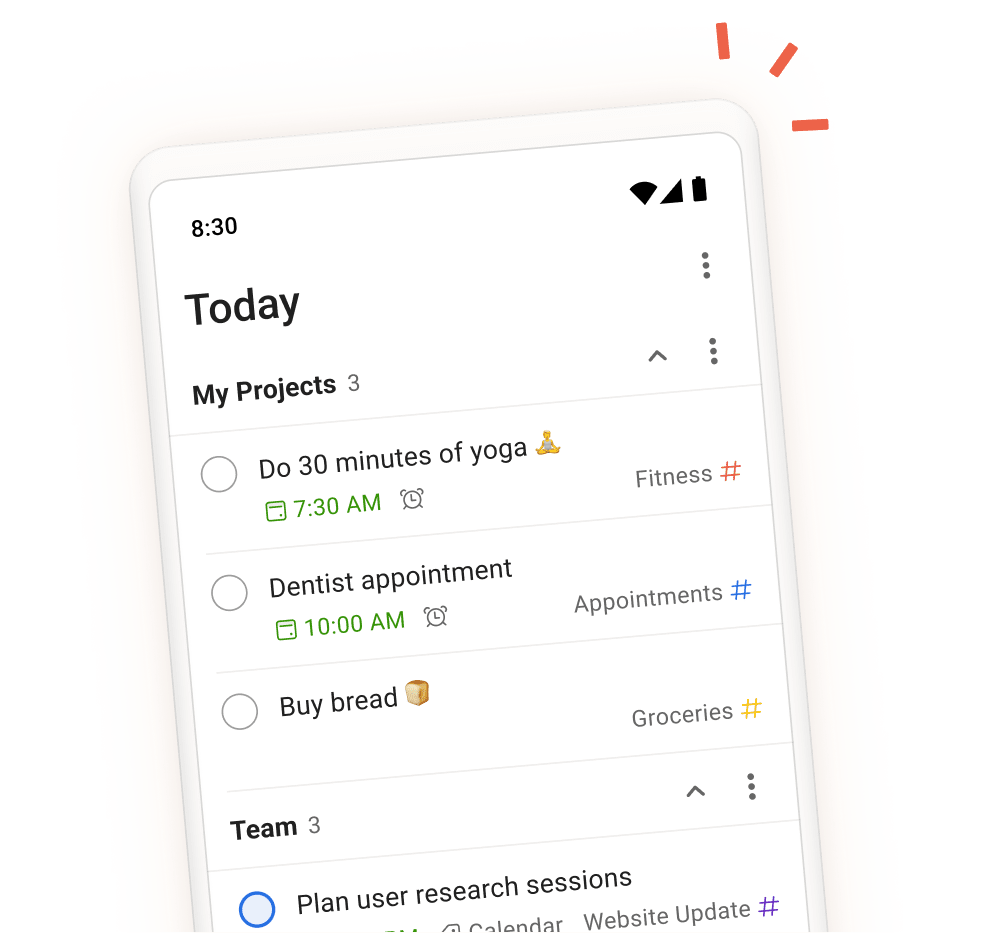
Todoist centralizes tasks, deadlines and routines in an interface built for fast capture. Natural-language input creates dated or recurring tasks without opening several menus, while Today, Upcoming, filters and calendar views help organize the week.
Beginner is free with 5 personal projects. Pro costs $7 per month or $60 per year and adds 300 projects, calendar layout, task duration, custom reminders, Task Assist and deadlines. Business costs $10 per user per month or $96 per user per year for a shared team workspace, roles, permissions and centralized billing.
Todoist is best for solo professionals and small teams that want a dependable action list on every device. If the work requires dependencies, Gantt charts, workload management or structured approvals, a full project management tool will fit better.
Practical uses
Centralize personal tasks, client follow-ups and deadlines.
Build recurring routines for admin and prospecting.
Share straightforward action listsA small team.
Features & use cases
Rappels
Taches
Todo list
Pros and cons. What Todoist does well, and what to expect.
Pros
Very fast natural-language capture.
Strong recurring tasks and reminders for routines.
Consistent interface across web, mobile and desktop.
A free plan that is sufficient to test personal use.
A broad integration catalog for everyday tools.
Cons
The most useful planning features require Pro.
No Gantt chart or advanced resource management.
Business is priced per user.
Less suitable for projects requiring rich contextual documentation.
When it makes sense. Keep Todoist, or challenge it?
Keep if
You want to capture and schedule tasks without administering a heavyweight project tool.
Recurring tasks, reminders and Today or Upcoming views genuinely structure your week.
Todoist becomes worthwhile when
+You use it at least once a week
+The monthly cost ($5) is small next to the time it saves you
Challenge if
You need dependencies, Gantt charts, workload management or advanced approvals.
Your work primarily lives in documents, knowledge bases or detailed briefs.
Todoist becomes too expensive when
−You use it less than once a month
−todoist (free) already covers the essentials for occasional use
Our verdict. What to know about Todoist.
Why this verdict
Great
Todoist is fairly easy to replace with an alternative, a free tier to test before paying, clearly documented use cases.