The Basic plan at $5/month ($4.92/month billed yearly) is the entry point once the free plan's 5-list, 5-person cap is reached.
About
In practice. What you can do with Superlist.
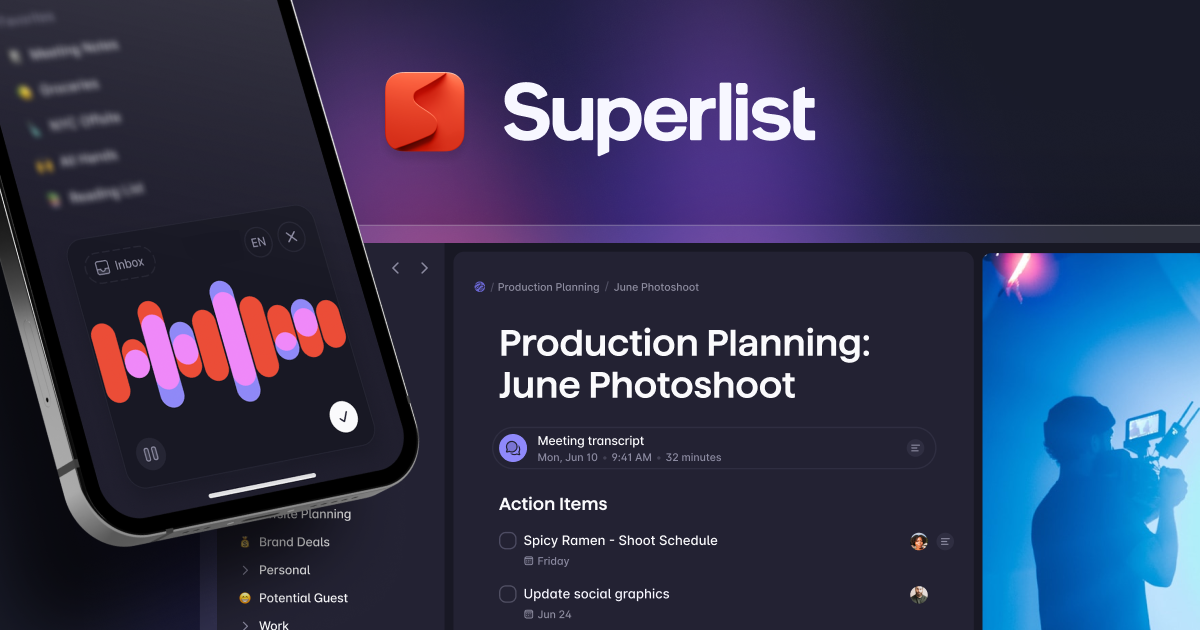
Superlist is a task management app with shared and private lists and sublists, built with native apps for macOS, iOS, Android and web. Paid plans add AI features: voice-to-task capture, AI meeting notes, AI chat and email or Slack task summarization.
The free plan caps out at 5 lists and 5 people per shared list with 500MB storage, which is tight for a growing team; Basic starts at $5/month ($4.92/month billed yearly) and removes those caps, while Super at $21/month adds unlimited AI meeting notes and chat. It suits individuals and small teams organizing personal and shared tasks together.
Practical uses
Shared team listsCoordinate a small team's tasks in shared lists with AI meeting notes and Slack or email task summarization on paid plans.
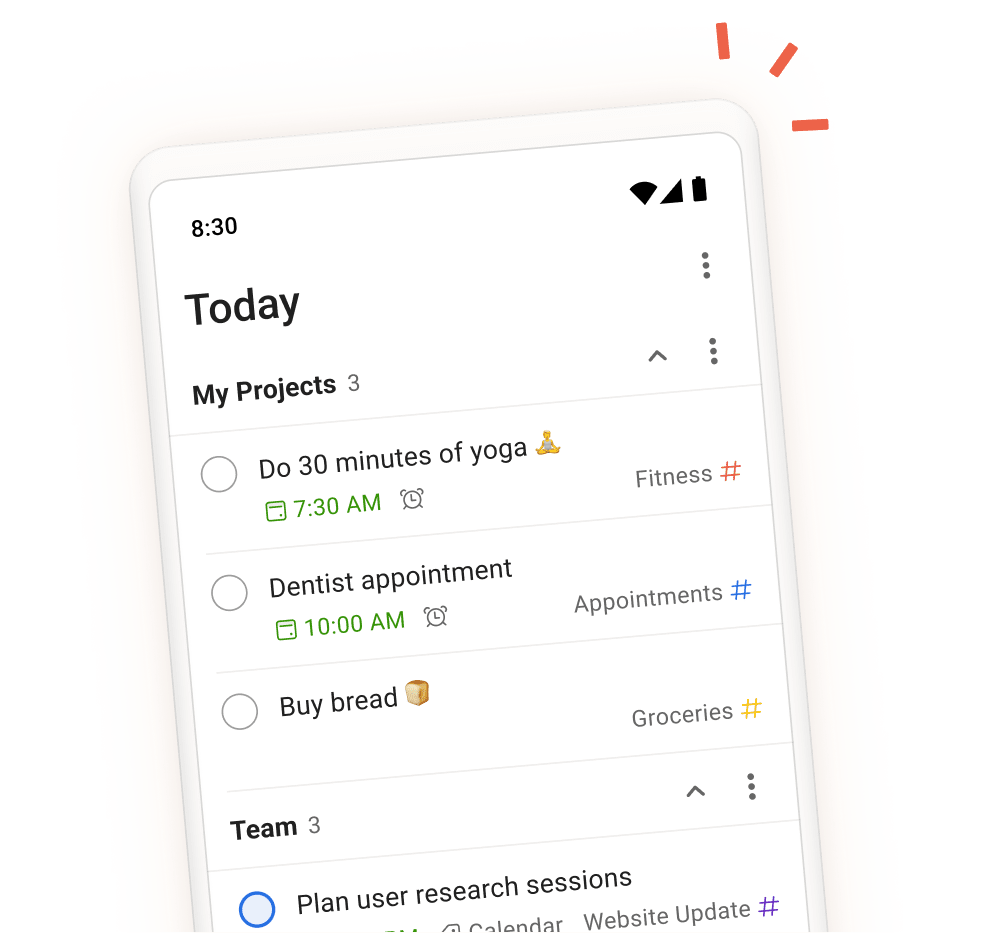
Personal task captureCapture tasks by voice or quick note on the free plan's up to 5 lists for personal organization.
Features & use cases
Task management
Collaboration
Assistant generaliste
Team collaboration
Pros and cons. What Superlist does well, and what to expect.
Pros
Unlimited team members and lists once on a paid plan, not gated further by seats.
Native apps across macOS, iOS, Android and web keep tasks in sync everywhere.
Cons
The free plan caps out at 5 lists and 5 people per shared list, tight for a growing team.
Storage and upload limits stay modest even on Basic (100MB uploads, 25GB storage).
When it makes sense. Keep Superlist, or challenge it?
Keep if
You need a straightforward shared task list for a small team or yourself and want AI meeting notes or voice capture without paying for unlimited AI chat.
Superlist becomes worthwhile when
+You use it at least once a week
+The monthly cost ($4.92) is small next to the time it saves you
Challenge if
You're already past 5 shared-list members and need more than modest storage, since the free plan's caps make Basic the real starting point.
Superlist becomes too expensive when
−You use it less than once a month
−Superlist (free) already covers the essentials for occasional use
Pricing. What does Superlist cost ?
Free
$0
Permanent free plan
Up to 5 private/shared lists, up to 5 people per shared list, unlimited tasks and notes, 25MB uploads and 500MB storage.
Basic
ToolTrim reference price
$4.92/mo
Billed annually · $5/mo billed monthly. Per user.
Unlimited lists/sublists, unlimited team members, all integrations, voice AI for tasks, 100MB uploads and 25GB storage.
Super
$20.75/mo
Billed annually · $21/mo billed monthly. Per user.
Unlimited AI meeting notes and AI chat messages, AI generation (Make AI), email and Slack task summarization.
The Basic plan at $5/month (or $4.92 billed yearly) removes the free plan's list/member caps cheaply, though AI meeting notes and chat require the pricier Super tier.
Simplicity
Shared lists, sublists and voice-to-task capture are usable directly from native apps across macOS, iOS, Android and web.
Fit for purpose
Delivers shared and private task lists plus the described AI features (meeting notes, chat, summarization) as advertised on the plans that include them.
Performance
Covers personal and team task management well, but storage and upload limits stay modest (100MB uploads, 25GB storage) even on Basic compared to general-purpose tools.
Reversibility
Neutral score: export formats and data portability when leaving Superlist are not covered by the collected sources.
The AI angle
Superlist vs AI
AI augments this tool
Go further with AI
Superlist combines tasks and notes in a collaborative interface, with some automation but no deep generative AI — its value remains structured team task organization.
Can AI replace it?
Replace Superlist with an AI? No: organizing shared tasks with a team remains a structural need AI assists without replacing. Verdict: AI has no central role here, task organization remains the product.
Superlist Summary
Category
productivity tool.
Price from
$4.92/mo (Basic).
Best for
A solo operator or small team lead who wants a straightforward shared task list with AI meeting notes and voice capture.
Avoid if
You're already past 5 shared-list members and need more than modest storage, since the free plan's caps make Basic the real starting point.