
    My stack

    Loom

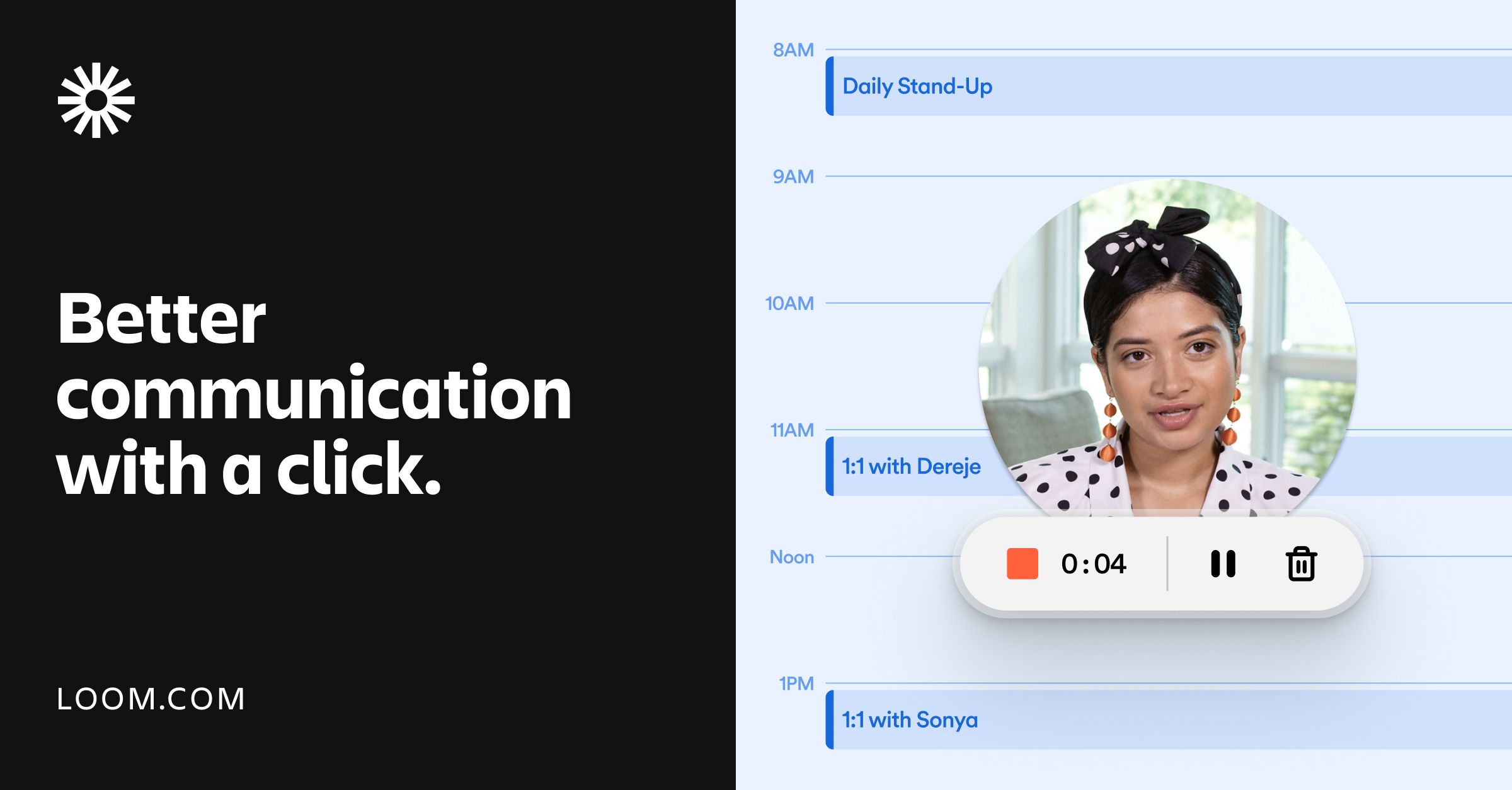
    Loom records screen, camera and voice, then shares an instantly playable video link with transcription and comments.

    Visit Loom
    ToolTrim verdict Good

    Keep it if You regularly explain something visual (a bug, a design, a process) and want to replace a live call or a long message with a 2-minute video.

    Compare alternatives
    Loom, preview 1
    About

    In practice. What you can do with Loom.

    Loom turns a screen, camera or voice recording into a shareable link the moment the upload finishes, with automatic transcription in 50+ languages and inline comments. The Business + AI tier adds automatic video editing, meeting recap emails and meeting notes generated from the recording itself.

    The free Starter plan caps recordings at 25 videos per person and 5 minutes each; Business removes that limit at $18/user/month ($15 annual), and Business + AI adds the AI features at $24/user/month ($20 annual). It fits a small team or freelancer replacing live meetings and long written explanations with a short recorded video.

    Practical uses

    • OnboardRecord a 5-minute walkthrough of a process once, then send the link to every new hire instead of repeating a live call.
    • Give feedbackRecord a screen walkthrough with voice comments on a design or document instead of writing a long email.

    Features & use cases

    Capture ecran
    Feedback video
    Video async

    The case for and against. What Loom does well, and when it costs too much.

    For. What works in its favour.

    • Recording to shareable link takes seconds, with no editing required for a usable result.
    • Automatic transcription in 50+ languages makes recordings searchable and accessible without extra tools.

    Pays off from

    23 minsaved a month

    Loom costs $15/month. If your hour is worth $40, those 23 min cover it.

    Against. What to plan for.

    • Core AI editing and recap features sit behind the pricier Business + AI plan, not the base Business plan.
    • The free Starter plan's 5-minute recording cap makes it unsuitable for anything beyond quick clips.

    Too expensive if

    • You use it less than once a month
    • A simple free version or a tool already in your stack would do

    Pricing. What does Loom cost ?

    Free

    $0

    Permanent free plan

    • 25 videos per person and 5-minute screen recordings
    • Up to 50 workspace members

    Business

    ToolTrim reference price

    $15/mo

    Billed annually · $18/mo billed monthly. Per user.

    • Unlimited videos and recording time
    • Basic waveform editing
    • Loom branding removed

    Business + AI

    $20/mo

    Billed annually · $24/mo billed monthly. Per user.

    • Everything in Business plus AI video enhancement, advanced editing and auto-generated meeting notes and recap emails
    • 14-day free trial

    Enterprise

    Custom quote. Per user.

    • Advanced security (SSO, SCIM)
    • Salesforce integration
    • 99.95% uptime SLA
    • No public price

    Checked on October 7, 2026Official pricing

    Our verdict. What to know about Loom.

    How the score breaks down

    Added value

    At $18/user/month ($15 annual) for unlimited videos, the cost is moderate versus free raw screen-recording tools, but the headline AI capabilities require the pricier Business + AI tier ($24, $20 annual).

    Simplicity

    Hit record and share a link immediately; the Starter plan requires no setup to get a first useful recording.

    Fit for purpose

    Delivers the core promise (recording, instant sharing, transcription) as listed on the pricing and homepage pages without needing third-party tools.

    Performance

    Covers recording, light editing and AI-assisted summarization, but editing stays 'basic waveform editing' compared to a dedicated video editor.

    Reversibility

    Neutral score: the pricing and homepage pages mention 'upload and download videos' on Business but do not detail bulk export or API-based portability.

    AI. What it changes for Loom.

    AI challenges it

    Go further with AI

    Loom added AI: automatic summaries, chaptering, silence and filler removal, generated titles. It turns a raw video into a clear message with no editing.

    Can AI replace it?

    Replace Loom with an AI? Not directly: recording your screen and camera stays a simple act AI does not replace. But Loom's added value (summaries, transcription) is now commoditized: a ChatGPT summarizes any transcript, and AI meeting tools (Fathom) cover part of it. Verdict: the recording holds, but Loom's AI layer is no longer exclusive.

    The AIs that matter here

    Loom Summary

    Category
    productivity tool.
    Price from
    $15/mo (Business).
    Best for
    A small team or freelancer who wants to replace meetings and long written explanations with a quick recorded video.
    Avoid if
    You need polished, edited marketing or demo videos: Loom's editing stays basic even on paid plans.
    ToolTrim verdict
    At $18/user/month ($180/year billed annually), Business pays for itself if it replaces even a couple of scheduled calls a month for a solo freelancer.

    Frequently asked questions. What people ask about Loom.

    What is Loom used for?

    Loom records screen, camera and voice, then shares an instantly playable video link with transcription and comments.

    How much does Loom cost?

    Loom costs $15/month (Business plan). Price verified on October 7, 2026.

    Is Loom suitable for beginners?

    A small team or freelancer who wants to replace meetings and long written explanations with a quick recorded video.

    Is Loom worth the price?

    At $18/user/month ($180/year billed annually), Business pays for itself if it replaces even a couple of scheduled calls a month for a solo freelancer.

    What are the best alternatives to Loom?

    The main alternatives to Loom are: Screen Studio, Vidyard, Scribe.

    LoomFrom $15/mo
    Visit site

    Your next step.

    Visit Loom