Try one goal with the two free decisions before choosing an edition.
About
In practice. What you can do with BetterDay AI.
BetterDay AI structures planning into four steps: Decision, Advisor, Planner and Timeline. Describe a situation, add context through follow-up questions, then receive a plan and schedule. For a freelancer who knows what to move forward but struggles to break a goal down, this guided workflow may be more structured than an open-ended chatbot conversation.
The free plan offers two AI decisions per month and locally saved plans. Basic adds cloud sync. Personal expands everyday planning workspaces, while Education focuses on courses and academic deadlines. Executive brings together business workspaces such as projects, contacts and meetings. The editions are not interchangeable: Education alone excludes Personal and Executive, and Executive excludes Education.
ToolTrim’s view: start with one concrete goal and check whether the suggested tasks fit your available time. AI provides suggestions, not a guarantee of sound decisions or professional advice. Before replacing a project manager or CRM, test your specific collaboration and export needs. Enterprise is marked as coming soon, so its advertised capabilities should not be treated as available.
Practical uses
Break a personal goal into tasks.
Plan academic deadlinesEducation.
Prepare the next steps of a freelance project.
Features & use cases
Planning
Taches
Ai general
Pros and cons
What BetterDay AI does especially well and the limits to anticipate.
Pros
Guided workflow from goal to schedule.
Free plan to try before paying.
Calendar export in ICS format.
Cons
Separate editions: check which modules are included.
Unlimited AI use is subject to fair-use restrictions.
Public interface is partly localized; ToolTrim has not tested AI output.
BetterDay AI: when it makes sense.
Keep if
You want a guided workflow to turn a goal into actions.
Challenge if
You need an established team CRM or advanced collaboration.
Try one goal with the two free decisions before choosing an edition.
Our verdict. What to know about BetterDay AI.
Why this verdict
Average
Added value
Integrated decision, advice and planning workflow; practical benefit requires testing. Desk research, not a hands-on test. https://www.mybetterdayai.com/pricing (2026-09-27).
Simplicity
Guided steps and free entry; partial localization observed. Desk research, not a hands-on test. https://www.mybetterdayai.com/pricing (2026-09-27).
Fit for purpose
Fits preparation and recurring follow-up of individual goals. Desk research, not a hands-on test. https://www.mybetterdayai.com/pricing (2026-09-27).
Performance
Business workspaces depend on edition; Enterprise still marked coming soon. Desk research, not a hands-on test. https://www.mybetterdayai.com/pricing (2026-09-27).
Reversibility
ICS export and local retention advertised; full export of other data unverified. Desk research, not a hands-on test. https://www.mybetterdayai.com/pricing (2026-09-27).
Frequently asked questions.
What to know before choosing BetterDay AI.
What is BetterDay AI used for?
Turn a decision or goal into an action plan and timeline with AI.
How much does BetterDay AI cost?
BetterDay AI costs $4.99/month (Basic plan). Price verified on 2026-09-27.
Is BetterDay AI suitable for beginners?
BetterDay AI suits most professionals. See the "Who is it for" section for details.
Is BetterDay AI worth the price?
Try one goal with the two free decisions before choosing an edition.
What are the best alternatives to BetterDay AI?
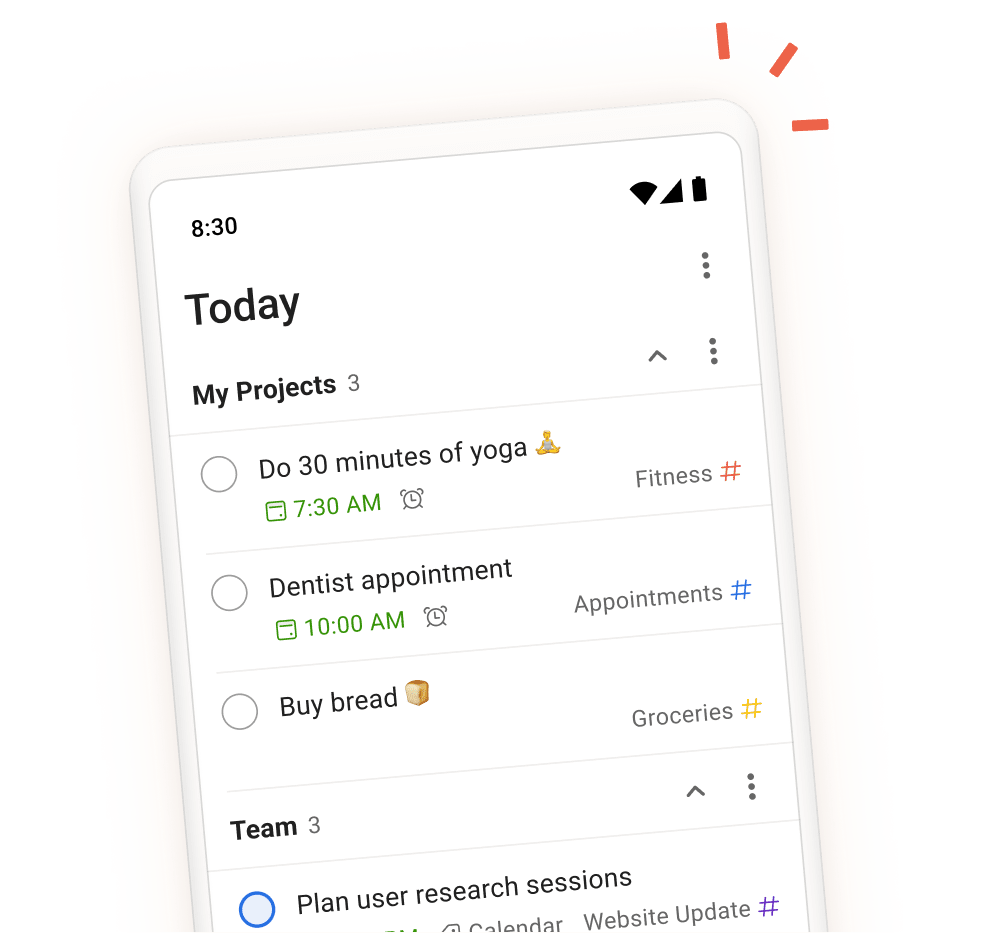
The main alternatives to BetterDay AI are: Todoist, Reclaim.ai, Notion. Free alternatives: Reclaim.ai.
%20--%3e%3cdefs%3e%3cstyle%3e%20.st0%20{%20fill:%20%23222;%20}%20%3c/style%3e%3c/defs%3e%3cpath%20class='st0'%20d='M27.17,1.45c.76,0,1.38.62,1.38,1.38v24.33c0,.76-.62,1.38-1.38,1.38H2.83c-.76,0-1.38-.62-1.38-1.38V2.83c0-.76.62-1.38,1.38-1.38h24.33M27.17,0H2.83C1.27,0,0,1.27,0,2.83v24.33C0,28.73,1.27,30,2.83,30h24.33c1.57,0,2.83-1.27,2.83-2.83V2.83C30,1.27,28.73,0,27.17,0h0Z'/%3e%3cg%3e%3cpath%20class='st0'%20d='M23.45,15.98h-12.04c-.42,1.49-1.8,2.42-3.29,2.25s-2.66-1.45-2.68-2.97,1.1-2.82,2.61-3.03,2.93.72,3.35,2.23h2.72s0-2.72,0-2.72c-1.49-.42-2.41-1.8-2.24-3.29s1.45-2.66,2.97-2.67,2.82,1.1,3.03,2.61-.72,2.93-2.23,3.36v2.73s7.77,0,7.77,0c.44,0,.77.32.78.73.01.37-.25.78-.76.78ZM15.75,7.56c-.76-.52-1.71-.25-2.14.44s-.24,1.59.43,2.05,1.64.3,2.11-.39.35-1.6-.39-2.1ZM9.33,13.98c-.76-.52-1.71-.25-2.15.44s-.24,1.59.43,2.05,1.63.31,2.11-.39c.44-.65.34-1.61-.39-2.1Z'/%3e%3cpath%20class='st0'%20d='M15.65,23.73c0,.48-.32.79-.73.81s-.79-.31-.79-.78v-5.51c0-.44.33-.76.72-.78.42-.02.79.31.79.78v5.48Z'/%3e%3c/g%3e%3cg%3e%3cpath%20class='st0'%20d='M38.89,10.38h9.91v2.41h-9.91v-2.41ZM43.79,23.96c-.63-.3-1.09-.75-1.4-1.36-.31-.61-.46-1.38-.46-2.32V5.88h2.67v14.43c0,.56.14.98.42,1.26.28.28.7.42,1.26.42h2.53v2.41h-2.67c-.94,0-1.72-.15-2.34-.45Z'/%3e%3cpath%20class='st0'%20d='M52.32,23.92c-1.04-.63-1.85-1.51-2.43-2.64-.58-1.13-.87-2.42-.87-3.86s.29-2.76.87-3.89,1.39-2.02,2.43-2.65c1.04-.64,2.22-.95,3.55-.95s2.48.32,3.52.95c1.04.64,1.85,1.53,2.44,2.67.59,1.14.88,2.43.88,3.87s-.29,2.75-.87,3.87c-.58,1.12-1.39,2-2.43,2.62-1.04.63-2.22.94-3.55.94s-2.51-.31-3.55-.94ZM58.05,21.83c.63-.41,1.11-1,1.45-1.75.34-.76.51-1.64.51-2.65s-.17-1.89-.52-2.65c-.35-.76-.83-1.35-1.45-1.78-.62-.43-1.33-.65-2.13-.65s-1.54.22-2.16.65c-.62.43-1.1,1.03-1.45,1.78-.35.76-.52,1.64-.52,2.65s.17,1.87.51,2.64c.34.77.82,1.36,1.45,1.77.63.41,1.35.62,2.18.62s1.52-.21,2.15-.62Z'/%3e%3cpath%20class='st0'%20d='M66.69,23.92c-1.04-.63-1.85-1.51-2.43-2.64-.58-1.13-.87-2.42-.87-3.86s.29-2.76.87-3.89,1.39-2.02,2.43-2.65c1.04-.64,2.22-.95,3.55-.95s2.48.32,3.52.95c1.04.64,1.85,1.53,2.44,2.67.59,1.14.88,2.43.88,3.87s-.29,2.75-.87,3.87c-.58,1.12-1.39,2-2.43,2.62-1.04.63-2.22.94-3.55.94s-2.51-.31-3.55-.94ZM72.42,21.83c.63-.41,1.11-1,1.45-1.75.34-.76.51-1.64.51-2.65s-.17-1.89-.52-2.65c-.35-.76-.83-1.35-1.45-1.78-.62-.43-1.33-.65-2.13-.65s-1.54.22-2.16.65c-.62.43-1.1,1.03-1.45,1.78-.35.76-.52,1.64-.52,2.65s.17,1.87.5,2.64c.34.77.82,1.36,1.45,1.77.63.41,1.35.62,2.18.62s1.52-.21,2.15-.62Z'/%3e%3cpath%20class='st0'%20d='M77.99,4.48h2.67v19.93h-2.67V4.48Z'/%3e%3cpath%20class='st0'%20d='M82.84,10.38h10.47l-.53,2.81h-10.47l.53-2.81ZM85.47,23.85c-.63-.37-1.07-.88-1.33-1.53-.26-.65-.31-1.38-.14-2.2l2.75-14.26h3.23l-2.72,14.06c-.09.49-.01.89.24,1.21.25.32.62.48,1.11.48h2.53l-.53,2.81h-2.86c-.88,0-1.63-.19-2.26-.56Z'/%3e%3cpath%20class='st0'%20d='M94.77,10.38h3.23l-.98,5.02-.76,1.85c.28-1.48.65-2.73,1.09-3.76.45-1.03.97-1.81,1.56-2.33.59-.52,1.24-.79,1.95-.79h2.83l-.53,2.81h-2.3c-.8,0-1.5.18-2.08.53s-1.06.91-1.43,1.67c-.38.76-.68,1.75-.93,2.99l-1.15,6.03h-3.23l2.72-14.03Z'/%3e%3cpath%20class='st0'%20d='M105.18,10.38h3.23l-2.72,14.03h-3.23l2.72-14.03ZM105.91,5.01h3.87l-.62,3.31h-3.87l.62-3.31Z'/%3e%3cpath%20class='st0'%20d='M109.84,10.38h3.23l-2.72,14.03h-3.23l2.72-14.03ZM117.42,13.6c-.37-.58-.96-.87-1.77-.87-.95,0-1.78.42-2.47,1.25-.69.83-1.2,2.03-1.52,3.61l-.22-1.82c.21-1.18.57-2.21,1.09-3.09.52-.88,1.19-1.56,1.99-2.03.8-.48,1.67-.72,2.61-.72s1.73.24,2.39.72c.65.48,1.11,1.15,1.38,2.02s.29,1.86.08,2.96l-1.71,8.79h-3.23l1.66-8.48c.19-.97.09-1.75-.28-2.33ZM126.35,13.6c-.37-.58-.96-.87-1.77-.87-.95,0-1.78.42-2.47,1.25s-1.2,2.03-1.52,3.61l-.7-1.82c.19-1.14.57-2.15,1.15-3.03s1.3-1.57,2.16-2.06c.86-.5,1.78-.74,2.75-.74s1.8.24,2.47.72c.67.48,1.14,1.15,1.4,2.02.26.87.29,1.86.08,2.96l-1.71,8.79h-3.23l1.66-8.48c.19-.97.09-1.75-.28-2.33Z'/%3e%3c/g%3e%3c/svg%3e)