The standard for cloud storage.


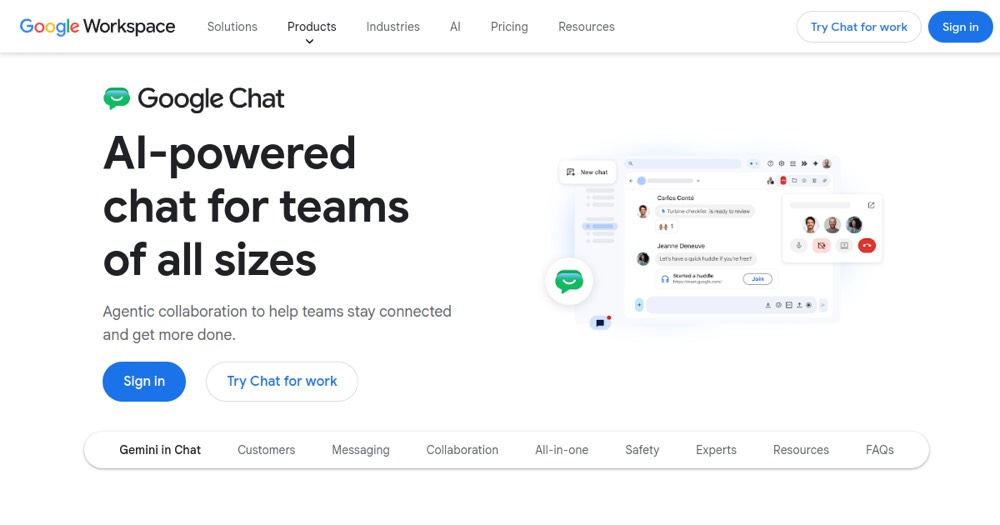

Team communication platform included with Google Workspace for real-time chat, collaboration spaces supporting up to 500,000 members, and third-party integrations (Asana, Jira, Slack, Salesforce). Powered by Gemini for summaries, translation, and message composition.
40 tools ranked by relevance
The standard for cloud storage.

Free real-time collaborative word processor that works offline and imports/exports Microsoft Word files.
Paid Zoom plan removing the 40-minute meeting cap, with cloud recording, AI summaries and unlimited clips.

Google's collaborative spreadsheet, free and accessible anywhere.
Google Workspace combines business Gmail, Drive, Docs, Sheets, Meet, Calendar, and Gemini in an administered collaboration suite.

Collaborative Google presentations.
Google's video conferencing, integrated with Calendar and Gmail.
A free personal email service that scales into a paid Google Workspace business suite with shared storage, Gmail, Drive and Gemini AI.
Microsoft communication and collaboration platform.
Video conferencing platform with cloud recording, whiteboards, and AI meeting summaries, free up to 40 minutes per group meeting.
Fellow is an AI meeting assistant with collaborative agendas, automated notes and action-item tracking, free for a lifetime cap of 5 notes.
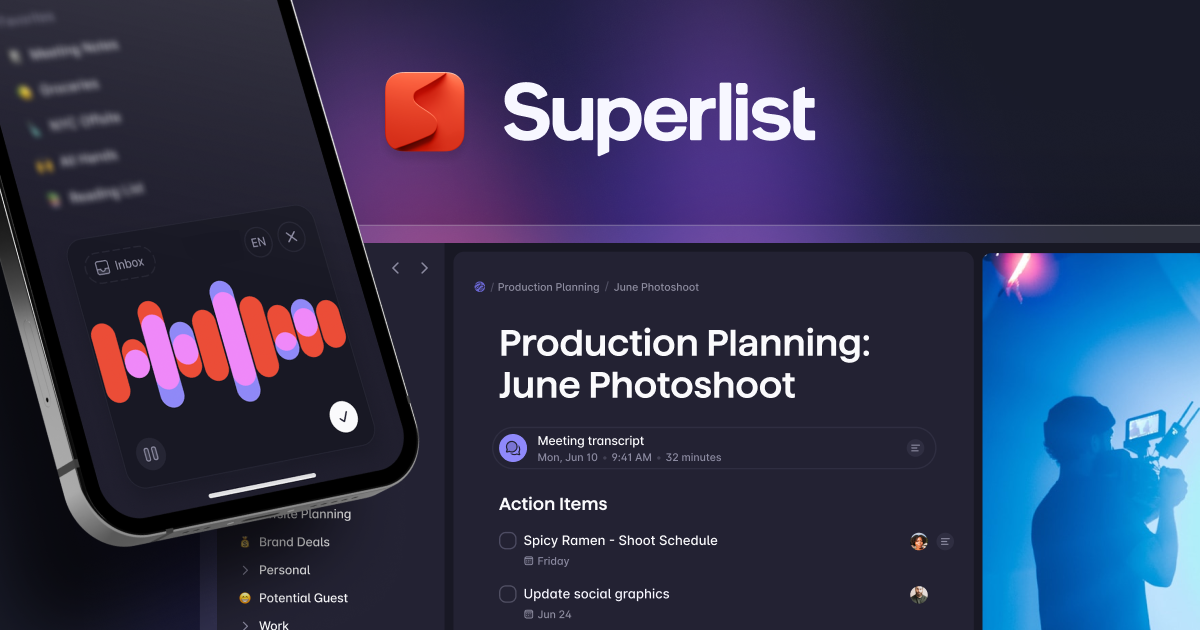
Superlist is a task management app with shared lists and AI features, free for up to 5 lists then from $5 per month.
Cloud HR platform covering employee records, onboarding and payroll, priced through a custom quote not publicly listed.
All-in-one AI workspace: tasks, agents, docs and automations.
Fathom records and transcribes Zoom, Meet and Teams calls, producing AI summaries, action items and searchable meeting history.
AI notepad for your meetings — takes notes while you listen.
Automated video guide generator: record a browser workflow, Guideless generates script, captions, smart zooms, UI highlights, and AI voice narration. MP4 export, no watermark on Pro.
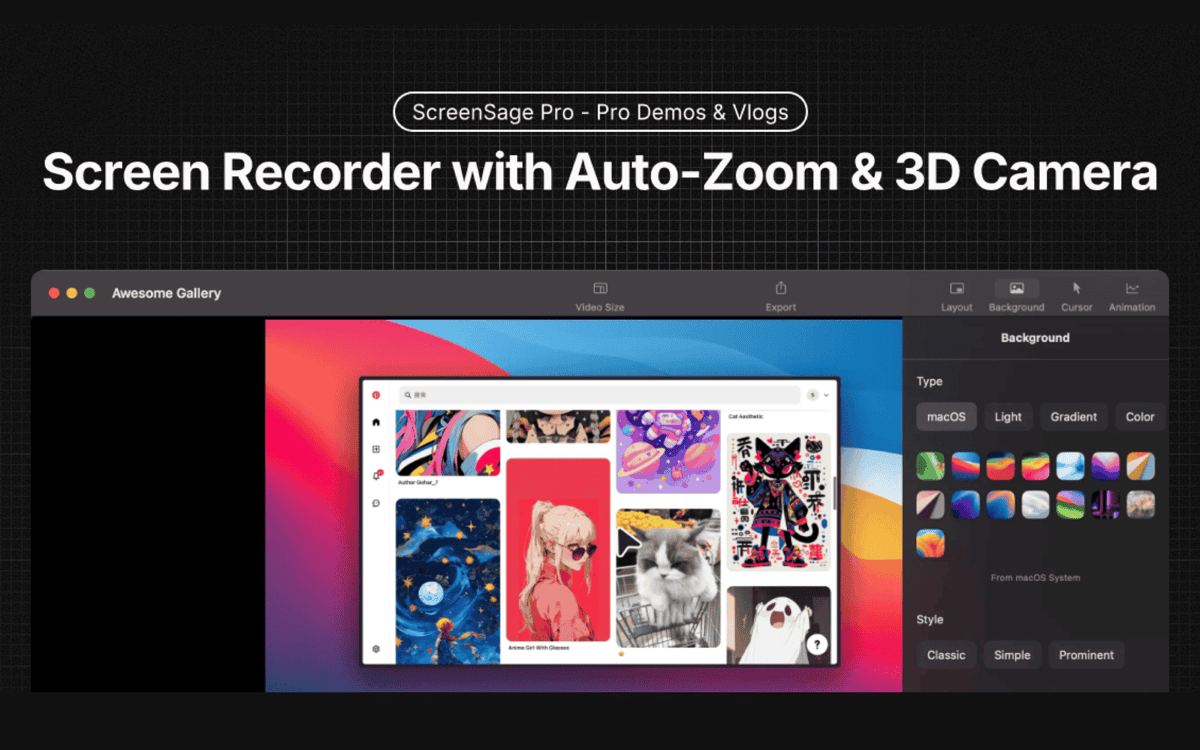
AI screen capture and annotation tool for creating tutorials and visual docs.
Digital asset management (DAM) on top of Google Drive or S3.
Turns recorded on-screen workflows into step-by-step guides automatically, free for web apps or from $25/month for desktop capture.