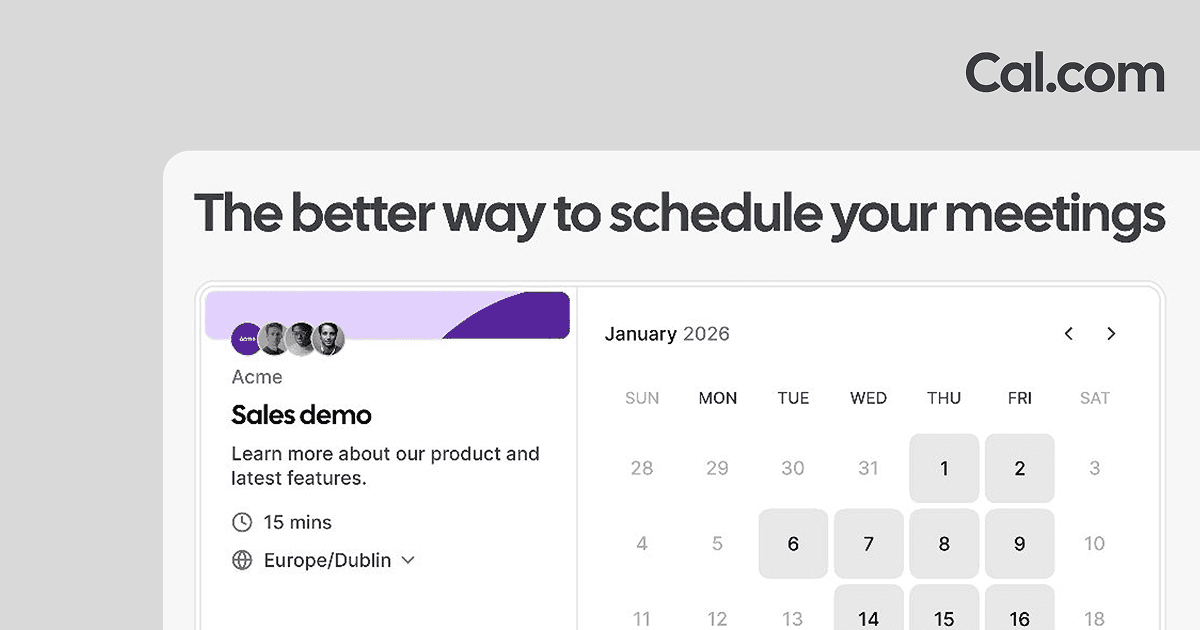
zcal is unbeatable for freemium scheduling; for most small teams, free is enough.
About
In practice. What you can do with zcal.
zcal is an online booking tool that stands out for its visually polished booking pages and very generous free plan. Create a booking page in minutes with your availability, meeting types and style.
zcal is completely free for essential features. The paid plan adds advanced branding, qualification forms and integrations.
For freelancers and consultants looking for a Calendly alternative without paying $10-12/month for basic features, zcal is probably the most aesthetic free option on the market.
Practical uses
Share your availability without email back-and-forth.
Create a poll to find a group meeting slot.
Embed a booking link on your website or profile.
Automate sending meeting reminders.
Features & use cases
Planning
Calendar
Scheduling
Prise rendez vous
Pros and cons. What zcal does well, and what to expect.
Pros
Truly complete and unlimited free plan.
Ultra-simple date polls.
Direct video integrations (Zoom, Google Meet, Teams).
Free API and webhooks for automation.
Very clean, distraction-free interface.
Cons
Fewer features than Calendly (no advanced team scheduling).
No built-in CRM or lead tracking.
Fewer templates or customization than paid competitors.
When it makes sense. Keep zcal, or challenge it?
Keep if
You want a simple, free tool to coordinate meetings.
You have basic needs (date polls, simple booking link).
Challenge if
You need complex calendar management or shared resource management.
You want a CRM with tracking or advanced reporting.