No public price exists to set a numeric threshold; get a reseller or sales quote for the specific product line and license type before comparing to alternatives.
About
In practice. What you can do with Vectorworks.
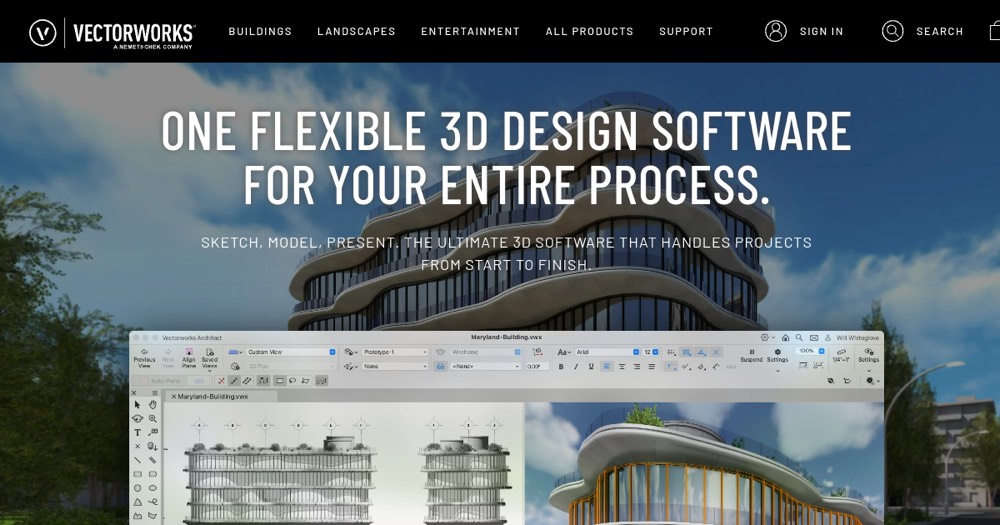
Vectorworks models projects in native BIM with project documentation tools, split into four discipline-specific lines: Architect, Landmark, Spotlight and Fundamentals, plus cloud services alongside the desktop app. Choosing between a subscription or a perpetual license adds a decision most single-product CAD tools don't require.
There is no public price list: cost depends on the product line, license type (subscription or perpetual) and region, settled through a reseller or sales quote; perpetual-license holders can add the Vectorworks Service Select support plan separately, included free for subscription customers. It fits an architect, landscape or lighting/scenic designer who needs discipline-specific BIM and can go through a quote process to buy.
Practical uses
DesignModel an architecture or landscape project in native BIM and produce project documentation from the same file.
Plan a showUse the Spotlight product line to design lighting or scenic layouts for a live event.
Features & use cases
3D
Modelisation 3d
Design tools
Architecture
Bim
Interior design
+ 2 more features
Pros and cons. What Vectorworks does well, and what to expect.
Pros
Native BIM authoring and project documentation live in the same file.
Four discipline-specific product lines target architecture, landscape, lighting and scenic design directly.
Cons
No public price list; every purchase goes through a reseller or sales quote.
Choosing between subscription and perpetual license, and between four product lines, adds setup complexity upfront.
When it makes sense. Keep Vectorworks, or challenge it?
Keep if
You need discipline-specific BIM/CAD (architecture, landscape, lighting or scenic design) and can go through a reseller or sales quote.
Challenge if
You want a published price to compare before talking to sales, or a single general-purpose CAD tool without discipline-specific lines.
Pricing varies by product line (Architect, Landmark, Spotlight, Fundamentals) and by subscription vs. perpetual-license path; not published as a fixed list price.
Neutral-leaning score: with no public price list, the cost-versus-benefit of a given product line and license type cannot be judged from the collected sources.
Simplicity
Choosing between subscription and perpetual license, and between four discipline-specific product lines, adds setup complexity before a first useful result.
Fit for purpose
Delivers integrated 3D CAD/BIM modeling and project documentation across architecture, landscape, lighting and scenic design as described.
Performance
Native BIM authoring plus four discipline-specific product lines cover a broad professional range, comparable to category leaders.
Reversibility
Neutral score: export format and data portability out of Vectorworks are not covered by the collected sources.
Vectorworks Summary
Category
design & prototyping tool.
Price from
Price not public.
Best for
An independent architect, landscape designer or lighting/scenic designer who needs discipline-specific BIM/CAD, and can go through a quote process to buy.
Avoid if
You want a published price to compare before talking to sales, or a single general-purpose CAD tool without discipline-specific lines.
No public price exists to set a numeric threshold; get a reseller or sales quote for the specific product line and license type before comparing to alternatives.
Frequently asked questions.
What to know before choosing Vectorworks.
What is Vectorworks used for?
Vectorworks is a 3D CAD/BIM platform with discipline-specific lines for architecture, landscape, lighting and scenic design.
How much does Vectorworks cost?
Vectorworks doesn't publish a price list; check the official page for current pricing. Price verified on 2026-09-25.
Is Vectorworks suitable for beginners?
An independent architect, landscape designer or lighting/scenic designer who needs discipline-specific BIM/CAD, and can go through a quote process to buy.
Is Vectorworks worth the price?
No public price exists to set a numeric threshold; get a reseller or sales quote for the specific product line and license type before comparing to alternatives.
What are the best alternatives to Vectorworks?
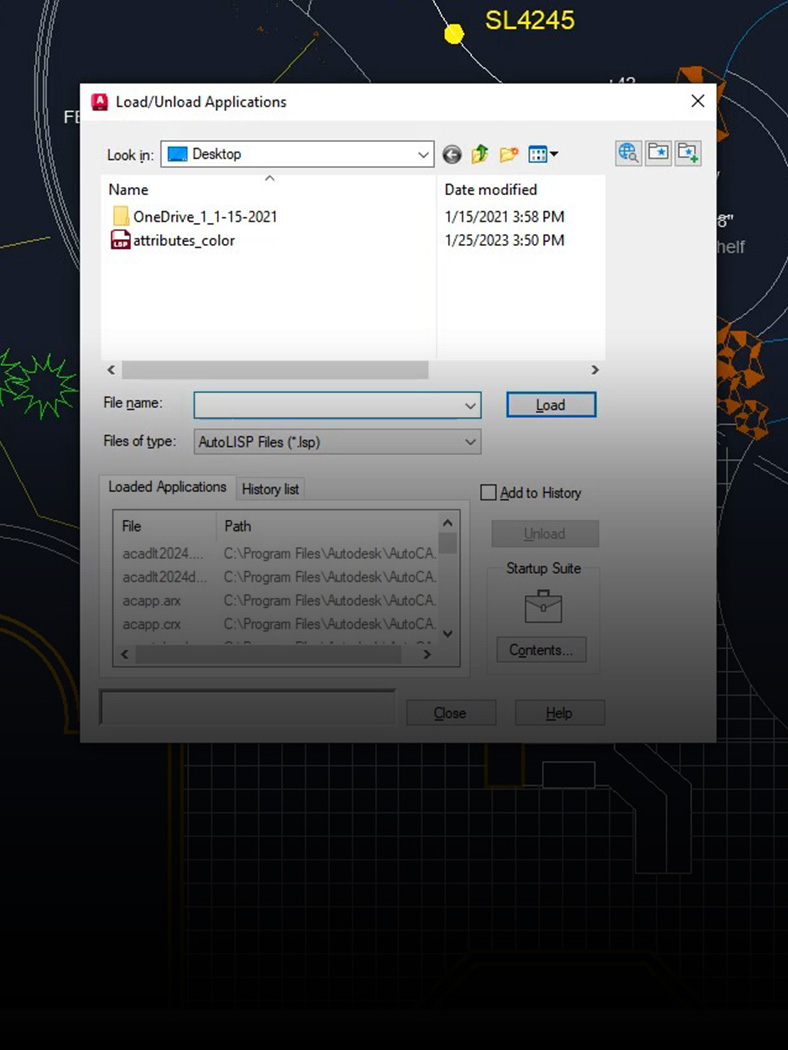
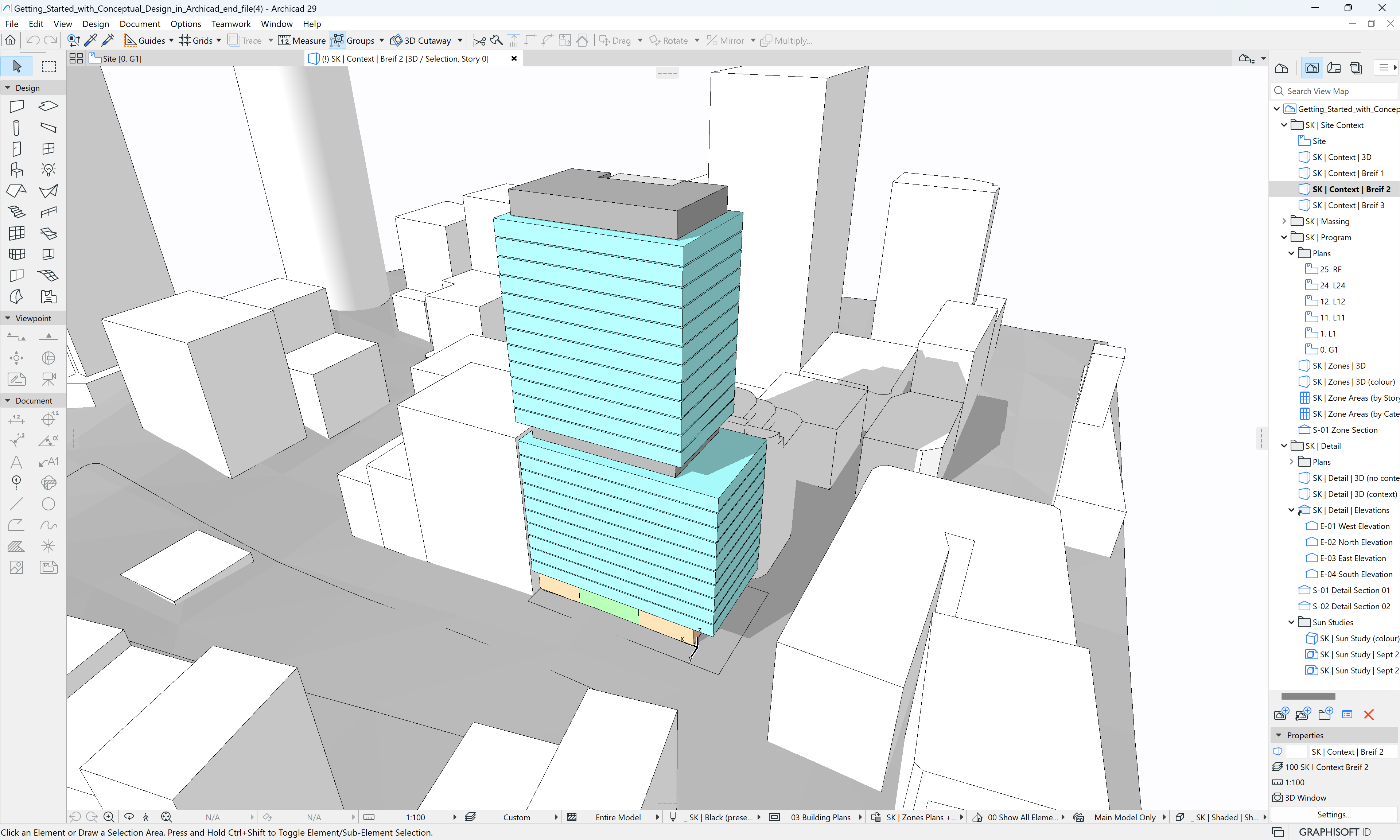
The main alternatives to Vectorworks are: SketchUp Pro, AutoCAD, Revit, Archicad, Rhino.