Versatile NURBS-based 3D modeling software. Used in architecture, industrial design, jewelry, marine design, and VFX. Extensible via Grasshopper (visual programming) for parametric design.
Rhino is essential for precise NURBS workflows (architecture, jewelry, marine); for organic sculpting or games, Blender or ZBrush fit better.
1 / 2
About
In practice. What you can do with Rhino.
Versatile NURBS-based 3D modeling software. Used in architecture, industrial design, jewelry, marine design, and VFX. Extensible via Grasshopper (visual programming) for parametric design.
Key strengths: One-time perpetual license (no subscription).; Unmatched NURBS and industrial precision.; Grasshopper for advanced parametric design.; Native cross-platform (Windows, Mac).; 90-day free trial without credit card.; Very complete export/import format support.; No hidden maintenance fees..
Rhino is essential for precise NURBS workflows (architecture, jewelry, marine); for organic sculpting or games, Blender or ZBrush fit better.
Practical uses
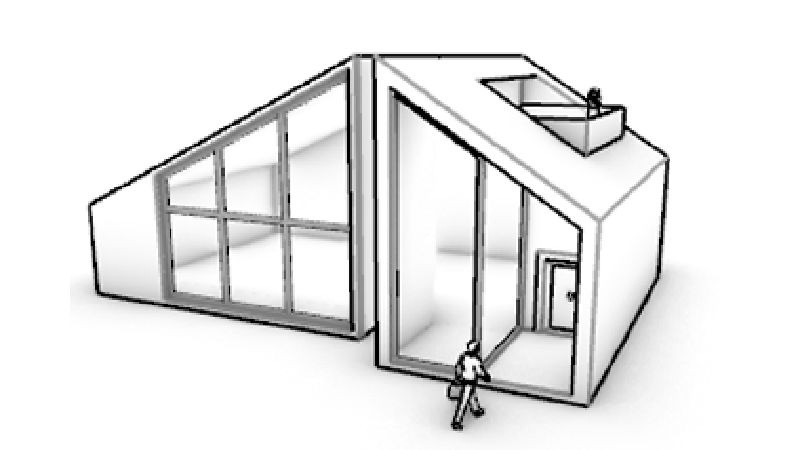
Model a precise architectural surfaceNURBS.
Design complex jewelry for 3D printing.
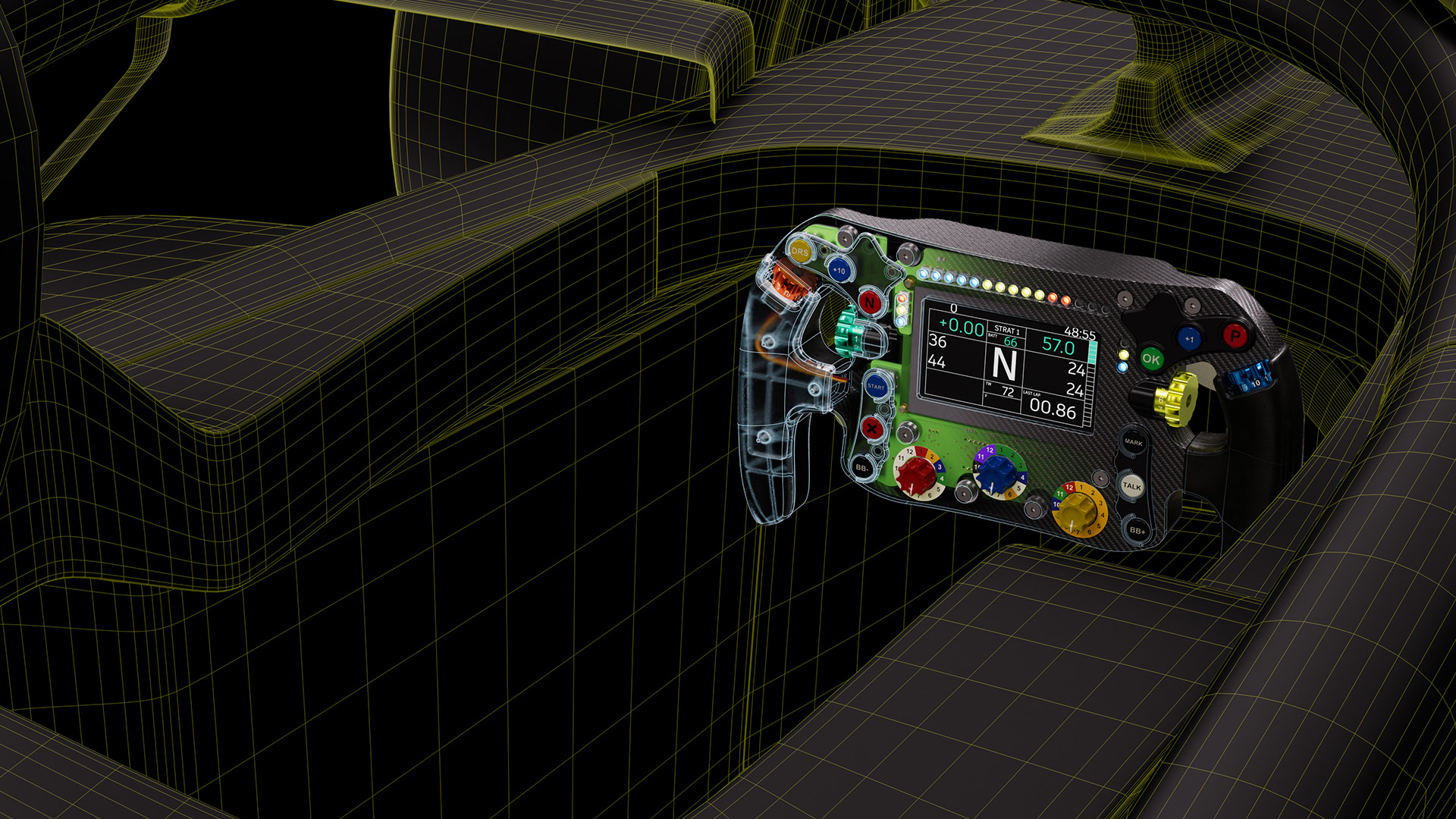
Create a parametric industrial objectGrasshopper.
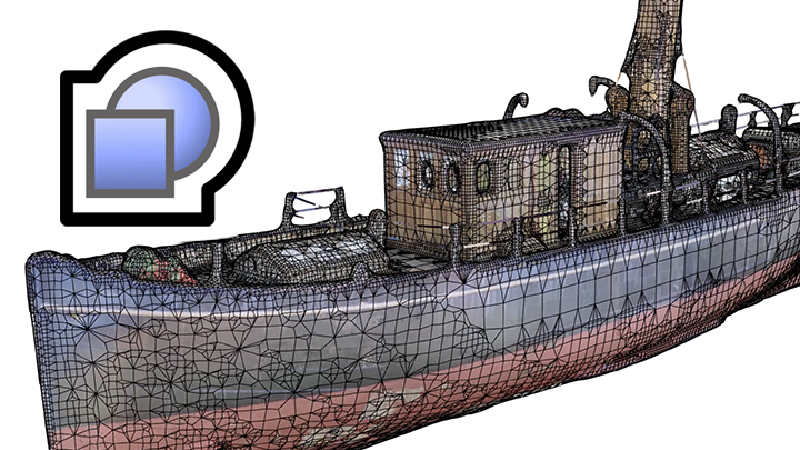
Generate precise organic marine forms.
Features & use cases
3D
Modelisation 3d
Pros and cons. What Rhino does well, and what to expect.
Pros
One-time perpetual license (no subscription).
Unmatched NURBS and industrial precision.
Grasshopper for advanced parametric design.
Native cross-platform (Windows, Mac).
90-day free trial without credit card.
Very complete export/import format support.
No hidden maintenance fees.
Cons
Steep learning curve.
UI feels somewhat dated.
Smaller third-party tool ecosystem than Blender.
For organic sculpting, Blender or ZBrush superior.
Fewer YouTube tutorials than Blender (free).
When it makes sense. Keep Rhino, or challenge it?
Keep if
You work in architecture, design, or VFX with complex geometry.
You need precise NURBS modeling.
Rhino becomes worthwhile when
+You use it at least once a week
+The monthly cost ($995) is small next to the time it saves you
Challenge if
You do organic sculptural modeling (Blender or ZBrush fit better).
You need real-time or game engine tools (Unreal, Unity).
Rhino becomes too expensive when
−You use it less than once a month
−blender (free) already covers the essentials for occasional use
Pricing. What does Rhino cost ?
Free
$0
No permanent free plan.
Perpetual license
€995/mo
Paid plans available. See the official pricing source for details.
Rhino is fairly easy to replace with an alternative, no free tier to test before paying, clearly documented use cases.
The AI angle
Rhino vs AI
AI augments this tool
Go further with AI
Rhino lives on NURBS precision, ground where generative AI doesn't play yet: Meshy or Tripo output approximate organic meshes, not mathematical surfaces usable in manufacturing. AI can help upstream though, to quickly visualize a shape idea before rebuilding it cleanly in Rhino.
Can AI replace it?
Replace Rhino with an AI? No, and the gap is clear: product design, jewelry and precision architecture require exact geometry and parametric history (Grasshopper), which generative 3D doesn't provide. Verdict: no current AI touches Rhino's core job, mathematical precision.
Rhino is essential for precise NURBS workflows (architecture, jewelry, marine); for organic sculpting or games, Blender or ZBrush fit better.
Frequently asked questions.
What to know before choosing Rhino.
What is Rhino used for?
Versatile NURBS-based 3D modeling software. Used in architecture, industrial design, jewelry, marine design, and VFX. Extensible via Grasshopper (visual programming) for parametric design.
How much does Rhino cost?
Rhino costs €995/month (Perpetual license plan). Price verified on 2026-07-24.
Is Rhino suitable for beginners?
Rhino is particularly suited for freelancers and solopreneurs.
Is Rhino worth the price?
Rhino is essential for precise NURBS workflows (architecture, jewelry, marine); for organic sculpting or games, Blender or ZBrush fit better.
What are the best alternatives to Rhino?
The main alternatives to Rhino are: Plasticity, Fusion 360, SketchUp Pro. Free alternatives: Plasticity.








 Meshy
Meshy Tripo
Tripo