


Pros and cons. What Tremor does well, and what to expect.
Pros
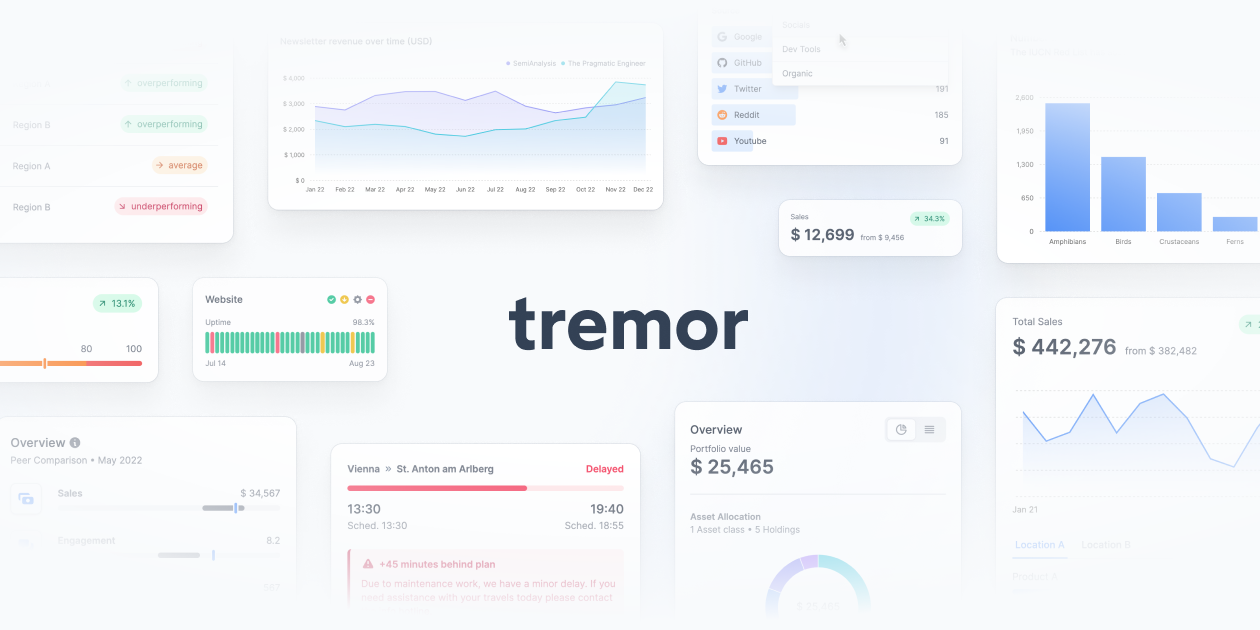
- 35+ pre-built and ready-to-use components.
- Very fast dashboard development.
- Accessible and responsive without extra work.
- Built on Tailwind CSS for consistent customization.
- Acquired by Vercel, sign of stability.
- Professional charts with minimal code.
Cons
- Less flexible than raw Recharts for very custom needs.
- More basic components, doesn't cover all chart types.
- Performance may be compromised with lots of data (100k+).
- Dependency on Tailwind CSS for theming.


