

Practical uses
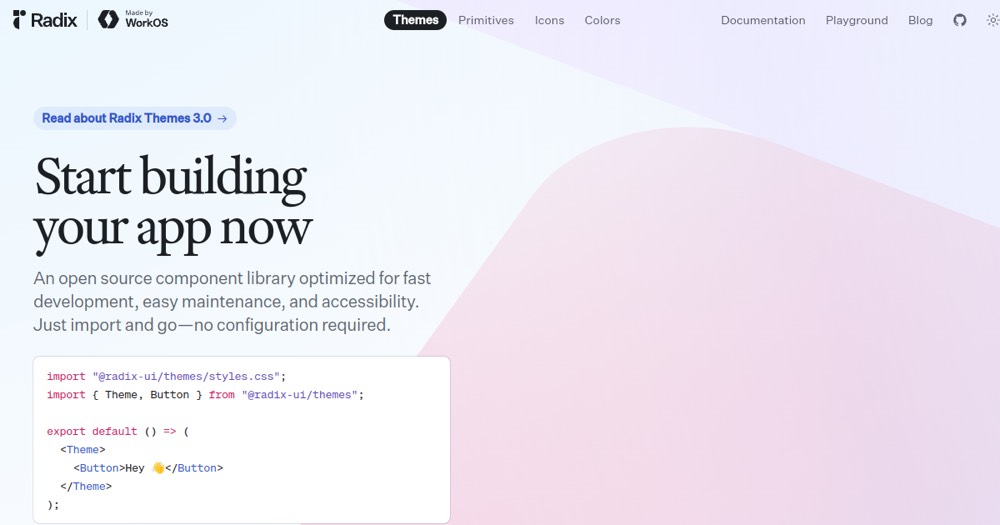
- Build a SaaSPredefined design-system and ready-to-use components.
- Develop an accessible application (WCAG 2.1 AA or higher).
- Create an admin dashboardConsistent UI components.
Pros and cons
What Radix UI does especially well — and the limits to anticipate.
Pros
- Pre-styled components with excellent default design.
- Fully accessible and WAI-ARIA compliant.
- Zero external dependencies, lightweight bundle size.
- Complete design system with integrated themes.
- 130M+ monthly downloads — very reliable and adopted.
Cons
- Custom customization may require more effort than Chakra.
- Fewer specialized components than Material-UI.
- Learning curve for using themes effectively.
Radix UI: when it makes sense.
Radix UI is an excellent choice for applications requiring accessibility and a predefined design system.
Keep if
You want pre-styled, ready-to-use UI components.. Accessibility is a priority for your application.
Challenge if
You need highly specialized components (data grids, charts).. You prefer an unstyled approach like Radix Primitives.
