

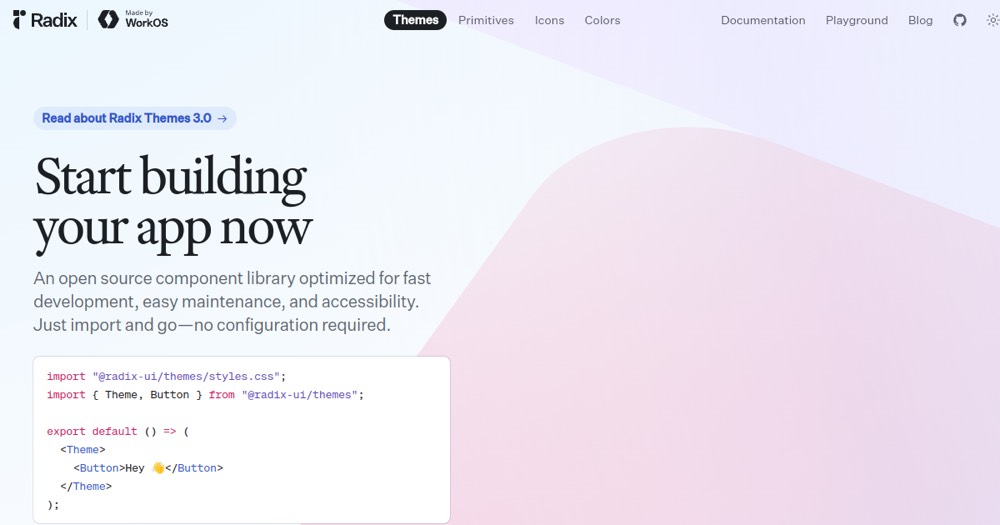
    Radix UI preview

    Radix UI Review and verdict 2026

    Headless React components for accessible, customizable interfaces.

    Radix UI

    ToolTrim Verdict
    4.4/5
    Very good

    Radix UI is an excellent choice for applications requiring accessibility and a predefined design system.

    Pricing verified on

    Practical uses

    • Build a SaaSPredefined design-system and ready-to-use components.
    • Develop an accessible application (WCAG 2.1 AA or higher).
    • Create an admin dashboardConsistent UI components.

    Pros and cons

    What Radix UI does especially well — and the limits to anticipate.

    Pros

    • Pre-styled components with excellent default design.
    • Fully accessible and WAI-ARIA compliant.
    • Zero external dependencies, lightweight bundle size.
    • Complete design system with integrated themes.
    • 130M+ monthly downloads — very reliable and adopted.

    Cons

    • Custom customization may require more effort than Chakra.
    • Fewer specialized components than Material-UI.
    • Learning curve for using themes effectively.

    Radix UI: when it makes sense.

    Radix UI is an excellent choice for applications requiring accessibility and a predefined design system.

    Keep if

    You want pre-styled, ready-to-use UI components.. Accessibility is a priority for your application.

    Challenge if

    You need highly specialized components (data grids, charts).. You prefer an unstyled approach like Radix Primitives.

    Our verdict on Radix UI.

    Why this verdict

    Very good

    Radix UI is hard to replace short-term, a free tier to test before paying, clearly documented use cases.