

    QuickBooks

    Accounting software for small businesses.

    Visit website
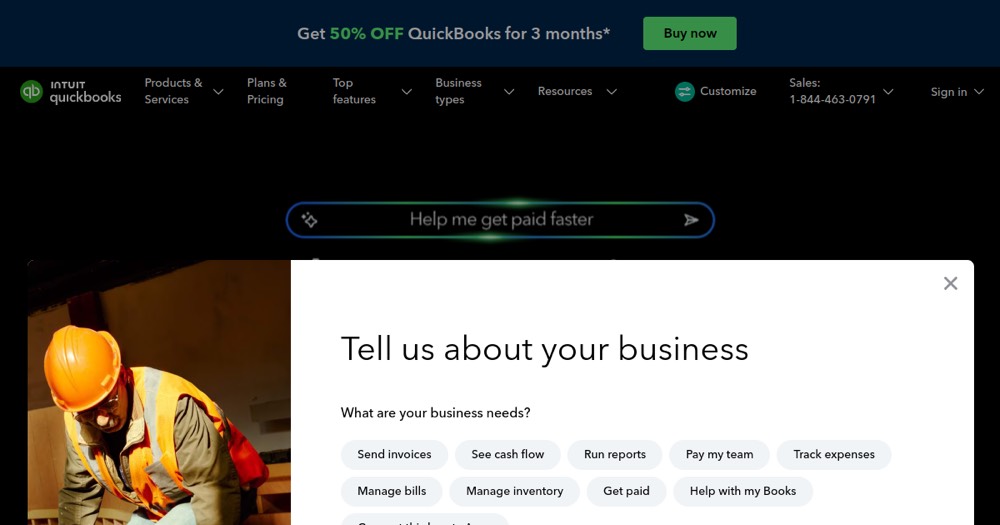
    QuickBooks, preview 1
    ToolTrim verdict3.8/ 5Great

    Similar tools

    View all
    About

    Understanding QuickBooks.

    QuickBooks is accounting software for small businesses. Free to start, paid plans for more. Built for CFOs and finance managers and B2B consultants.

    Specialized in accounting, and professional interface. Estimated time saving: 2h/month.

    Keep it if: regular use or essential features. Skip it if: occasional use or tight budget. Main limit: prices to check based on usage. Free version, keep if it's useful.

    Practical uses

    • Manage accounting for a small business (< 50 employees).
    • Generate financial reports for an accountant.
    • Archive accounting data locally.

    Features & use cases

    Accounting

    Pros and cons

    What QuickBooks does especially well and the limits to anticipate.

    Pros

    • Perpetual license: no inevitable pricing increases.
    • Mature, recognized solution by accountants.
    • Works offline if needed.
    • Robust financial reporting.

    Cons

    • No native cloud access (requires syncing).
    • Dated interface vs. modern cloud solutions.
    • Annual price increases with new versions.
    • Limited technical support.

    QuickBooks: when it makes sense.

    QuickBooks Desktop suits established small businesses seeking a mature solution; for more flexibility and mobile access, QuickBooks Online or Xero is preferable.

    Keep if

    You prefer desktop software (no cloud/subscription).. You have simple to moderate accounting needs.

    Challenge if

    You prefer a cloud subscription (try QuickBooks Online).. You need ubiquitous mobile access.

    How much does QuickBooks cost?

    Free$0

    All features

    Free

    Paid version available

    Official pricing sourceverified on

    Best alternatives to QuickBooks.

    Current

    Direct substitutes

    The AI angle

    QuickBooks vs AI

    AI augments this tool
    Go further with AI

    QuickBooks added AI-powered automatic expense categorization and cash-flow forecasting based on history.

    Can AI replace it?

    Replace QuickBooks with an AI? No: accounting has precise legal and tax obligations a general AI doesn't handle reliably. Verdict: AI categorizes faster, accounting compliance remains the real product.

    The AIs that matter here

    QuickBooks Summary

    Category
    productivity tool.
    Price from
    Free (Free).
    Best for
    professionals.
    Avoid if
    You prefer a cloud subscription (try QuickBooks Online).; You need ubiquitous mobile access..
    Alternatives
    Xero, FreshBooks.
    ToolTrim verdict
    QuickBooks Desktop suits established small businesses seeking a mature solution; for more flexibility and mobile access, QuickBooks Online or Xero is preferable.

    Our verdict on QuickBooks.

    Why this verdict

    Great

    QuickBooks is fairly easy to replace with an alternative, a free tier to test before paying, clearly documented use cases.

    Tool FAQ

    Frequently asked questions about QuickBooks

    Pricing, usage, alternatives, and context: useful answers before adding one more tool to your stack.

    What is QuickBooks used for?

    Accounting software for small businesses.

    How much does QuickBooks cost?

    QuickBooks costs $0 (free) (Free plan). Price verified on 2026-03-13.

    Is QuickBooks suitable for beginners?

    QuickBooks suits most professionals. See the "Who is it for" section for details.

    Is QuickBooks worth the price?

    QuickBooks Desktop suits established small businesses seeking a mature solution; for more flexibility and mobile access, QuickBooks Online or Xero is preferable.

    What are the best alternatives to QuickBooks?

    The main alternatives to QuickBooks are: Xero, FreshBooks.