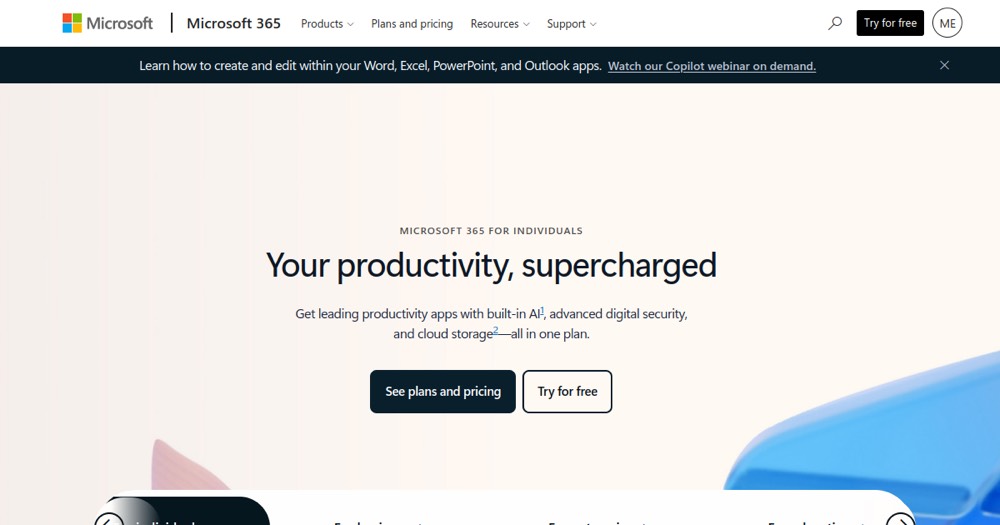
    Microsoft 365 preview

    Microsoft 365 Reviews, pricing and alternatives 2026

    Microsoft productivity suite: Word, Excel, PowerPoint, Outlook, Teams and more.

    Best for
    LegalOps / COOFinanceEnterprise

    Microsoft 365

    ToolTrim Verdict
    3.6/5
    Decent

    Keep Microsoft 365 if it secures a recurring volume of contracts or signatures.

    Pricing verified on

    Our take

    Understanding Microsoft 365.

    Microsoft 365 becomes useful when contracts, approvals, and evidence need to be tracked cleanly. For a small business, the risk is paying for a contract tool while a simpler workflow is still enough.

    Practical uses

    • Sign and track contracts
    • Centralize legal documents
    • Streamline legal reviews

    Pros and cons

    What Microsoft 365 does especially well — and the limits to anticipate.

    Pros

    • Clarifies legal approvals
    • Centralizes contracts and signatures
    • Reduces missed steps in contract workflows

    Cons

    • Can overlap with document suites
    • Can be expensive for occasional use
    • Requires real document discipline

    Microsoft 365: when it makes sense.

    Keep Microsoft 365 if it secures a recurring volume of contracts or signatures.

    Keep if

    The tool is already a system of record in the organization. Several teams depend on synchronized data

    Challenge if

    Occasional use or curiosity only. The process is still manageable with a lighter tool

    How much does Microsoft 365 cost?

    Free0 €

    No full free tier (limited online Office)

    Prix non public

    Personal at $6.99/month ($69.99/year); Family (up to 6 people) at $129.99/year

    Official pricing sourceverified on

    The AI angle

    Microsoft 365 vs AI

    AI augments this tool
    Go further with AI

    Microsoft 365 integrated Copilot directly into Word, Excel, Outlook, and Teams, but remains the office suite itself — AI is added as an assistance layer rather than replacing the tools.

    Can AI replace it?

    Replace Microsoft 365 with an AI? No: document collaboration and enterprise messaging remain an infrastructure need AI assists without replacing. Verdict: AI augments productivity within each tool, the office suite remains the product.

    The AIs that matter here

    Microsoft 365 Summary

    Category
    productivity tool.
    Price from
    Free (Prix non public).
    Best for
    professionals.
    Avoid if
    Occasional use or curiosity only; The process is still manageable with a lighter tool.
    ToolTrim verdict
    Keep Microsoft 365 if it secures a recurring volume of contracts or signatures.

    Our verdict on Microsoft 365.

    Why this verdict

    Decent

    Microsoft 365 is fairly easy to replace with an alternative, no free tier to test before paying, clearly documented use cases.

    Tool FAQ

    Frequently asked questions about Microsoft 365

    Pricing, usage, alternatives, and context: useful answers before adding one more tool to your stack.

    What is Microsoft 365 used for?

    Microsoft productivity suite: Word, Excel, PowerPoint, Outlook, Teams and more.

    How much does Microsoft 365 cost?

    Microsoft 365 costs €0 (free) (Prix non public plan). Price verified on 2026-05-02.

    Is Microsoft 365 suitable for beginners?

    Microsoft 365 suits most professionals. See the "Who is it for" section for details.

    Is Microsoft 365 worth the price?

    Keep Microsoft 365 if it secures a recurring volume of contracts or signatures.

    What are the best alternatives to Microsoft 365?

    No direct alternative listed.