

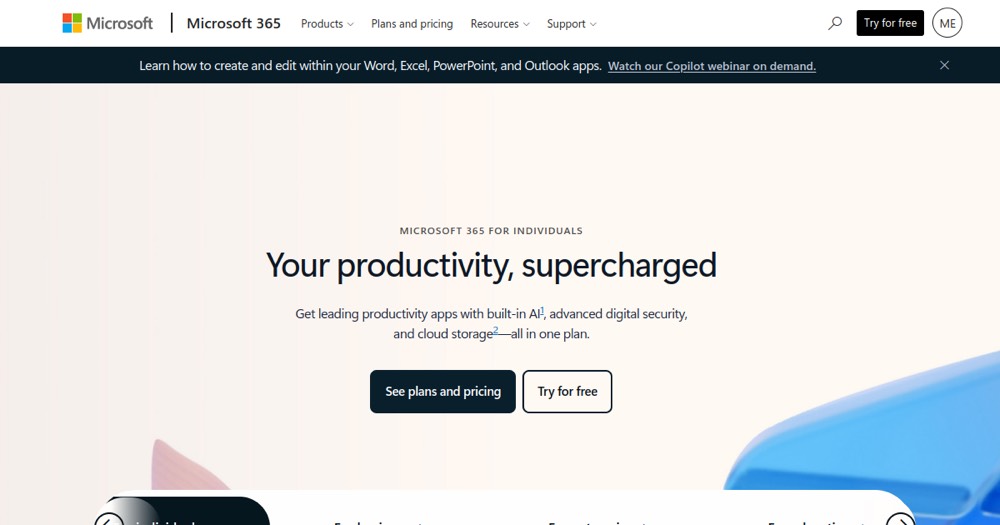
    Microsoft 365 preview

    Microsoft 365 Review and verdict 2026

    Microsoft productivity suite: Word, Excel, PowerPoint, Outlook, Teams and more.

    Microsoft 365

    ToolTrim Verdict
    3.8/5
    Decent

    Microsoft 365 is essential for teams already integrated in the Microsoft ecosystem; for light or free use, Google Workspace or LibreOffice will suffice.

    Pricing verified on

    Our take

    Understanding Microsoft 365.

    Microsoft 365 becomes useful when contracts, approvals, and evidence need to be tracked cleanly. For a small business, the risk is paying for a contract tool while a simpler workflow is still enough.

    Practical uses

    • Work in a team on shared Excel budget.
    • Prepare PowerPoint slidesCopilot.
    • Teams video meetings + document sharing.

    Pros and cons

    What Microsoft 365 does especially well — and the limits to anticipate.

    Pros

    • Complete, professional suite.
    • Reliable real-time collaboration.
    • AI Copilot available on paid plans.
    • Deep Teams integration.
    • Cloud storage scaled to team size.

    Cons

    • Expensive for light users.
    • Lock-in to Microsoft ecosystem.
    • Copilot limited to premium plans.

    Microsoft 365: when it makes sense.

    Microsoft 365 is essential for teams already integrated in the Microsoft ecosystem; for light or free use, Google Workspace or LibreOffice will suffice.

    Keep if

    You already use the Microsoft ecosystem (Outlook, Excel).. You need real-time collaboration.

    Challenge if

    You want a complete free suite.. You prefer independent and open-source tools.

    Our verdict on Microsoft 365.

    Why this verdict

    Decent

    Microsoft 365 is fairly easy to replace with an alternative, no free tier to test before paying, clearly documented use cases.