


Pros and cons
What Luminar Neo does especially well — and the limits to anticipate.
Pros
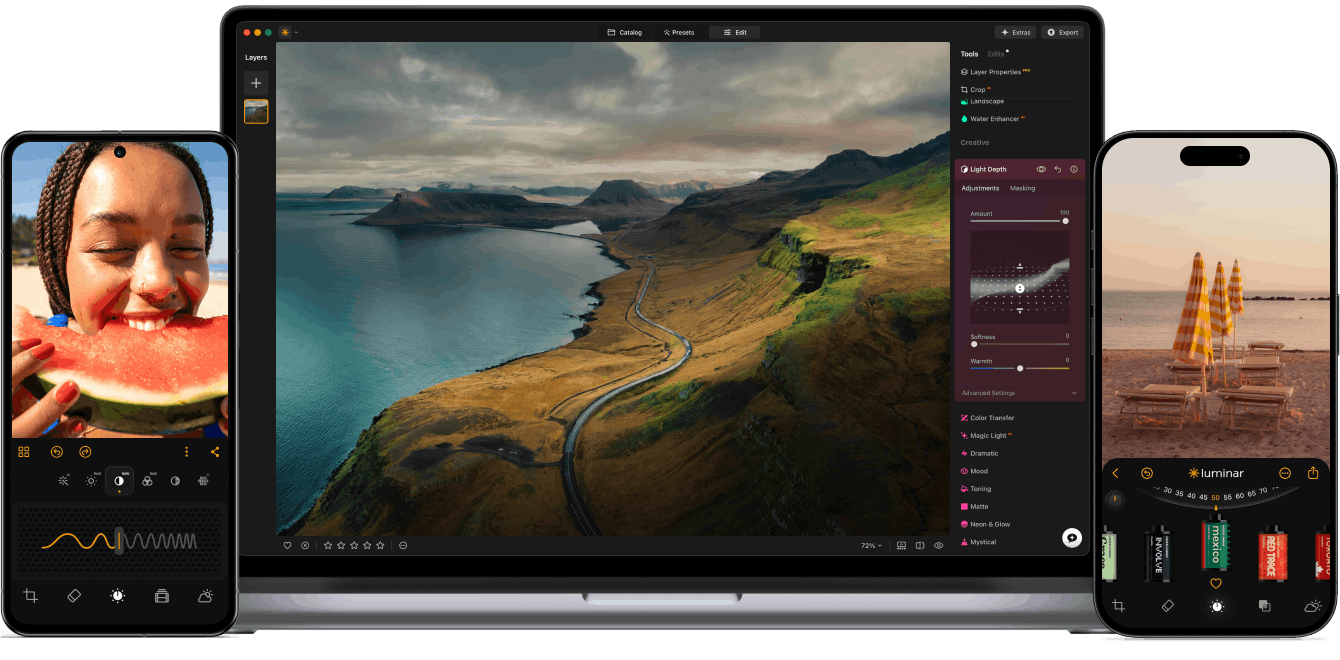
- Fast AI retouching: sky replacement, portrait enhancement, atmosphere in one click
- Lifetime license option: no mandatory subscription
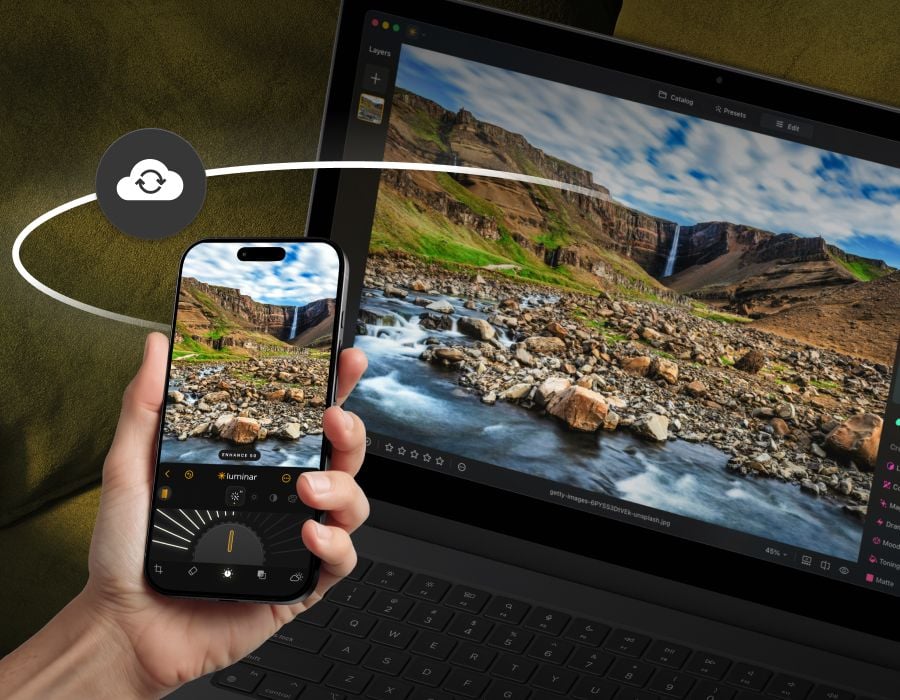
- Works standalone or as a Photoshop/Lightroom plugin
- Approachable interface for photographers who aren't retouching experts
Cons
- Increasingly overlaps with Lightroom and Firefly AI features
- Costly duplicate if you already pay for Adobe
- Less complete than a pro editor for fine retouching
- AI effects can look overdone if not dialed back
Luminar Neo: when it makes sense.
Worth it if AI retouching (sky, portrait, atmosphere) is a regular move. If you already pay for the Adobe suite, the overlap is hard to justify.
Keep if
You shoot landscape or portrait and often retouch sky, skin, or atmosphere. You'd rather pay a lifetime license than a monthly subscription
- You use it at least once a week
- The monthly cost (€10) is small next to the time it saves you
Challenge if
You already have Adobe: Lightroom and Firefly increasingly cover these uses. You retouch rarely: the cost isn't justified for occasional use
- You use it less than once a month
- A simple free version or a tool already in your stack would do



