No cost threshold: the tool is entirely free, so the only investment is the time to request access and learn the keyframe workflow.
About
In practice. What you can do with Google Earth Studio.
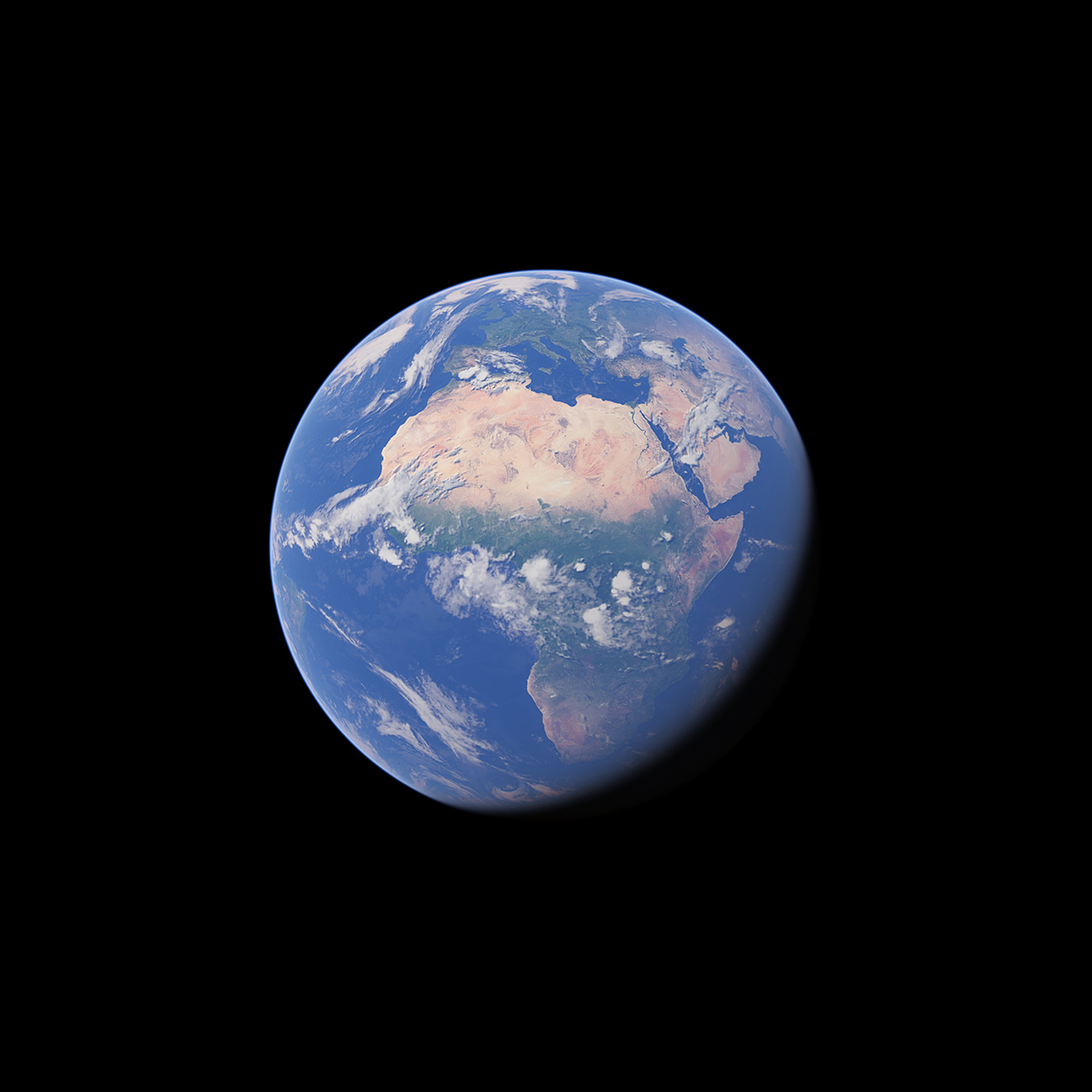
Google Earth Studio is a free, browser-based animation tool that applies keyframe techniques, familiar from standard motion design software, to Google Earth's satellite and 3D imagery. It includes templates for common moves like orbits and point-to-point flights, plus controls for sun position, camera field of view and map labels.
The tool is entirely free but requires desktop Chrome and a Google account, with access granted only after requesting it. Camera data exports to Adobe After Effects for further compositing, which makes it a fit for motion designers who need map or globe flythroughs without building 3D terrain from scratch.
Practical uses
Video introAnimate a satellite orbit or flight path into a city or landmark to open a video or title sequence.
Post-productionExport camera moves to Adobe After Effects to composite additional graphics or footage over the Earth imagery.
Features & use cases
Animation
Generation video
Motion design
Pros and cons. What Google Earth Studio does well, and what to expect.
Pros
Entirely free, with no paid tier at all.
Camera export to Adobe After Effects fits directly into existing motion design pipelines.
Cons
Runs only in desktop Chrome, with no native app or mobile support.
Access requires a request and approval before use, not instant self-serve.
When it makes sense. Keep Google Earth Studio, or challenge it?
Keep if
You need a map or satellite flythrough for a video and already work in Adobe After Effects.
Challenge if
You need to work outside Chrome desktop, or want instant access without a request step.
Pricing. What does Google Earth Studio cost ?
Free
$0
Permanent free plan
Full tool free; requires Chrome desktop and a Google account, access granted after signup request.