

The case for and against. What Anima does well, and when it costs too much.
For. What works in its favour.
- Exports to multiple frameworks (React, HTML, Vue, Tailwind) from the same design.
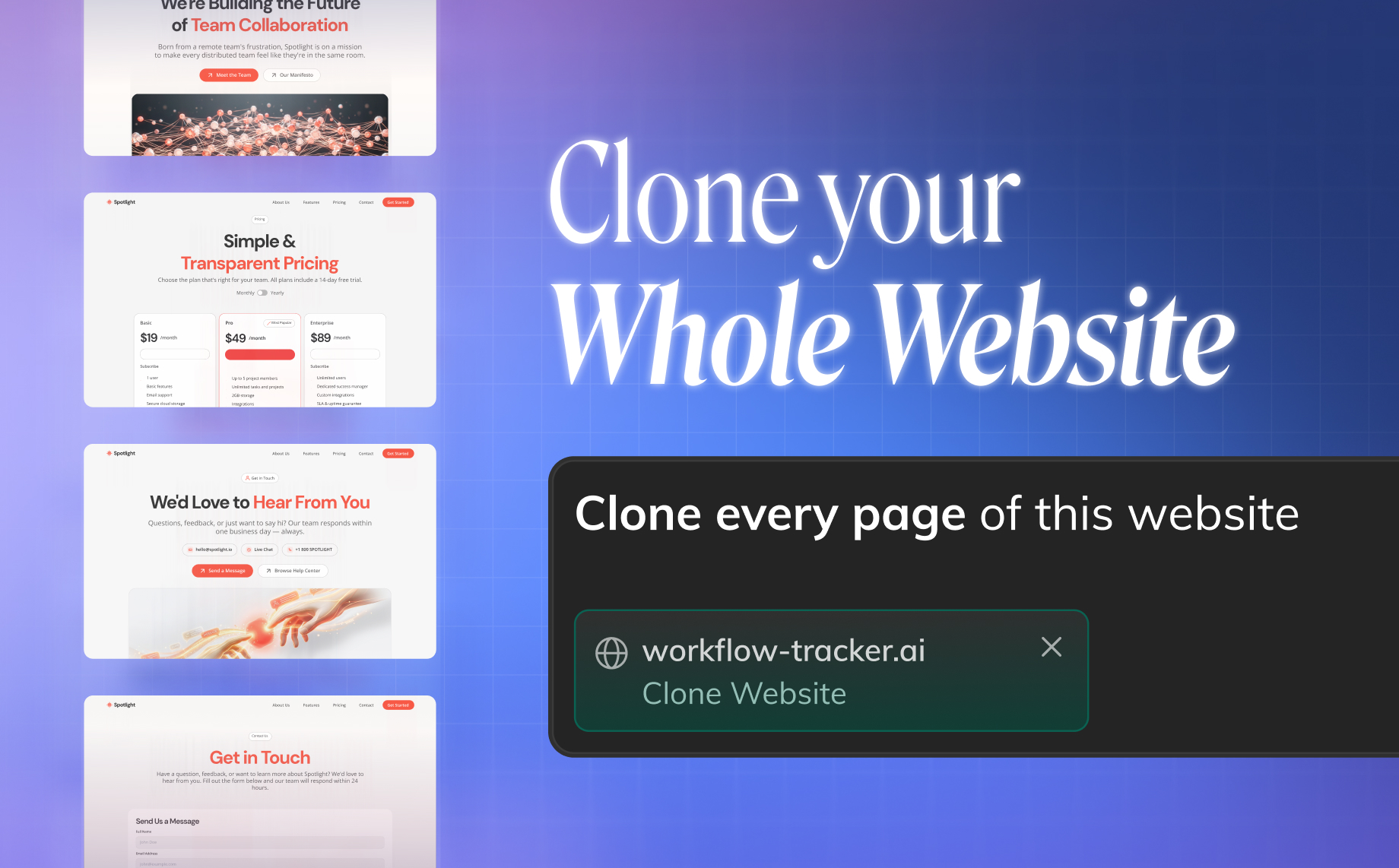
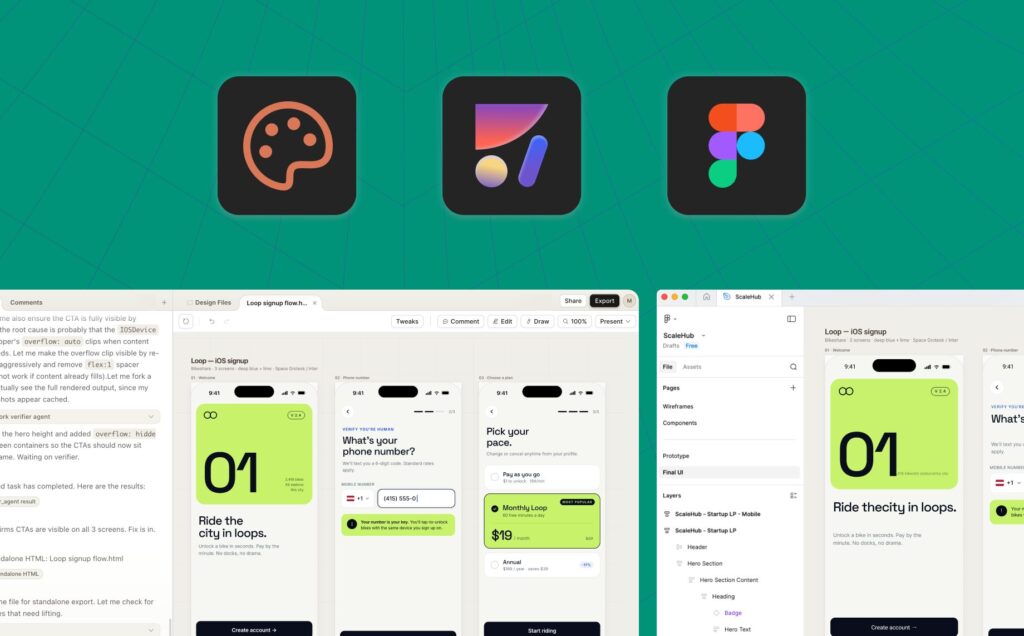
- The AI Playground lets a designer prototype a working app or clone a site from a text prompt.
Pays off from
30 minsaved a month
Anima costs €20/month. If your hour is worth €40, those 30 min cover it.
Against. What to plan for.
- The free tier's daily caps (5 imports, 5 generations) are too tight for regular production use.
- Generated code still needs manual cleanup before it fits an existing codebase.
Too expensive if
- You use it less than once a month
- A simple free version or a tool already in your stack would do