Starter costs 20 euros/month (annual) for 50 code generations; it's worth it once you export design-to-code on a weekly basis.
1 / 2
About
In practice. What you can do with Anima.
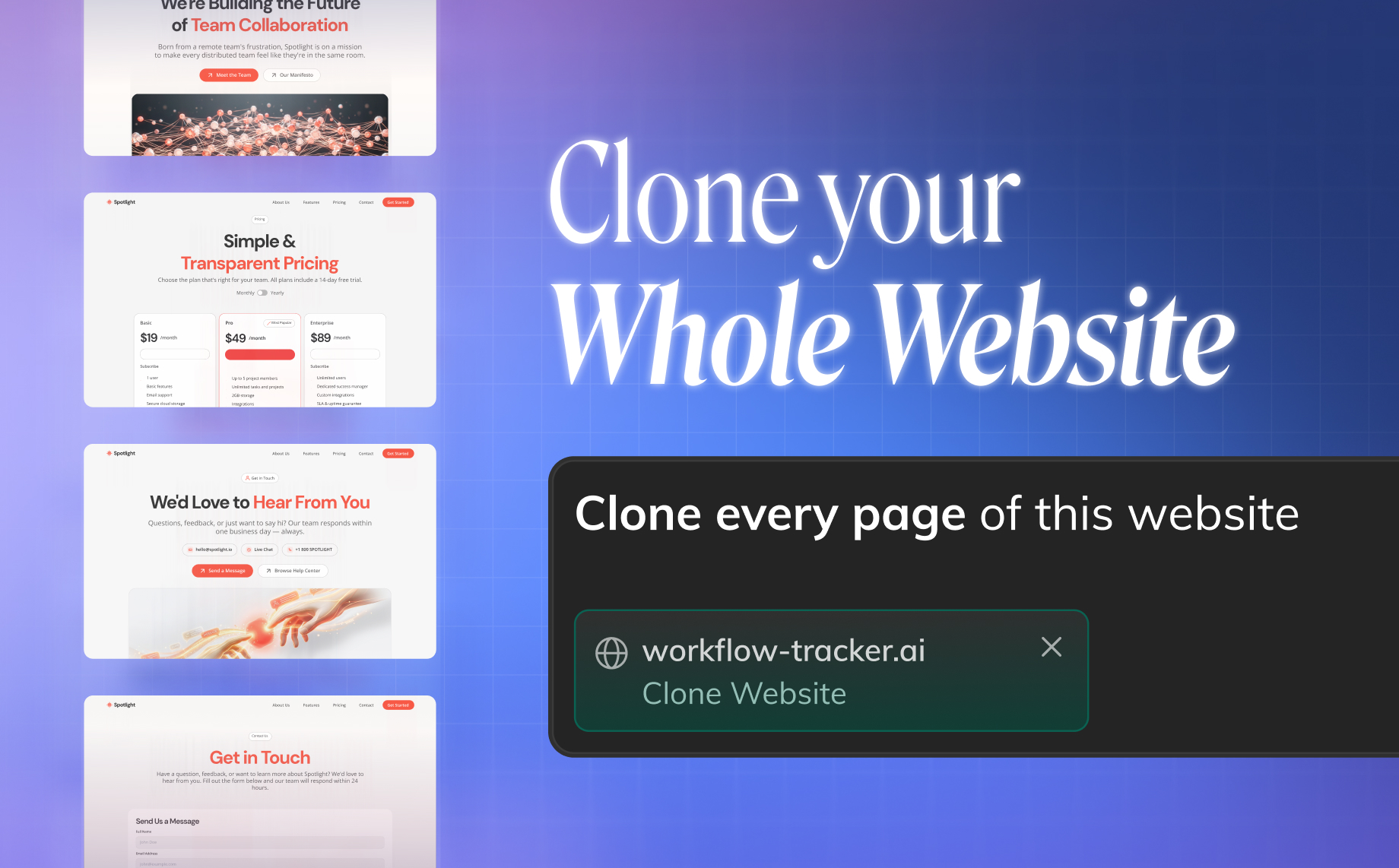
Anima is a Figma plugin that converts designs into production-ready code across React, HTML, Vue and Tailwind CSS. Its AI Playground goes further, building working app prototypes from natural-language prompts, including importing a Figma file or cloning an existing site as a starting point.
The free plan caps daily usage at 5 messages, imports and code generations, enough to test the workflow but not for regular production work. Starter costs 20 euros a month billed annually (25 euros month to month) for 50 code generations a month, Pro steps up to 40 euros a month annual for 200 generations, and Business starts at 150 euros a month annual for 600 generations with team roles and SSO. Enterprise, with SSO/MFA and SLAs, starts at $500/month paid annually and requires a sales quote. It suits a designer or small team wanting a first code draft before involving a developer.
Practical uses
Use caseConvert a Figma design into production-ready React code to hand a developer a working prototype instead of a static mockup.
Use caseClone an existing website in the AI Playground from a text prompt, to explore a product direction before building it for real.
Features & use cases
Collaboration dev
Export code
Handoff dev
Pros and cons. What Anima does well, and what to expect.
Pros
Exports to multiple frameworks (React, HTML, Vue, Tailwind) from the same design.
The AI Playground lets a designer prototype a working app or clone a site from a text prompt.
Cons
The free tier's daily caps (5 imports, 5 generations) are too tight for regular production use.
Generated code still needs manual cleanup before it fits an existing codebase.
When it makes sense. Keep Anima, or challenge it?
Keep if
You're a designer or small team that wants a working code export from Figma without hiring a developer for the first pass.
Anima becomes worthwhile when
+You use it at least once a week
+The monthly cost (€20) is small next to the time it saves you
Challenge if
You need pixel-perfect, production-grade code straight out of the box, or you regularly exceed the free plan's daily caps.
Anima becomes too expensive when
−You use it less than once a month
−A simple free version or a tool already in your stack would do
Our verdict. What to know about Anima.
Why this verdict
Average
Added value
The cheapest paid plan, Starter, costs 20 euros/month billed annually for 50 code generations, and the free tier is too capped (5/day) for real production use.
Simplicity
The AI Playground builds prototypes directly from natural-language prompts, including Figma imports and website cloning, without manual setup.
Fit for purpose
It converts designs to code as promised, but the generated code typically needs manual cleanup before it fits an existing codebase.
Performance
Exports to multiple frameworks (React, HTML, Vue, Tailwind) and includes a full AI Playground for app prototyping, beyond a simple code exporter.
Reversibility
Neutral score: export format lock-in and API access for migrating away from Anima are not covered by the collected sources.