

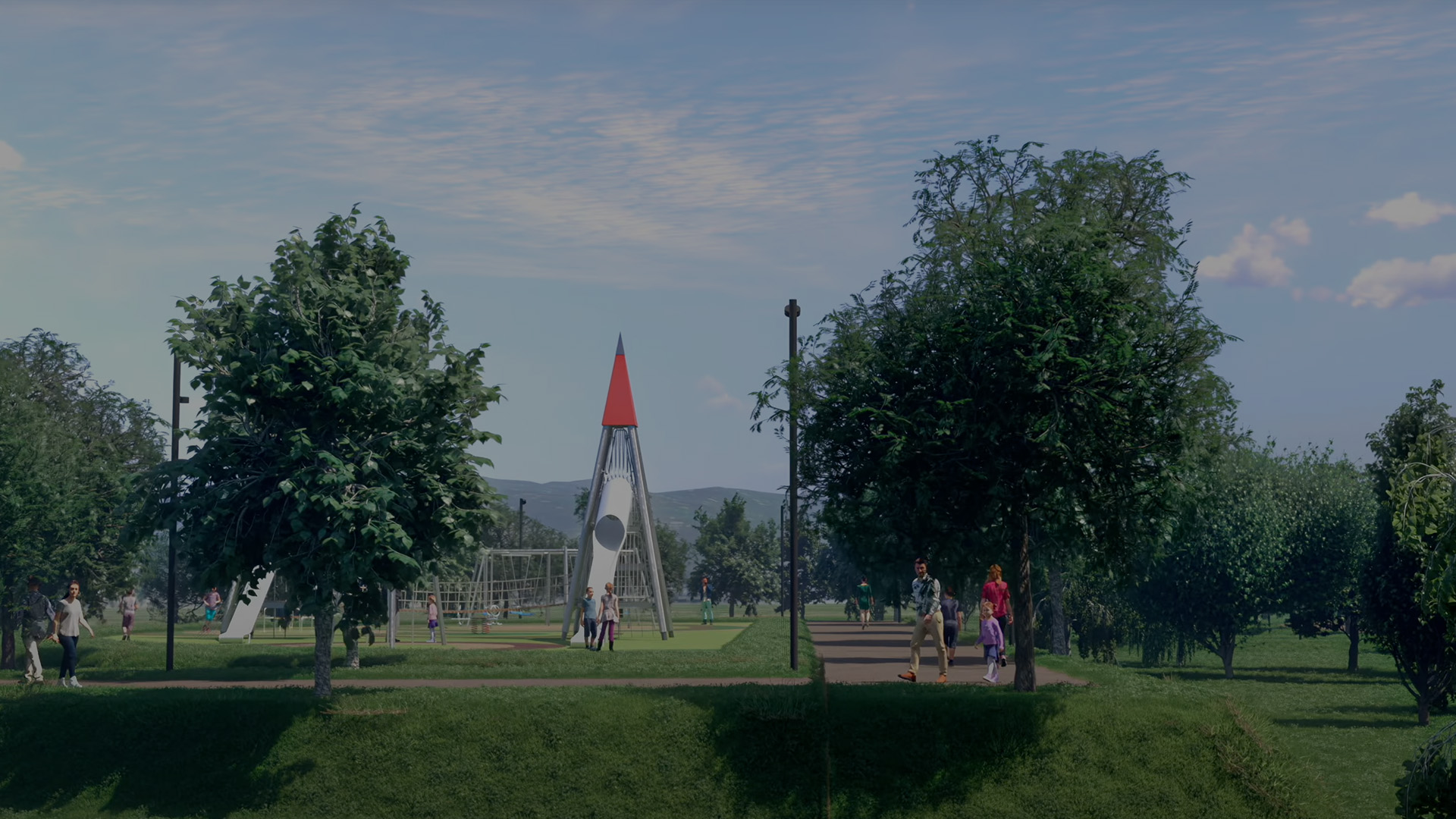

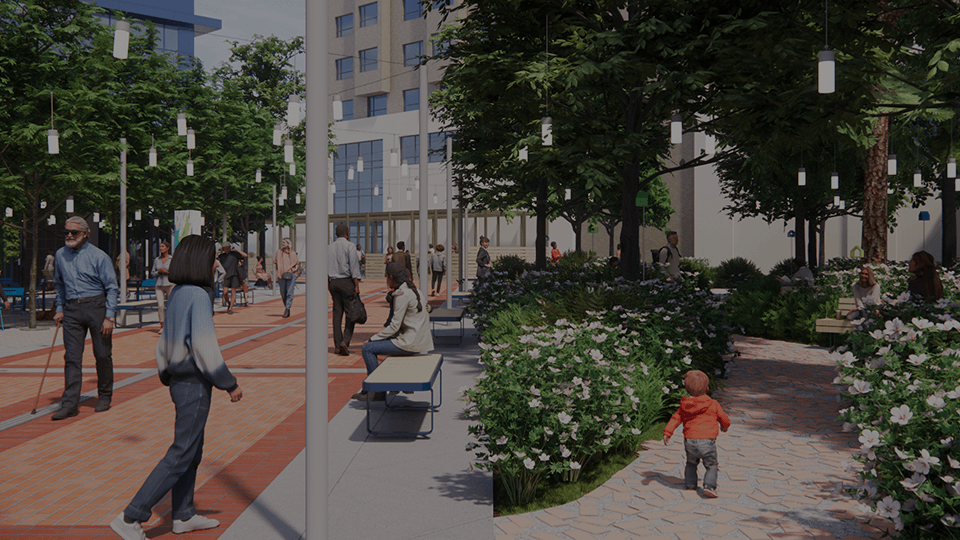

    Enscape

    Real-time 3D visualization and rendering plugin for Revit, SketchUp, Rhino, ArchiCAD, and Vectorworks, with integrated AI (Veras) for design generation and sustainability analysis.

    ToolTrim verdict4.0/ 5Great

    Enscape is ideal for architects rapidly iterating on designs; otherwise classic rendering or screenshots suffice.

    Enscape, preview 1
    Enscape, preview 2
    1 / 2
    About

    In practice. What you can do with Enscape.

    Real-time 3D visualization and rendering plugin for Revit, SketchUp, Rhino, ArchiCAD, and Vectorworks, with integrated AI (Veras) for design generation and sustainability analysis.

    Key strengths: Live visualization synchronized with your CAD model.; Simple interface, no rendering expertise needed.; AI for automatic design generation and sustainability analysis.; Full 14-day free trial without restrictions.; Native cloud collaboration and animations..

    Enscape is ideal for architects rapidly iterating on designs; otherwise classic rendering or screenshots suffice.

    Practical uses

    • Visualize a project in real-time during client presentation.
    • Rapidly iterate on design and lighting variations.
    • Generate photorealistic marketing images/videos.
    • Analyze energy performance and comfort.

    Features & use cases

    3D
    Presentation client
    Rendu 3d

    Pros and cons

    What Enscape does especially well and the limits to anticipate.

    Pros

    • Live visualization synchronized with your CAD model.
    • Simple interface, no rendering expertise needed.
    • AI for automatic design generation and sustainability analysis.
    • Full 14-day free trial without restrictions.
    • Native cloud collaboration and animations.

    Cons

    • Recurring subscription with no perpetual-licence option.
    • Limited to supported software (Revit, SketchUp, Rhino, ArchiCAD, Vectorworks).
    • Cumulative costs over time (no perpetual license).

    Enscape: when it makes sense.

    Enscape is ideal for architects rapidly iterating on designs; otherwise classic rendering or screenshots suffice.

    Keep if

    You're an architect or designer using Revit, SketchUp, or Rhino.. You want to explore designs in real-time without long render calculations.

    Enscape becomes worthwhile when
    • You use it at least once a week
    • The monthly cost ($48) is small next to the time it saves you

    Challenge if

    You use unsupported CAD software (AutoCAD alone is not supported).. You seek a permanently free solution.

    Enscape becomes too expensive when
    • You use it less than once a month
    • A simple free version or a tool already in your stack would do

    Pricing. What does Enscape cost?

    Free$0

    No permanent free plan.

    Entry paid plan$48/mo

    Paid plans available. See the official pricing source for details.

    Official pricing sourceverified on

    Alternatives. What could replace Enscape?

    Current
    The AI angle

    Enscape vs AI

    AI augments this tool
    Go further with AI

    Enscape's strength is live-sync with Revit, SketchUp or Rhino: what you model updates in real time in the render. AI doesn't play a role there, but it can rework a fixed exported image (Magnific, Krea) for a more polished marketing visual.

    Can AI replace it?

    Replace Enscape with an AI? No, clearly: BIM live-sync has no AI equivalent, it's a direct technical link between the model and the render, essential in professional architecture. Image AIs generate standalone visuals, with no connection to a real model. Verdict: Enscape remains irreplaceable for the BIM workflow, AI only plays a peripheral role on the final image.

    The AIs that matter here

    Enscape Summary

    Category
    productivity tool.
    Price from
    $48/mo (Entry paid plan).
    Best for
    professionals.
    Avoid if
    You use unsupported CAD software (AutoCAD alone is not supported).; You seek a permanently free solution..
    Alternatives
    Twinmotion, D5 Render, Lumion.
    ToolTrim verdict
    Enscape is ideal for architects rapidly iterating on designs; otherwise classic rendering or screenshots suffice.

    Our verdict. What to know about Enscape.

    Why this verdict

    Great

    Enscape is hard to replace short-term, no free tier to test before paying, clearly documented use cases.

    Frequently asked questions.

    What to know before choosing Enscape.

    What is Enscape used for?

    Real-time 3D visualization and rendering plugin for Revit, SketchUp, Rhino, ArchiCAD, and Vectorworks, with integrated AI (Veras) for design generation and sustainability analysis.

    How much does Enscape cost?

    Enscape costs €48/month (Entry paid plan plan). Price verified on 2026-07-24.

    Is Enscape suitable for beginners?

    Enscape suits most professionals. See the "Who is it for" section for details.

    Is Enscape worth the price?

    Enscape is ideal for architects rapidly iterating on designs; otherwise classic rendering or screenshots suffice.

    What are the best alternatives to Enscape?

    The main alternatives to Enscape are: Twinmotion, D5 Render, Lumion. Free alternatives: Twinmotion.