Pro costs $30/month billed annually (about $360/year) for one seat with unlimited AI features and 16K rendering.
1 / 2
About
In practice. What you can do with D5 Render.
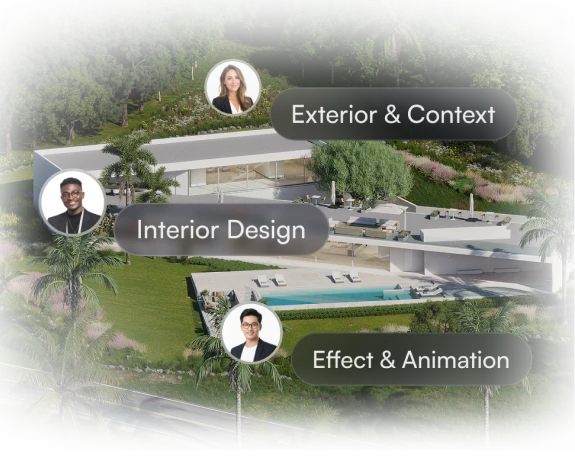
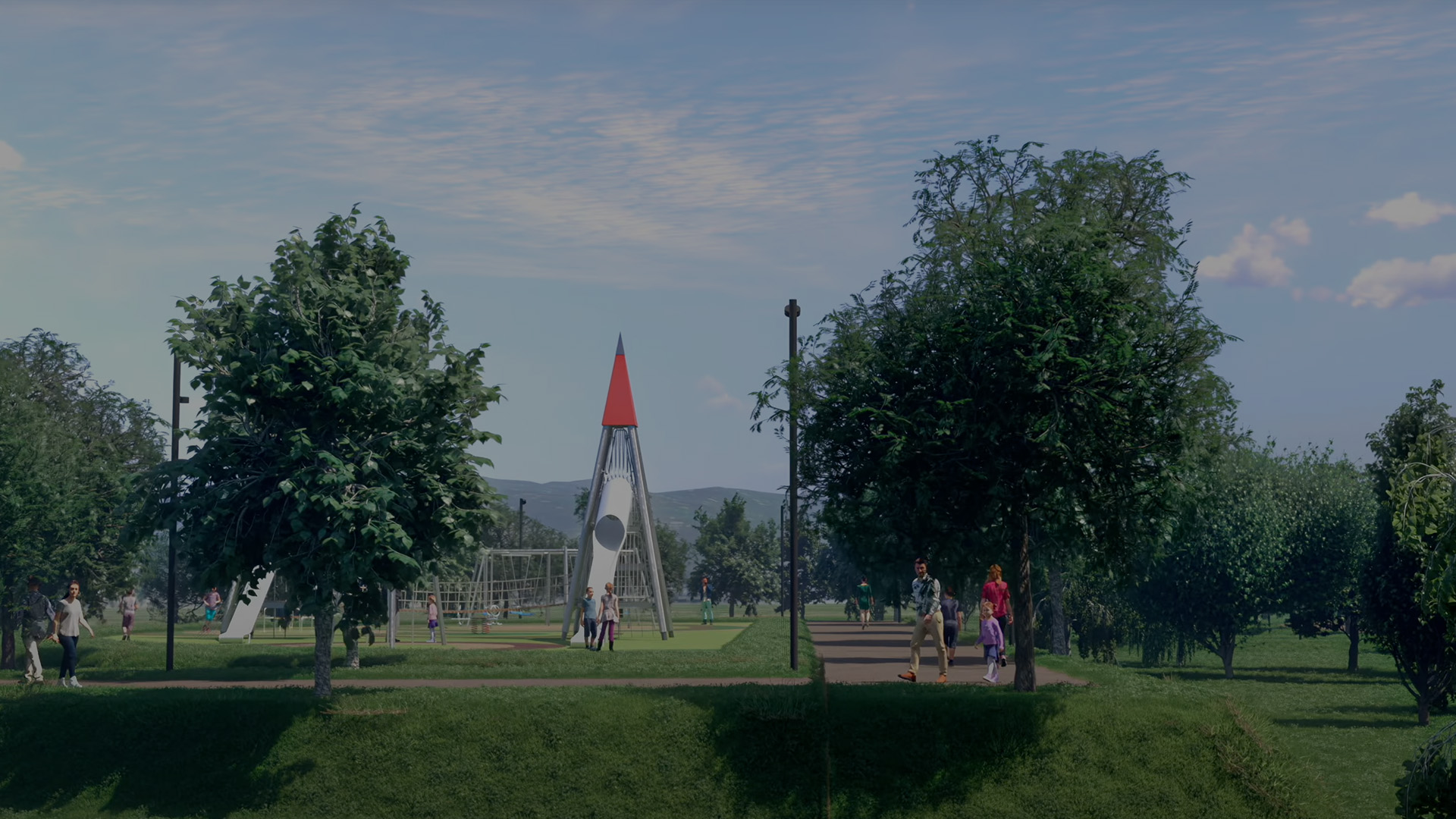
D5 Render turns a SketchUp, Revit, Rhino or Blender model into a photorealistic, ray-traced scene that updates instantly as materials, lighting or layouts change, which makes it suited to live client walkthroughs rather than only static renders.
The free Community tier is for non-commercial use only; Pro starts at $30/month billed annually and already unlocks unlimited AI features and 16K rendering. Teams, from $59/month per seat, adds multi-user scene editing and member access control, though each extra seat is billed on top. It fits an architecture or interior design practice already working in one of its supported CAD tools.
Practical uses
UsageA designer imports a SketchUp model into D5 Render and gets a ray-traced preview that updates instantly as materials are swapped.
UsageA studio presents a live interactive walkthrough to a client, swapping lighting and finishes on the spot instead of re-rendering static images.
Features & use cases
Rendu 3d
Temps reel
Pros and cons. What D5 Render does well, and what to expect.
Pros
Rendering updates instantly while editing, with no separate render queue to wait on.
AI features and high-resolution output are included on Pro rather than sold as separate add-ons.
Cons
The free Community tier can't be used for paid client work, only non-commercial projects.
D5 Arco, the AI co-design engine shown on the site, isn't available yet.
When it makes sense. Keep D5 Render, or challenge it?
Keep if
You work in SketchUp, Revit, Rhino or a similar CAD tool and need fast, photorealistic renders for client presentations.
D5 Render becomes worthwhile when
+You use it at least once a week
+The monthly cost ($30) is small next to the time it saves you
Challenge if
You only need occasional non-commercial renders, where the free Community tier's restriction already rules out paid work.
D5 Render becomes too expensive when
−You use it less than once a month
−blender (free) already covers the essentials for occasional use
Pricing. What does D5 Render cost ?
Free
$0
Permanent free plan
Non-commercial use only, 50 AI trial credits, up to 16K images / 4K video, limited cloud storage
Pro
ToolTrim reference price
$30/mo
Billed annually · $38/mo billed monthly. Per user.
Unlimited AI features, up to 16K rendering, 4K video, 16,000+ assets, 10 GB cloud storage
Teams
$59/mo
Billed annually · $75/mo billed monthly. Per user.
All Pro features, multi-user scene editing, up to 8K video, 100 GB cloud storage, member access control
Pro, at $30/month annually, already includes unlimited AI features and 16K rendering, bundling what competitors often split across tiers or add-ons.
Simplicity
Real-time ray-traced preview while editing the scene means a usable image appears as soon as the model is imported, without a separate render step.
Fit for purpose
The real-time rendering, interactive presentations and cloud collaboration described are concrete delivered capabilities, not promises pending the still-unreleased D5 Arco.
Performance
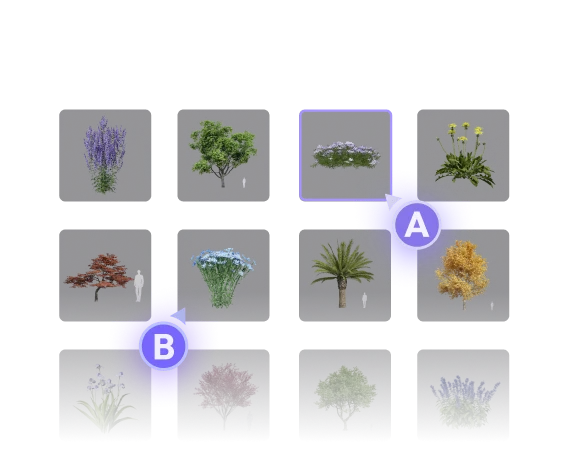
The Pro tier already reaches 16K image and 4K video output with 16,000+ bundled assets, a high ceiling for the category.
Reversibility
Neutral score: export formats for scenes and assets beyond the rendering engine itself are not covered by the collected sources.
The AI angle
D5 Render vs AI
AI augments this tool
Go further with AI
D5 already integrates AI to speed up rendering (denoising, automatic vegetation and crowd population). To go further on a hero image, running a D5 export through Magnific or Krea pushes photorealism or restyles the render without starting over.
Can AI replace it?
Replace D5 with an AI? Not for rendering tied to a precise 3D model and its CAD imports (SketchUp, Revit, Rhino): that's the whole point of D5. An image AI can produce an appealing visual from a sketch, but without the technical control of a real model. Verdict: AI speeds up D5 internally and in post, it doesn't replace model-based rendering.







 Krea AI