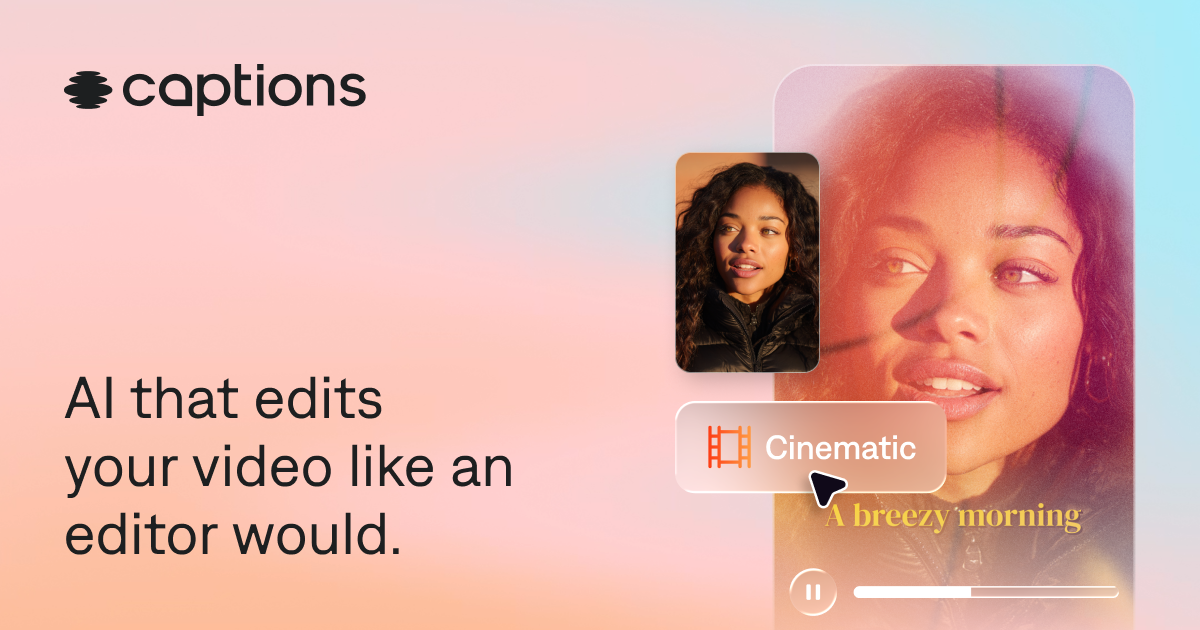
Captions is worth it for animated captions and generative AI video; for basic captioning, a free option is enough.
About
In practice. What you can do with Captions.
Captions is a video editing app designed from the ground up around AI, rather than a classic editor with AI features bolted on afterward: stylish automatic captions, dubbing into another language with the original voice preserved, automatic correction of eye contact that misses the camera.
For a creator producing video content solo, with no editing team, it's a way to get a professional result without deep technical editing skills.
Practical uses
Add animated captions to a vertical video.
Generate an AI avatar that delivers a script.
Create a short video from text.
Features & use cases
Creator workflow
Pros and cons. What Captions does well, and what to expect.
Pros
Very polished animated captions in 100+ languages.
Built-in AI avatars and text-to-video.
Watermark-free export on paid plans.
Creator-focused interface.
Cons
No AI credits on the free plan.
Variable costs tied to credit usage.
Less complete than a general video editor.
When it makes sense. Keep Captions, or challenge it?
Keep if
You want polished animated multilingual captions.
You experiment with AI video generation (avatars, text-to-video).
Captions becomes worthwhile when
+You use it at least once a week
+The monthly cost ($24.99) is small next to the time it saves you
Challenge if
You only need simple captions.
The credit system worries you budget-wise.
Captions becomes too expensive when
−You use it less than once a month
−A simple free version or a tool already in your stack would do
Our verdict. What to know about Captions.
Why this verdict
Average
Captions is fairly easy to replace with an alternative, no free tier to test before paying, clearly documented use cases.