Captions is worth it for animated captions and generative AI video; for basic captioning, a free option is enough.
About
In practice. What you can do with Captions.
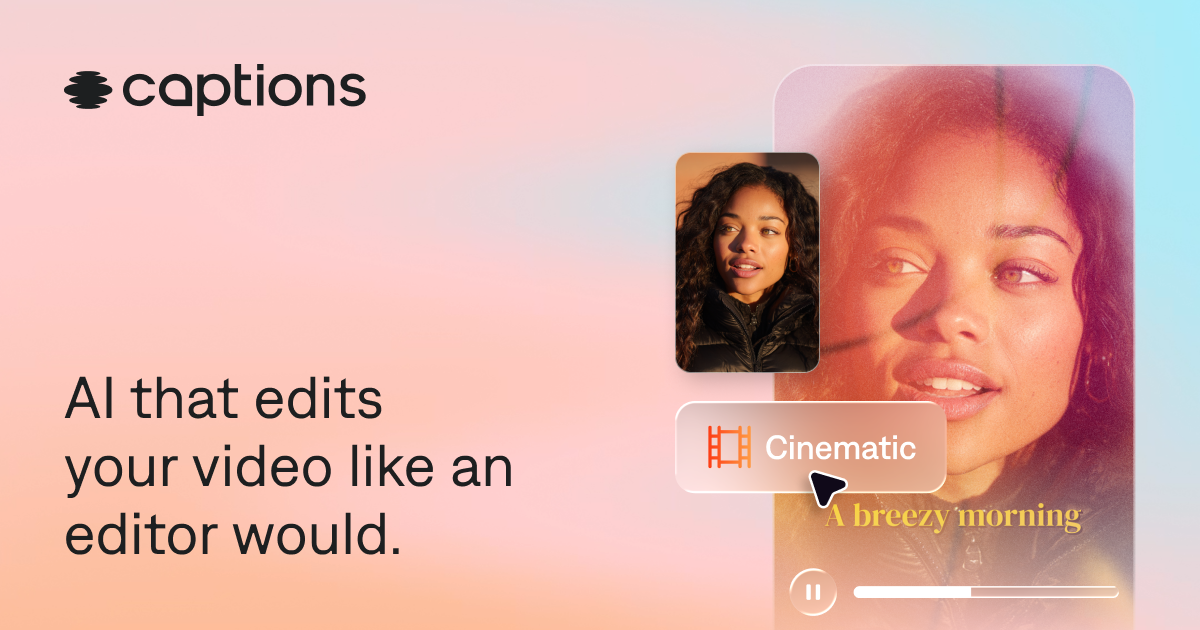
Captions is a video editing app designed from the ground up around AI, rather than a classic editor with AI features bolted on afterward: stylish automatic captions, dubbing into another language with the original voice preserved, automatic correction of eye contact that misses the camera.
For a creator producing video content solo, with no editing team, it's a way to get a professional result without deep technical editing skills.
Practical uses
Add animated captions to a vertical video.
Generate an AI avatar that delivers a script.
Create a short video from text.
Features & use cases
Creator workflow
Pros and cons. What Captions does well, and what to expect.
Pros
Very polished animated captions in 100+ languages.
Built-in AI avatars and text-to-video.
Watermark-free export on paid plans.
Creator-focused interface.
Cons
No AI credits on the free plan.
Variable costs tied to credit usage.
Less complete than a general video editor.
When it makes sense. Keep Captions, or challenge it?
Keep if
You want polished animated multilingual captions.
You experiment with AI video generation (avatars, text-to-video).
Captions becomes worthwhile when
+You use it at least once a week
+The monthly cost ($24.99) is small next to the time it saves you
Challenge if
You only need simple captions.
The credit system worries you budget-wise.
Captions becomes too expensive when
−You use it less than once a month
−A simple free version or a tool already in your stack would do
Captions is fairly easy to replace with an alternative, no free tier to test before paying, clearly documented use cases.
The AI angle
Captions vs AI
AI augments this tool
Go further with AI
Captions is a video editing app built entirely around AI: automatic captions, AI dubbing, fixing missed eye contact, B-roll generation — AI isn't an add-on, it's the product itself.
Can AI replace it?
Replace Captions with another AI? The question is already settled: Captions IS a video-editing AI, not a classic editor with AI features bolted on. Verdict: Captions was built AI-native from the start rather than being challenged by AI.
Captions Summary
Category
productivity tool.
Price from
$24.99/mo (Max).
Best for
professionals.
Avoid if
You only need simple captions; The credit system worries you budget-wise.
ToolTrim verdict
Captions is worth it for animated captions and generative AI video; for basic captioning, a free option is enough.
Frequently asked questions.
What to know before choosing Captions.
What is Captions used for?
AI-native video editing app: automatic captions, dubbing, and eye-contact correction.
How much does Captions cost?
Captions costs $24.99/month (Max plan). Price verified on 2026-09-24.
Is Captions suitable for beginners?
Captions suits most professionals. See the "Who is it for" section for details.
Is Captions worth the price?
Captions is worth it for animated captions and generative AI video; for basic captioning, a free option is enough.