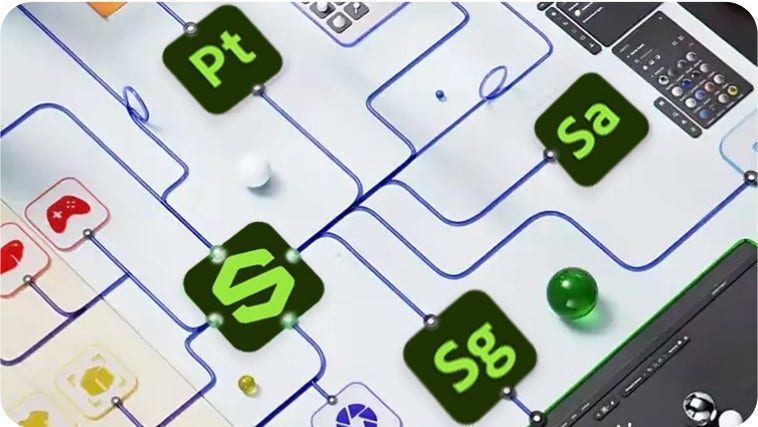
In practice. What you can do with Adobe Substance 3D.
Adobe Substance 3D bundles five apps (Painter, Designer, Sampler, Stager, Modeler) covering texturing, material creation, material capture and scene rendering, plus a library of over 20,000 premium 3D assets and materials.
The individual plan starts at $59.99/month with 100GB of cloud storage, and access to every app stops if the subscription lapses since there is no perpetual license. A free plan exists but is restricted to students and teachers for non-commercial use. It fits a designer who needs the full texturing-to-rendering pipeline in one subscription.
Practical uses
TexturingPaint and build materials for a 3D asset using Painter and the included library of premium materials.
Scene stagingAssemble textured assets and render a finished scene with Stager without leaving the Substance 3D suite.
Features & use cases
3D
Texturing 3d
3D modeling
3D rendering
The case for and against. What Adobe Substance 3D does well, and when it costs too much.
For. What works in its favour.
Five specialized apps and a large premium asset library in one subscription.
Covers the full chain from texturing and material creation to scene rendering.
Pays off from
1 h 30saved a month
Adobe Substance 3D costs $59.99/month. If your hour is worth $40, those 1 h 30 cover it.
Against. What to plan for.
Subscription-only: access to every app stops the moment billing stops, with no perpetual license.
Cloud storage is capped per plan (5GB free, 100GB individual), which can be tight for large 3D projects.
Too expensive if
You use it less than once a month
A simple free version or a tool already in your stack would do
Our verdict. What to know about Adobe Substance 3D.
How the score breaks down
Added value
3/5
A 20,000+ asset library and five integrated apps for one subscription can save buying separate tools, but the cost only pays off for someone who needs texturing, material creation and rendering together, not just one of them.
Simplicity
3/5
No first-result time is stated in the sources; the tool bundles five specialized apps, which implies some ramp-up to find the right one for a given task.
Fit for purpose
4/5
Delivers the announced texturing, material creation, capture and rendering workflow across the five bundled apps as described.
Performance
4/5
Bundles five specialized apps (Painter, Designer, Sampler, Stager, Modeler) plus a 20,000+ asset library, covering a broad span of the 3D texturing and material pipeline.
Reversibility
2/5
Access to all apps stops as soon as the subscription ends, with no perpetual license option, which limits what stays usable after leaving.