

    Zed

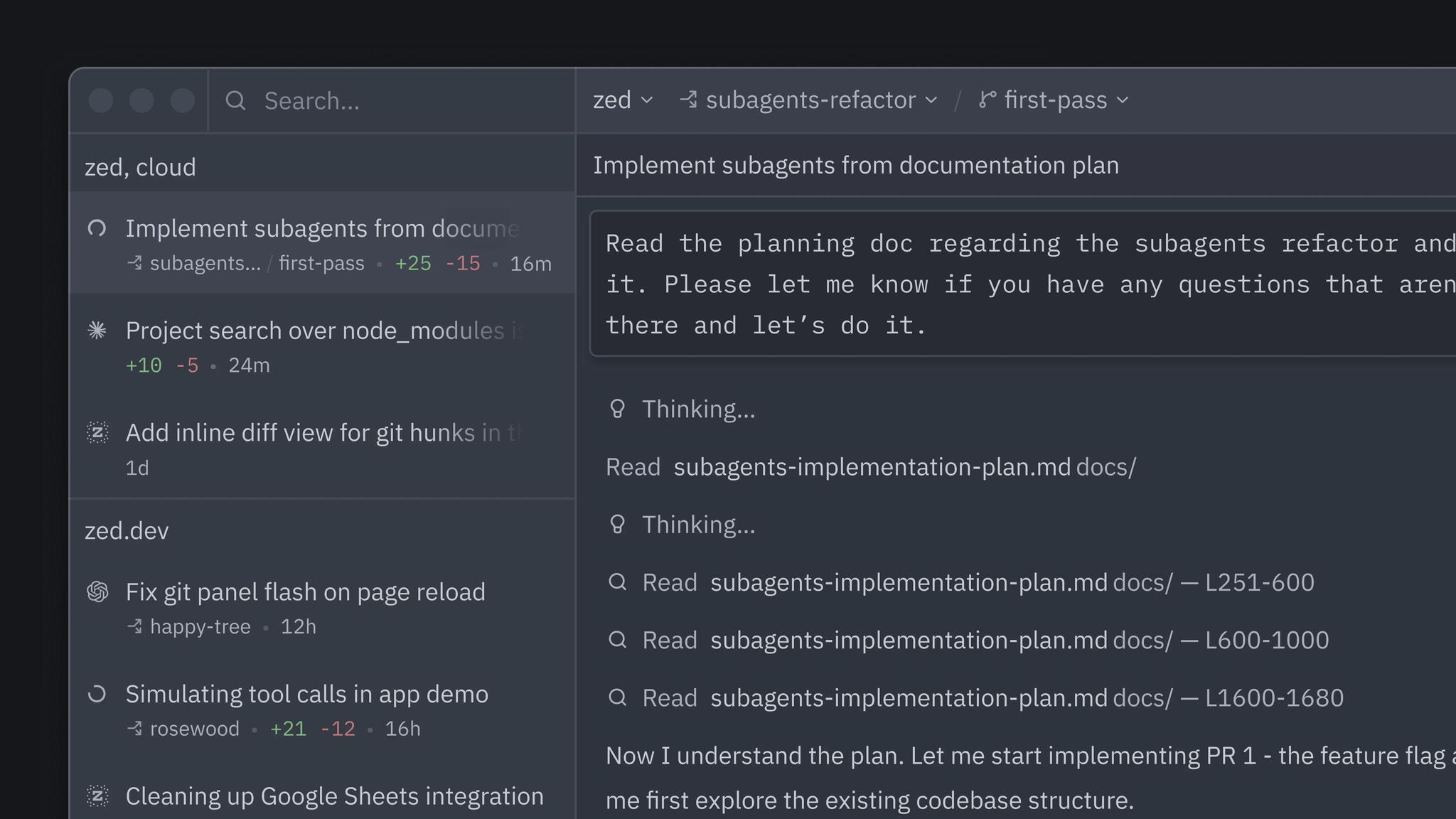
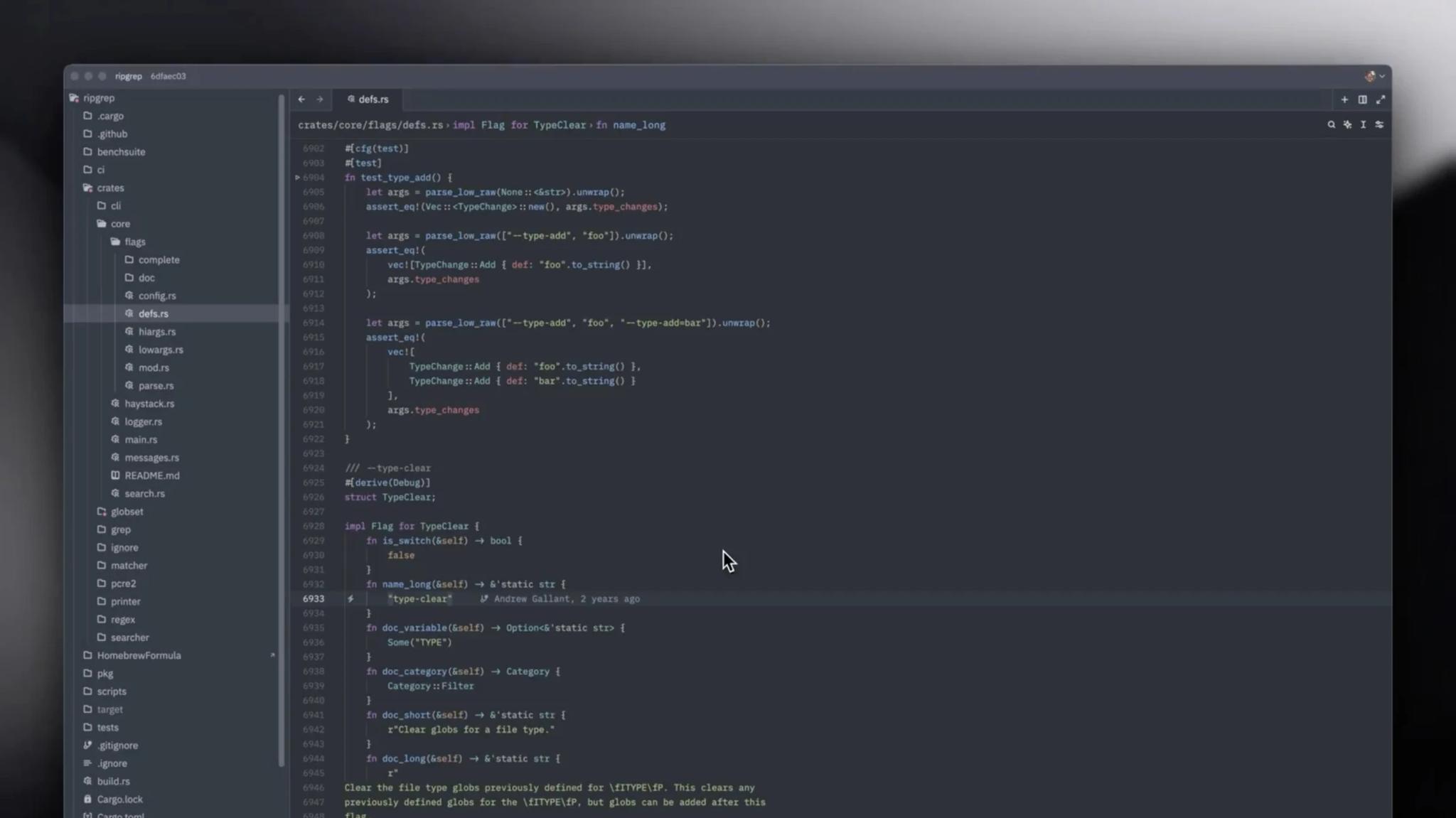
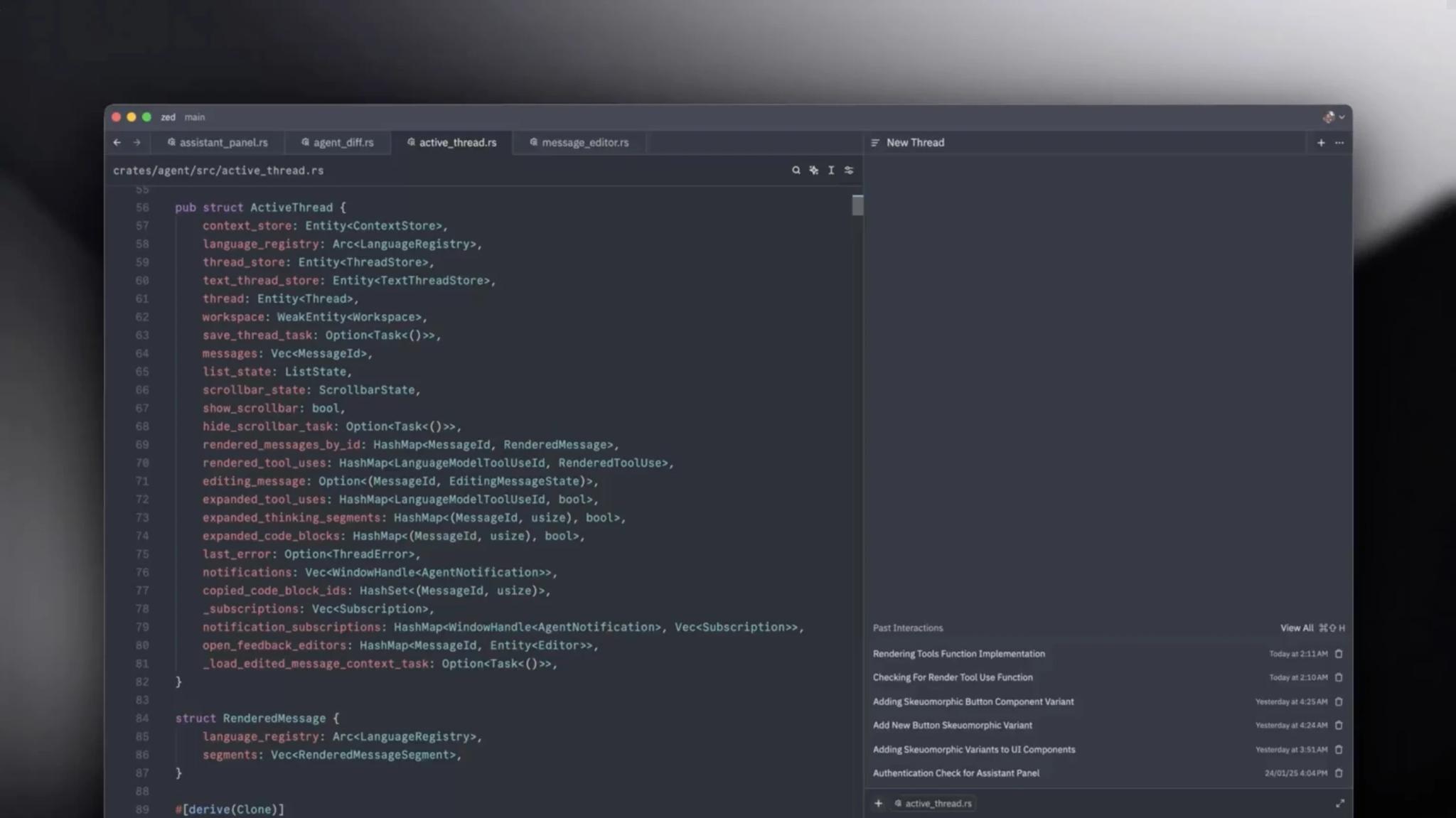
    Modern open-source code editor written in Rust for Linux, macOS, and Windows. Created by Nathan Sobo, co-creator of Atom. Designed for maximum performance with real-time collaboration and AI features.

    ToolTrim verdict4.0/ 5Great

    Zed is ideal for Rust and modern developers; for complex projects, VS Code or IDEs remain safe.

    Zed, preview 1
    Zed, preview 2
    1 / 2
    About

    In practice. What you can do with Zed.

    Modern open-source code editor written in Rust for Linux, macOS, and Windows. Created by Nathan Sobo, co-creator of Atom. Designed for maximum performance with real-time collaboration and AI features.

    Key strengths: Completely free and open-source.; Ultra-fast (Rust architecture).; Native real-time collaboration.; Integrated multilingual LSP.; Built-in terminal.; Created by expert (Atom co-creator)..

    Zed is ideal for Rust and modern developers; for complex projects, VS Code or IDEs remain safe.

    Practical uses

    • Real-time pair programming without plugins.
    • Develop in performant Rust.
    • Lightning-fast and lightweight editing.

    Features & use cases

    Coding
    Collaboration dev
    Developer tools
    Integration llm

    Pros and cons

    What Zed does especially well and the limits to anticipate.

    Pros

    • Completely free and open-source.
    • Ultra-fast (Rust architecture).
    • Native real-time collaboration.
    • Integrated multilingual LSP.
    • Built-in terminal.
    • Created by expert (Atom co-creator).

    Cons

    • Plugin ecosystem less rich than VS Code.
    • Young product (2023-2026).
    • Migration from VS Code requires adaptation.

    Zed: when it makes sense.

    Zed is ideal for Rust and modern developers; for complex projects, VS Code or IDEs remain safe.

    Keep if

    You're a developer seeking high-performance editor.. You love modern Rust-based tools.

    Challenge if

    You're IDE-dependent (Visual Studio, IntelliJ).. You've never left VS Code.

    Pricing. What does Zed cost?

    Free$0

    No permanent free plan.

    Personal

    Paid plans available. See the official pricing source for details.

    Official pricing sourceverified on

    Alternatives. What could replace Zed?

    Current

    Zed Summary

    Category
    productivity tool.
    Price from
    Free (Personal).
    Best for
    professionals.
    Avoid if
    You're IDE-dependent (Visual Studio, IntelliJ).; You've never left VS Code..
    Alternatives
    Cursor, Windsurf.
    ToolTrim verdict
    Zed is ideal for Rust and modern developers; for complex projects, VS Code or IDEs remain safe.

    Our verdict. What to know about Zed.

    Why this verdict

    Great

    Zed is fairly easy to replace with an alternative, no free tier to test before paying, clearly documented use cases.

    Frequently asked questions.

    What to know before choosing Zed.

    What is Zed used for?

    Modern open-source code editor written in Rust for Linux, macOS, and Windows. Created by Nathan Sobo, co-creator of Atom. Designed for maximum performance with real-time collaboration and AI features.

    How much does Zed cost?

    Zed costs $0 (free) (Personal plan). Price verified on 2026-07-24.

    Is Zed suitable for beginners?

    Zed suits most professionals. See the "Who is it for" section for details.

    Is Zed worth the price?

    Zed is ideal for Rust and modern developers; for complex projects, VS Code or IDEs remain safe.

    What are the best alternatives to Zed?

    The main alternatives to Zed are: Cursor, Windsurf.