AI development assistant for GitHub: inline autocomplete, code chat, review, agent mode, and CLI. June 2026: moved to usage-based billing (credits); inline suggestions free on all plans.
AI development assistant for GitHub: inline autocomplete, code chat, review, agent mode, and CLI. June 2026: moved to usage-based billing (credits); inline suggestions free on all plans.
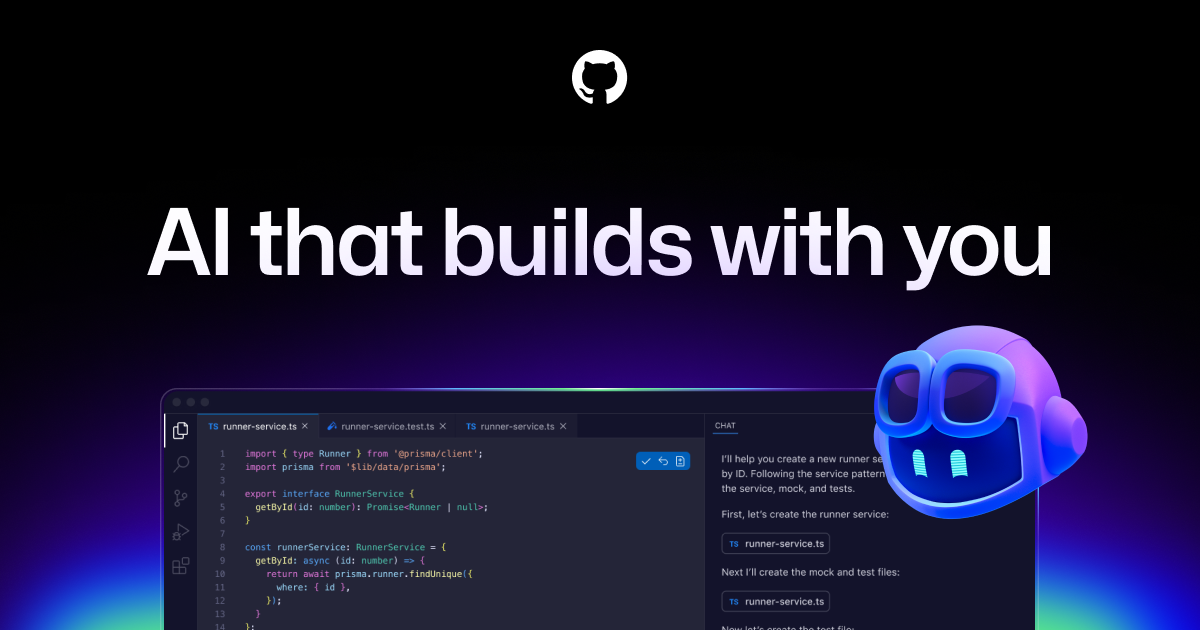
Copilot completes your code line by line right in VS Code or any compatible editor, and its agent mode can now open entire pull requests. It's the most integrated option for those who stay on their usual editor rather than migrating to Cursor.
Can AI replace it?
Replace Copilot with a general AI? ChatGPT or Claude can generate code in chat, but without the open file's context or real-time editor integration. For continuous autocomplete while coding, Copilot or its direct competitor (Cursor) stay more effective. Verdict: Copilot augments the developer, it doesn't replace them.
GitHub Copilot is standard for GitHub teams; solo, Cursor packs more AI power.
Frequently asked questions. What people ask about GitHub Copilot.
What is GitHub Copilot used for?
AI development assistant for GitHub: inline autocomplete, code chat, review, agent mode, and CLI. June 2026: moved to usage-based billing (credits); inline suggestions free on all plans.
How much does GitHub Copilot cost?
GitHub Copilot costs $10/month (Pro plan). Price verified on July 24, 2026.
Is GitHub Copilot suitable for beginners?
GitHub Copilot suits most professionals. See the "Who is it for" section for details.
Is GitHub Copilot worth the price?
GitHub Copilot is standard for GitHub teams; solo, Cursor packs more AI power.
What are the best alternatives to GitHub Copilot?
The main alternatives to GitHub Copilot are: Cursor, Windsurf.





 ChatGPT
 Claude