What is SuperDev Pro used for?
AI toolkit for developers: code generation, review and documentation.
How much does SuperDev Pro cost?
SuperDev Pro costs €51/month. Price verified on 2026-05-08.
Is SuperDev Pro suitable for beginners?
SuperDev Pro is particularly suited for freelancers and solopreneurs.
Is SuperDev Pro worth the price?
SuperDev Pro saves time for anyone constantly tweaking live CSS and design; for occasional use, native DevTools are enough.
What are the best alternatives to SuperDev Pro?
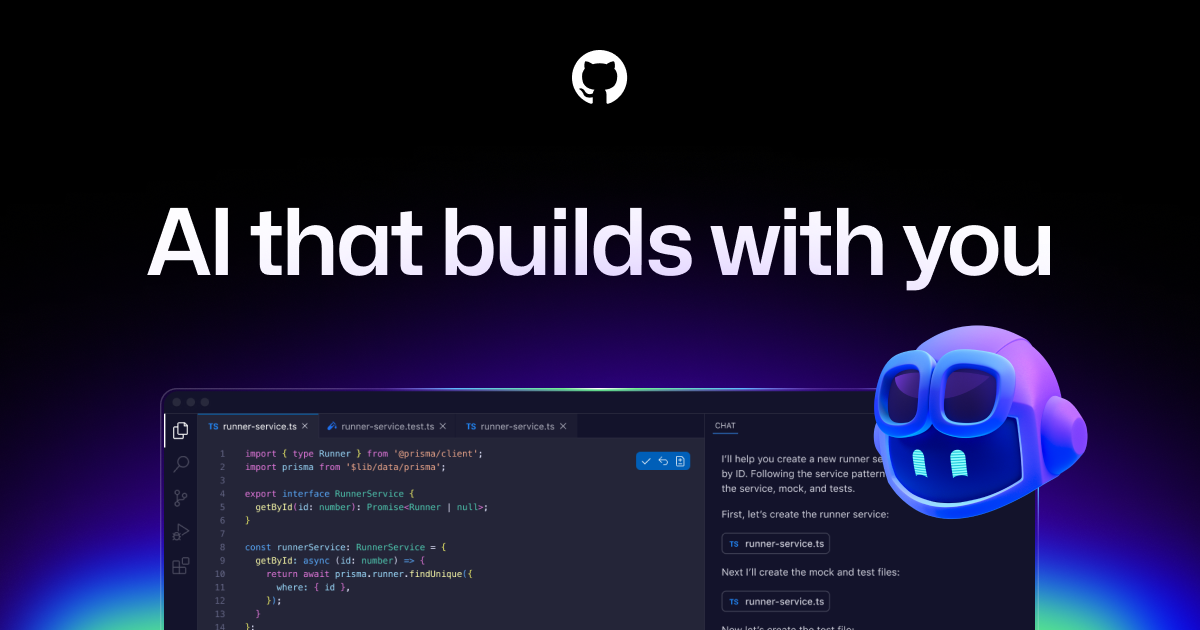
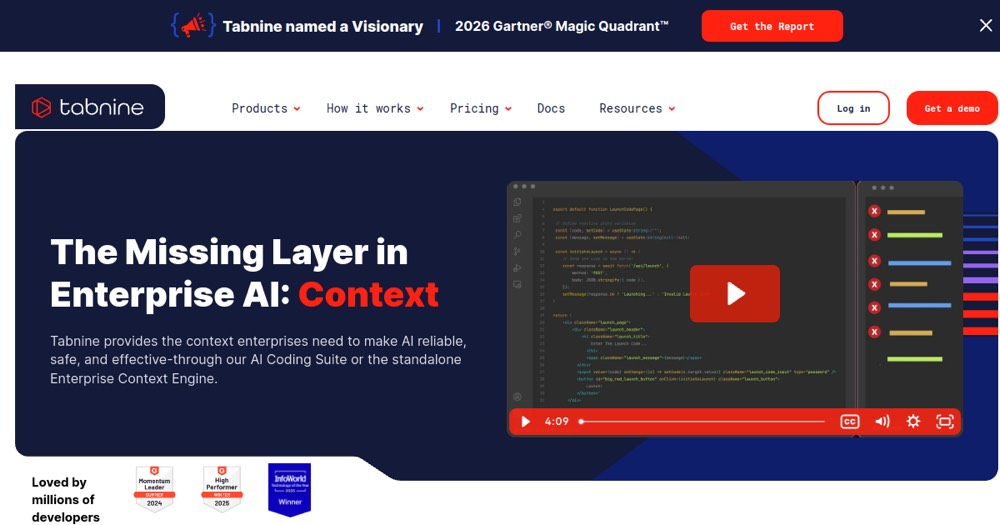
The main alternatives to SuperDev Pro are: Cursor, GitHub Copilot, Tabnine.
Is there a free alternative to SuperDev Pro?
Yes, GitHub Copilot free is a free alternative to SuperDev Pro.