

    My stack

    SharePoint reviews

    SharePoint is used to store, share, or sync files across an organization.

    Visit website
    ToolTrim verdict3.7/ 5Average

    SharePoint fits Microsoft 365 organizations seeking enterprise collaboration; for small teams, simpler alternatives (Google Drive, Notion) suit better.

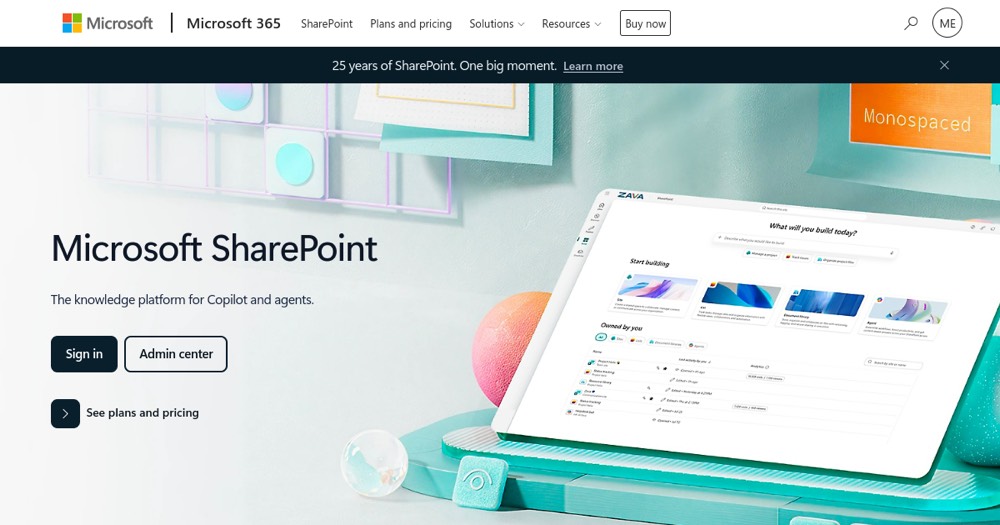
    SharePoint, preview 1
    About

    In practice. What you can do with SharePoint.

    SharePoint is useful when files need to be shared cleanly across teams, clients, or tools. The main risk is overlap with Google Drive, Dropbox, or Microsoft 365: multiple file spaces quickly create confusion.

    Practical uses

    • Host team document collaboration.
    • Centralize enterprise content governance.
    • Discover content via Copilot AI.

    Features & use cases

    Collaboration
    Knowledge management
    Cloud storage

    Pros and cons. What SharePoint does well, and what to expect.

    Pros

    • Deep Microsoft 365 Teams/Office integration.
    • Copilot AI for page design/search.
    • Robust enterprise governance included.
    • Mature data compliance support.

    Cons

    • Per-user pricing (can cost for teams).
    • No free plan.
    • Complex interface for small teams.

    When it makes sense. Keep SharePoint, or challenge it?

    Keep if

    • You use Microsoft ecosystem (Teams, Office).
    • Team content collaboration is central.

    Challenge if

    • You prefer non-Microsoft services.
    • You're looking for free solution.

    Our verdict. What to know about SharePoint.

    Why this verdict

    Average

    SharePoint is fairly easy to replace with an alternative, no free tier to test before paying, clearly documented use cases.

    SharePointFree
    Visit