

Same use · Cloud storage
Dropbox is a cloud storage and file-sync service with automatic sync, sharing and version history, from a 2 GB free plan up to a $24/seat/month Advanced plan.


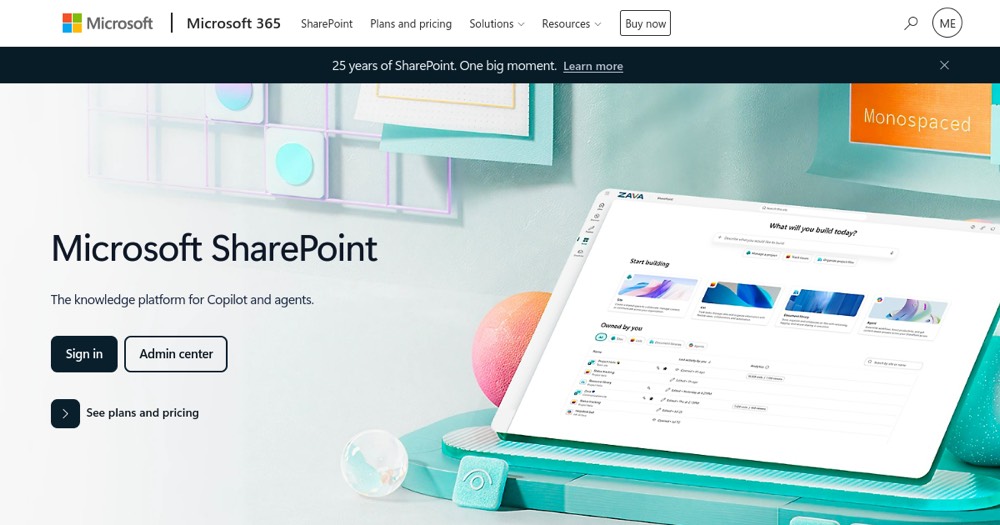

SharePoint is used to store, share, or sync files across an organization.
Same use · Cloud storage
Dropbox is a cloud storage and file-sync service with automatic sync, sharing and version history, from a 2 GB free plan up to a $24/seat/month Advanced plan.
Fathom records and transcribes Zoom, Meet and Teams calls, producing AI summaries, action items and searchable meeting history.
Automated video guide generator: record a browser workflow, Guideless generates script, captions, smart zooms, UI highlights, and AI voice narration. MP4 export, no watermark on Pro.
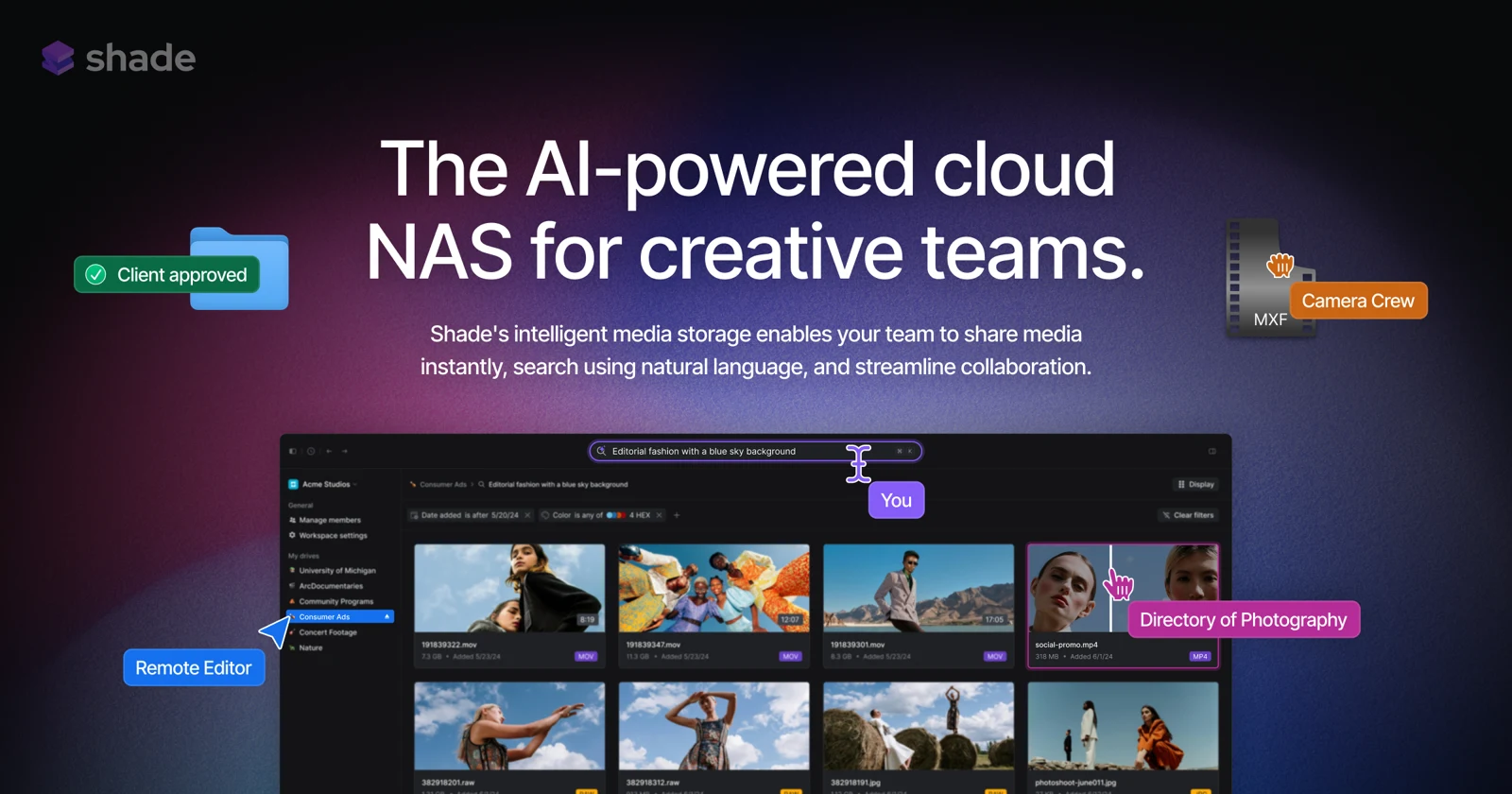
Digital asset management (DAM) on top of Google Drive or S3.

Same use · Cloud storage
Cloud storage and file sharing with permission controls, e-signature and Box AI, free for a single user and per-seat with a 3-seat minimum for teams.

Fellow is an AI meeting assistant with collaborative agendas, automated notes and action-item tracking, free for a lifetime cap of 5 notes.
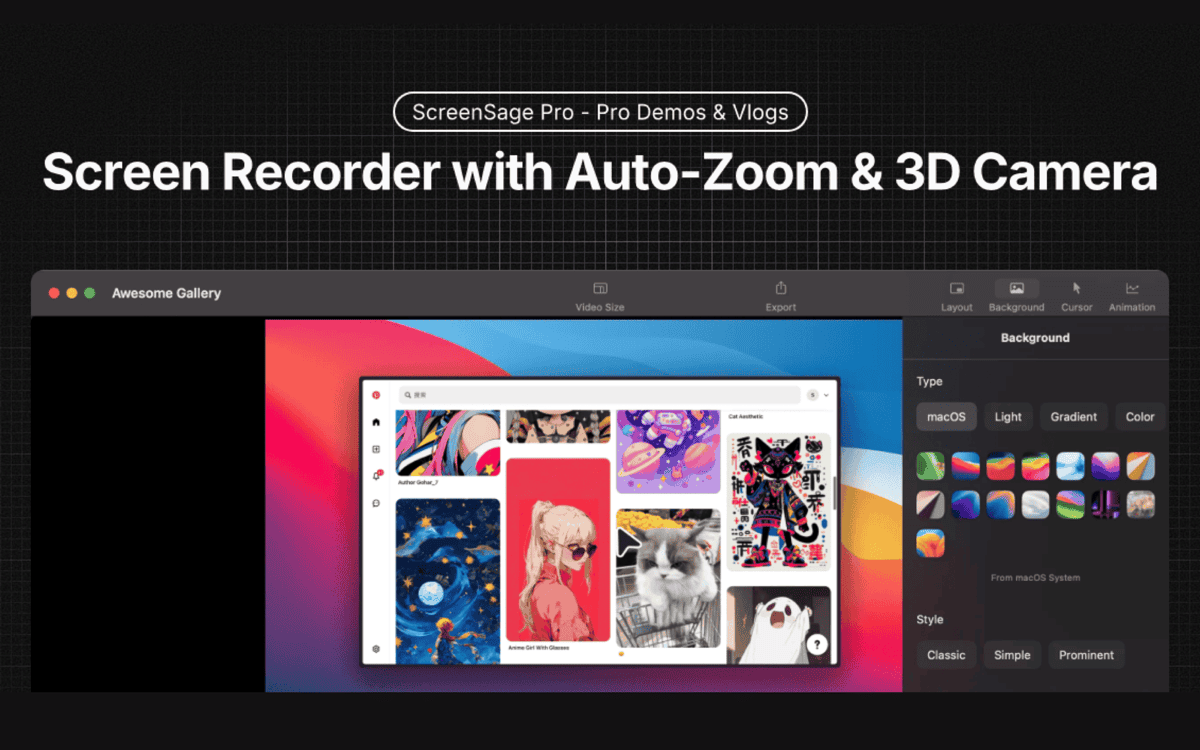
AI screen capture and annotation tool for creating tutorials and visual docs.
Turns recorded on-screen workflows into step-by-step guides automatically, free for web apps or from $25/month for desktop capture.
AI notepad for your meetings — takes notes while you listen.
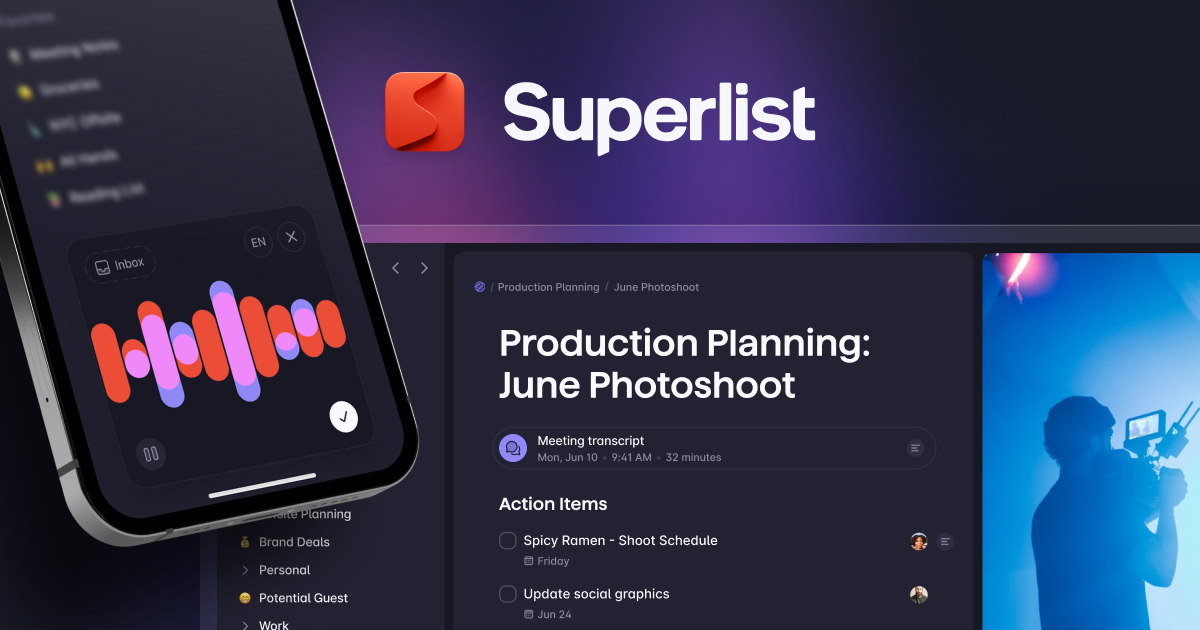
Superlist is a task management app with shared lists and AI features, free for up to 5 lists then from $5 per month.
A Typeform-style form builder with conditional logic, e-signatures and Stripe payments, with a genuinely free unlimited-response plan.