ScreenSage Pro
AI screen capture and annotation tool for creating tutorials and visual docs.
AboutIn practice. What you can do with ScreenSage Pro.
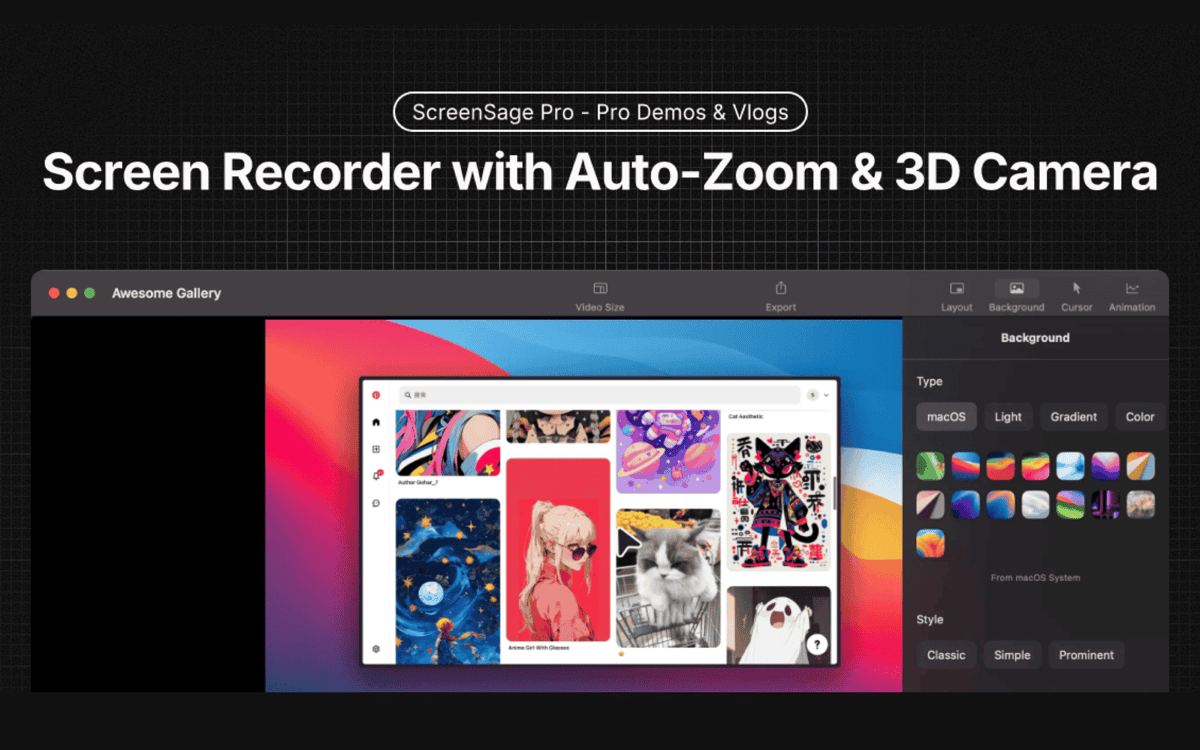
ScreenSage Pro combines smart screen capture, AI annotations and automatic visual tutorial generation to speed up documentation and guide creation.
Practical uses
- Create an animated product demo for a sales page.
- Record a software tutorialAutomatic zooms.
- Produce short promotional videos.
Features & use cases
Documentation
Screen capture
Creation cours
When it makes sense. Keep ScreenSage Pro, or challenge it?
- You're on Mac and create demos or tutorials.
- You want automatic effects (zoom, camera) without editing.
ScreenSage Pro becomes worthwhile when- +You use it at least once a week
- +The monthly cost ($50) is small next to the time it saves you
- You're on Windows or Linux.
- You want a very established tool with a long track record.
ScreenSage Pro becomes too expensive when- −You use it less than once a month
- −Scribe free (free) already covers the essentials for occasional use
Pricing. What does ScreenSage Pro cost ?
$0
Free plan
€50/mo
Pro $59/mo
Alternatives. What could replace ScreenSage Pro?
Our verdict. What to know about ScreenSage Pro.
ScreenSage Pro is fairly easy to replace with an alternative, a free tier to test before paying, clearly documented use cases.
ScreenSage Pro Summary
- Category
- productivity tool.
- Price from
- $50/mo.
- Best for
- freelancers and solopreneurs.
- Avoid if
- You're on Windows or Linux; You want a very established tool with a long track record.
- ToolTrim verdict
- ScreenSage Pro fits Mac demos with automatic effects and a one-time purchase; for a raw need or off macOS, a classic recorder is enough.
ScreenSage ProFrom €50/mo
Visit