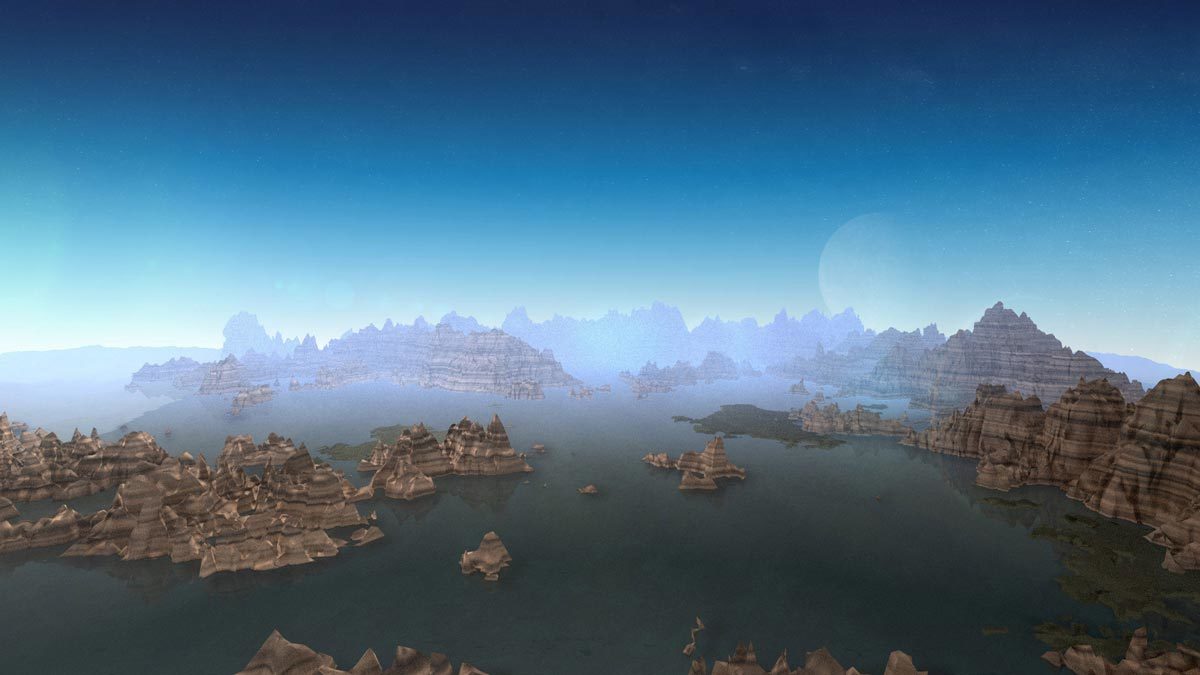
Horizon is a Red Giant postproduction plugin. Its purpose: place a 360-degree background that responds to the After Effects 3D camera.
Compare the result with functions already available in your host. Judge control over a real shot rather than the number of available presets.
Access is through Red Giant, also included in Maxon One. This is not a standalone purchase priced at the cost of the suite. Check the plugin against your exact host version. Archive source material and a final render rather than relying only on a plugin-dependent project.
Practical uses
Place a 360-degree background that responds to the After Effects 3D camera.
Features & use cases
Maxon effect:horizon
Red giant effect:3d particles
After effects plugin
The case for and against. What Horizon does well, and when it costs too much.
For. What works in its favour.
Place a 360-degree background that responds to the After Effects 3D camera.
Works within a compatible host workflow.
This function recurs in your projects and your suite licence includes it.
Against. What to plan for.
Suite licence required; no individual price confirmed.
Compatibility varies by plugin and host application.
Editable projects depend on plugin availability.
Our verdict. What to know about Horizon.
How the score breaks down
Added value
4/5
Place a 360-degree background that responds to the After Effects 3D camera. Documentary review of official sources; not a hands-on test.
Simplicity
3/5
Documented controls; usability not tested. Documentary review of official sources; not a hands-on test.
Fit for purpose
3/5
A specialised function, most relevant for recurring needs. Documentary review of official sources; not a hands-on test.
Performance
4/5
Controls assessed within this effect’s scope, not as a complete application. Documentary review of official sources; not a hands-on test.
Reversibility
2/5
A final render can be shared; editing the project may require the plugin and its licence. Documentary review of official sources; not a hands-on test.