
    My stack

    Horizon

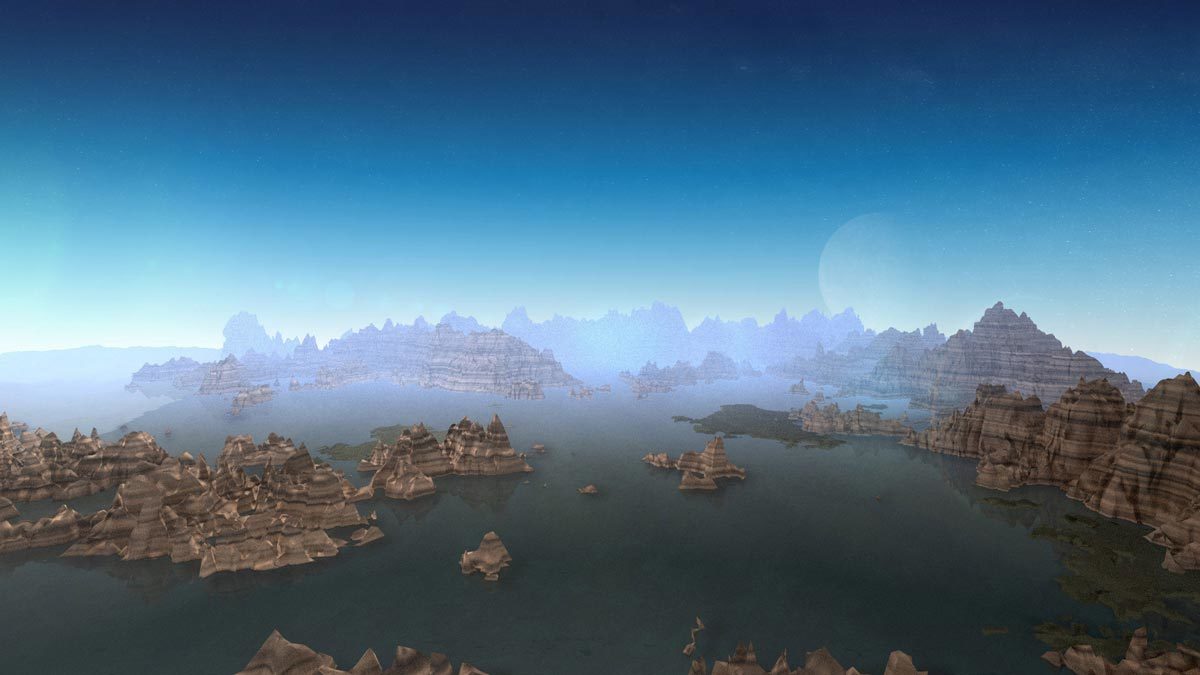
    Place a 360-degree background that responds to the After Effects 3D camera.

    Visit Horizon
    ToolTrim verdict Good

    Keep it if Place a 360-degree background that responds to the After Effects 3D camera.

    Compare alternatives
    Horizon, preview 1
    Horizon, preview 2
    About

    In practice. What you can do with Horizon.

    Horizon is a Red Giant postproduction plugin. Its purpose: place a 360-degree background that responds to the After Effects 3D camera.

    Compare the result with functions already available in your host. Judge control over a real shot rather than the number of available presets.

    Access is through Red Giant, also included in Maxon One. This is not a standalone purchase priced at the cost of the suite. Check the plugin against your exact host version. Archive source material and a final render rather than relying only on a plugin-dependent project.

    Practical uses

    • Place a 360-degree background that responds to the After Effects 3D camera.

    Features & use cases

    Maxon effect:horizon
    Red giant effect:3d particles
    After effects plugin

    The case for and against. What Horizon does well, and when it costs too much.

    For. What works in its favour.

    • Place a 360-degree background that responds to the After Effects 3D camera.
    • Works within a compatible host workflow.
    • This function recurs in your projects and your suite licence includes it.

    Against. What to plan for.

    • Suite licence required; no individual price confirmed.
    • Compatibility varies by plugin and host application.
    • Editable projects depend on plugin availability.

    Pricing. What does Horizon cost ?

    This tool is included in Ae Red Giant. See pricing and plans on the suite's page.

    Red Giant

    Included in Red Giant. Suite licence required; no standalone price confirmed.

    Checked on September 28, 2026Official pricing

    Our verdict. What to know about Horizon.

    How the score breaks down

    Added value

    Place a 360-degree background that responds to the After Effects 3D camera. Documentary review of official sources; not a hands-on test.

    Simplicity

    Documented controls; usability not tested. Documentary review of official sources; not a hands-on test.

    Fit for purpose

    A specialised function, most relevant for recurring needs. Documentary review of official sources; not a hands-on test.

    Performance

    Controls assessed within this effect’s scope, not as a complete application. Documentary review of official sources; not a hands-on test.

    Reversibility

    A final render can be shared; editing the project may require the plugin and its licence. Documentary review of official sources; not a hands-on test.

    Horizon Summary

    Category
    content creation tool.
    Price from
    Included in Red Giant (Red Giant).
    Best for
    Place a 360-degree background that responds to the After Effects 3D camera.
    Avoid if
    A native effect already meets the need.
    ToolTrim verdict
    Test a real shot in your exact host version before subscribing to a suite.

    Frequently asked questions. What people ask about Horizon.

    What is Horizon used for?

    Place a 360-degree background that responds to the After Effects 3D camera.

    How much does Horizon cost?

    Horizon is included in Red Giant. No standalone price is confirmed. Check the licence terms.

    Is Horizon suitable for beginners?

    Place a 360-degree background that responds to the After Effects 3D camera.

    Is Horizon worth the price?

    Test a real shot in your exact host version before subscribing to a suite.

    What are the best alternatives to Horizon?

    The main alternatives to Horizon are: Echospace, Sound Keys, Geo, 3D Stroke. Free alternatives: Echospace, Sound Keys, Geo.

    Horizon
    Visit site

    Your next step.

    Visit Horizon