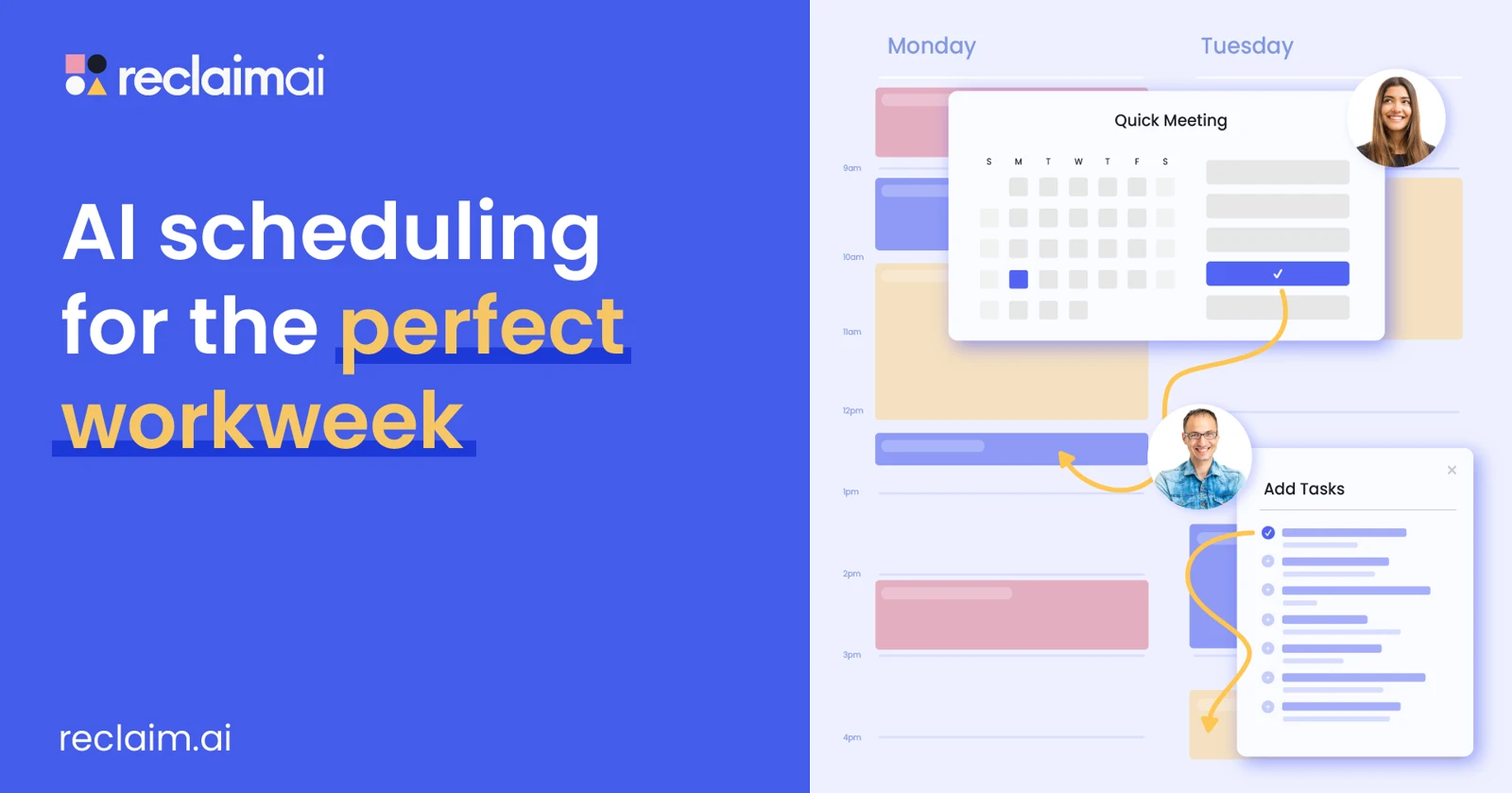
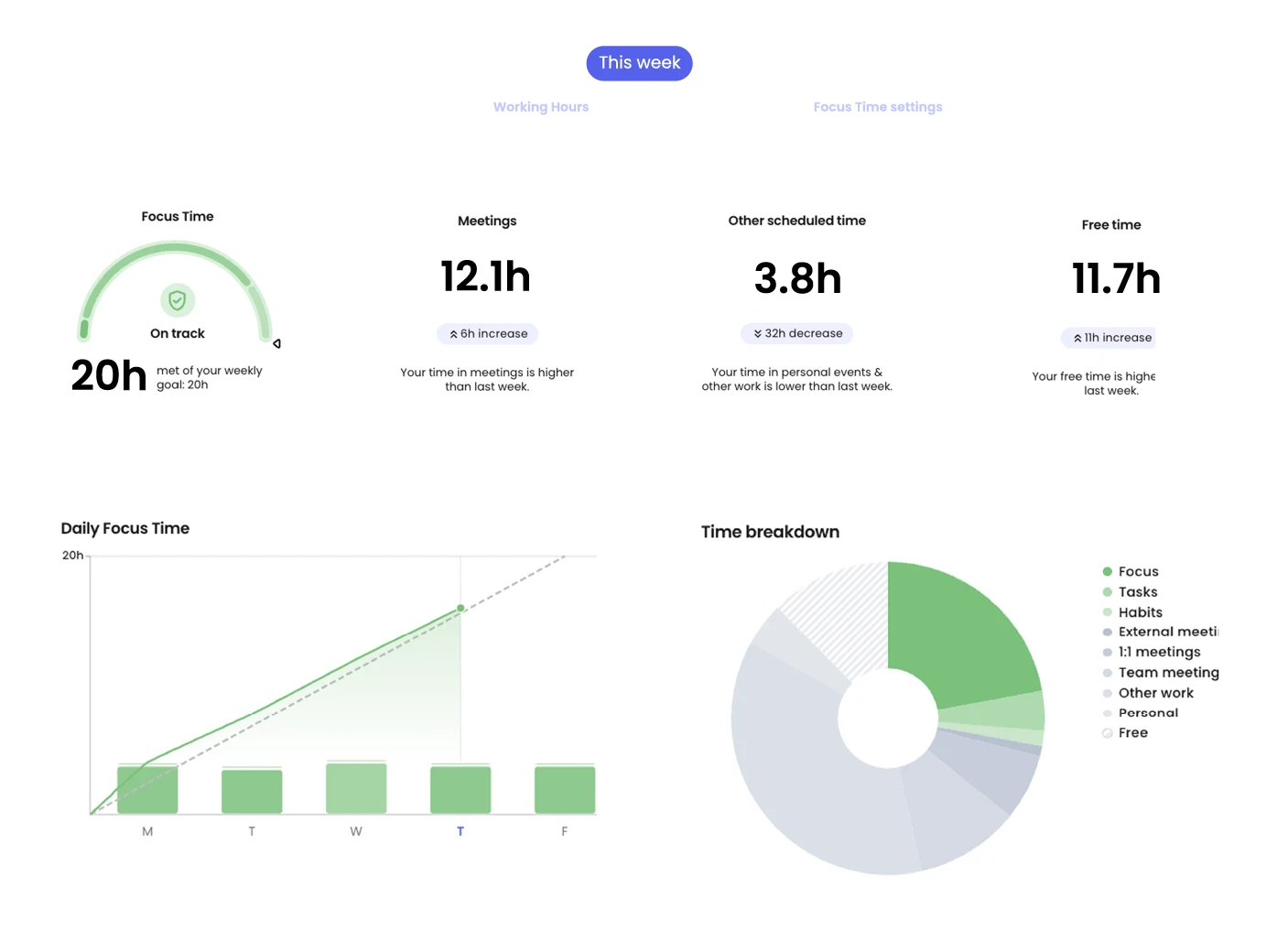
Reclaim schedules tasks, habits, meetings and focus time in Google Calendar or Outlook. Paid tiers extend the scheduling range and integrations. Starter targets up to 10 seats; Business up to 100.
Value depends on clear priorities and availability. Start with one calendar and a few habits, then review event rescheduling. Reclaim does not replace a project manager. Before leaving, review created events and revoke connections; retaining calendars does not make automation rules portable.
Practical uses
Automatic scheduling for tasks and focus time.
Features & use cases
Time tracking
Planning
Ai general
Calendar
Focus time
Scheduling
The case for and against. What Reclaim.ai does well, and when it costs too much.
For. What works in its favour.
Google Calendar and Outlook.
Tasks and focus time together.
Against. What to plan for.
Priorities require setup.
Automation rules are not readily portable.
Our verdict. What to know about Reclaim.ai.
How the score breaks down
Added value
4/5
Automates time blocking. Desk research, not a hands-on test. https://reclaim.ai/pricing (2026-09-27).
Simplicity
3/5
Priorities and calendars need setup. Desk research, not a hands-on test. https://reclaim.ai/pricing (2026-09-27).
Fit for purpose
4/5
Daily calendar-related use. Desk research, not a hands-on test. https://reclaim.ai/pricing (2026-09-27).
Performance
4/5
Tier-specific scheduling range, integrations and seats. Desk research, not a hands-on test. https://reclaim.ai/pricing (2026-09-27).
Reversibility
3/5
Calendars separate from the engine; rule portability unconfirmed. Desk research, not a hands-on test. https://reclaim.ai/pricing (2026-09-27).