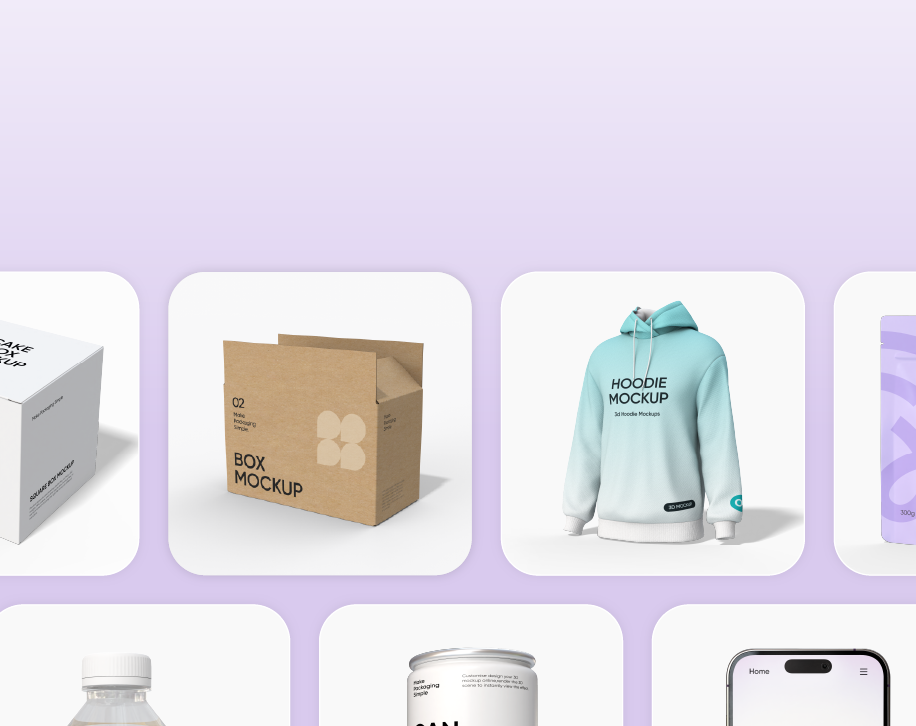
Pacdora excels for packaging designers who don't want to learn complex 3D; smartly blends mockup, dieline, and AI.
1 / 2
About
In practice. What you can do with Pacdora.
Online packaging design platform providing 3D mockup generator, customizable dieline templates, and 3D modeling tools—no design experience required.
Key strengths: Free access to 5,000+ mockups and dieline templates.; AI background generator for professional product visuals.; Shareable 3D mockups with clients—no software needed.; Intuitive UI, no 3D learning curve.; Affordable entry tiers.; Scaled AI credits per plan.; Flexible payment (PayPal, PayerMax, card)..
Pacdora excels for packaging designers who don't want to learn complex 3D; smartly blends mockup, dieline, and AI.
Practical uses
Create 3D mockups to pitch packaging designs to clients.
Generate print-ready dielines from custom measurements.
Produce product visualsAI backgrounds.
Design packaging without advanced 3D training.
Share product previews for client sign-off before production.
Features & use cases
3D
Design tools
Print
Pros and cons. What Pacdora does well, and what to expect.
Pros
Free access to 5,000+ mockups and dieline templates.
AI background generator for professional product visuals.
Shareable 3D mockups with clients—no software needed.
Intuitive UI, no 3D learning curve.
Affordable entry tiers.
Scaled AI credits per plan.
Flexible payment (PayPal, PayerMax, card).
Cons
Recurring monthly subscription (must renew).
Commercial use limited to Pro/Business tiers.
4K/8K exports and high-res features cost extra.
Unlimited storage and versions higher tier only.
3D modeling constrained vs dedicated software (Blender, Maya).
When it makes sense. Keep Pacdora, or challenge it?
Keep if
You design packaging and need fast 3D mockups.
You work with clients and want to share 3D visuals without software.
Pacdora becomes worthwhile when
+You use it at least once a week
+The monthly cost ($29) is small next to the time it saves you
Challenge if
You need industrial CAD/3D (prefer Plasticity or Rhino).
You refuse recurring subscriptions.
Pacdora becomes too expensive when
−You use it less than once a month
−A simple free version or a tool already in your stack would do
Our verdict. What to know about Pacdora.
Why this verdict
Average
Pacdora is fairly easy to replace with an alternative, a free tier to test before paying, clearly documented use cases.