No public price is available; request a quote and compare it against the Illustrator license you already need to run the plugin.
1 / 2
About
In practice. What you can do with Esko Studio.
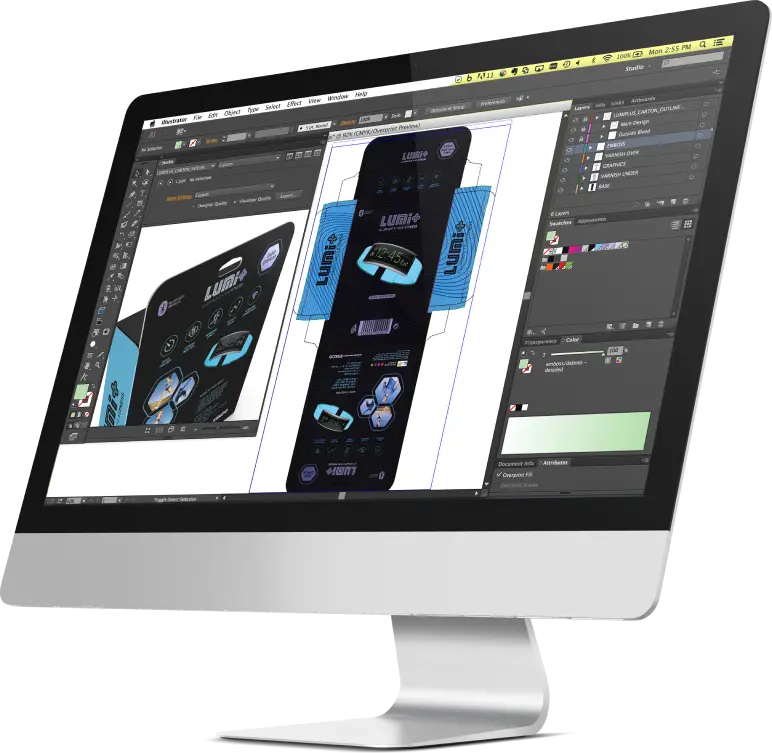
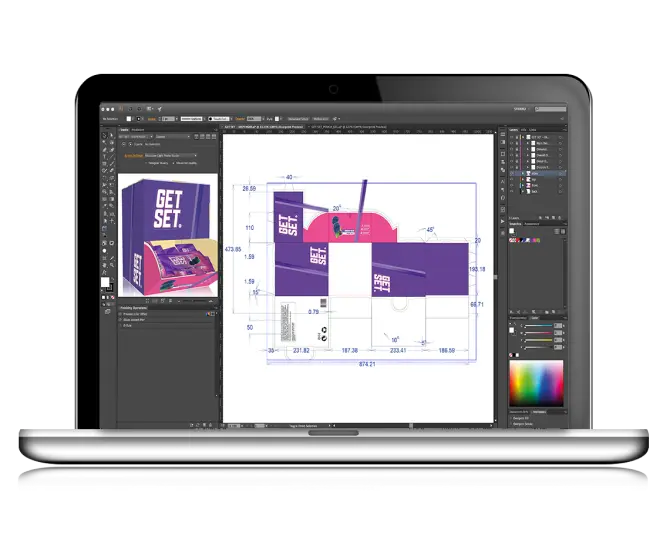
Esko Studio is a 3D packaging design and visualization plugin for Adobe Illustrator, producing 3D content, virtual packshots and shelf renders synced to real production assets through its print modeling technology. It adds dedicated shrink-sleeve simulation and ray-traced photorealistic rendering across substrates, inks, varnishes, foils and holograms.
No public pricing exists: access runs through a sales contact or a trial request, and the plugin requires Adobe Illustrator as its design environment rather than running standalone. It suits packaging designers and brand teams who need accurate, photorealistic previews before committing to a physical print run.
Practical uses
Packaging designerRender a photorealistic virtual packshot of a new product before committing to a physical print run.
Brand teamSimulate a shrink sleeve across different substrates and foils to compare options before approving production.
Features & use cases
3D
Design tools
Print
Pros and cons. What Esko Studio does well, and what to expect.
Pros
Print modeling technology syncs 3D previews with real production assets rather than a generic render.
Dedicated shrink-sleeve simulation and material experimentation go beyond what a generic 3D tool covers.
Cons
No public pricing, so budgeting requires a sales conversation before any commitment.
Not a standalone app: it runs as a plugin inside Adobe Illustrator, adding a licensing dependency.
When it makes sense. Keep Esko Studio, or challenge it?
Keep if
Your team designs physical packaging and needs photorealistic previews synced to real production assets before print.
Challenge if
You need a general-purpose 3D visualization tool and don't already work inside Adobe Illustrator for packaging.
Neutral score: with no public pricing, the cost-to-benefit ratio for a packaging team could not be judged from the collected sources.
Simplicity
Requires Adobe Illustrator as the design environment and is positioned as a specialist plugin, implying a learning curve beyond a first-hour result.
Fit for purpose
Delivers 3D packaging visualization, virtual packshots and shelf renders synced to real production assets as described, without a stated workaround.
Performance
Dedicated shrink-sleeve simulation, ray-traced rendering and material experimentation across substrates, inks and foils cover specialist packaging-visualization needs.
Reversibility
Neutral score: export formats and portability of Esko Studio projects were not covered by the collected sources.
Esko Studio Summary
Category
design & prototyping tool.
Price from
Price not public.
Best for
Packaging designers who need photorealistic 3D visualization of packaging synced to real production assets before print.
Avoid if
You need a general-purpose 3D visualization tool and don't already work inside Adobe Illustrator for packaging.