


Pros and cons. What OpenCutList does well, and what to expect.
Pros
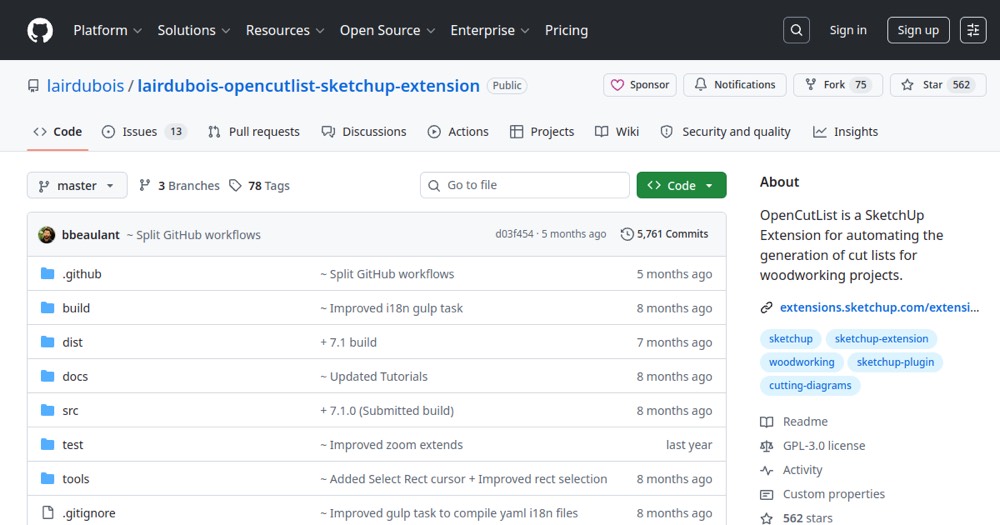
- Completely free and open-source—no fees.
- Native SketchUp extension integration.
- Automatic cut list and diagram generation.
- Basic nesting to minimize waste.
- PDF/CSV reports for printing or sharing.
- Active community and ongoing development.
- No paywalls or usage limits.
Cons
- Desktop SketchUp only (not web/cloud versions).
- Nesting limited vs commercial tools (Cut Optima, Opticut).
- Requires SketchUp to run (not standalone).
- Limited non-English/French localization.
- Community support, no dedicated assistance.