    My stack

    OpenCutList

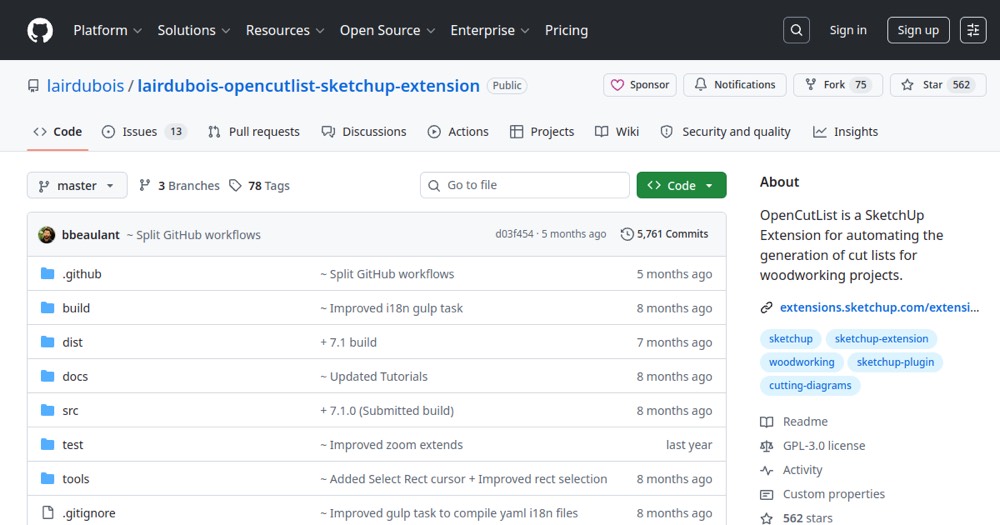
    SketchUp plugin for cut lists, panels, and fabrication preparation.

    Visit website
    ToolTrim verdict3.7/ 5Average

    OpenCutList dominates for freelance woodworkers and small SketchUp shops—free, reliable, backed by active community.

    OpenCutList, preview 1
    About

    In practice. What you can do with OpenCutList.

    Free, open-source SketchUp extension that automates generation of cut lists, cutting diagrams, nesting layouts, and cost/weight reports for woodworking projects.

    Practical uses

    • Generate cut lists for a woodworking project in SketchUp.
    • Optimize material and reduce wood/panel waste.
    • Create printable cutting diagrams for the shop.
    • Estimate total project cost and weight.
    • Share cut lists in CSVSuppliers or crew.

    Features & use cases

    Plugin sketchup
    Design tools

    Pros and cons. What OpenCutList does well, and what to expect.

    Pros

    • Completely free and open-source—no fees.
    • Native SketchUp extension integration.
    • Automatic cut list and diagram generation.
    • Basic nesting to minimize waste.
    • PDF/CSV reports for printing or sharing.
    • Active community and ongoing development.
    • No paywalls or usage limits.

    Cons

    • Desktop SketchUp only (not web/cloud versions).
    • Nesting limited vs commercial tools (Cut Optima, Opticut).
    • Requires SketchUp to run (not standalone).
    • Limited non-English/French localization.
    • Community support, no dedicated assistance.

    When it makes sense. Keep OpenCutList, or challenge it?

    Keep if

    • You use SketchUp (desktop) and do woodworking or carpentry.
    • You want a free tool to optimize cuts and material waste.

    Challenge if

    • You only use SketchUp web (cloud)—OpenCutList is desktop-only.
    • You need industrial-strength nesting (use Cut Optima or Cut Wize).

    Pricing. What does OpenCutList cost ?

    Free

    $0

    Free plan available.

    Our verdict. What to know about OpenCutList.

    Why this verdict

    Average

    OpenCutList is fairly easy to replace with an alternative, a free tier to test before paying, clearly documented use cases.

    OpenCutList Summary

    Category
    design & prototyping tool.
    Price from
    Free.
    Best for
    professionals.
    Avoid if
    You only use SketchUp web (cloud)—OpenCutList is desktop-only; You need industrial-strength nesting (use Cut Optima or Cut Wize).
    ToolTrim verdict
    OpenCutList dominates for freelance woodworkers and small SketchUp shops—free, reliable, backed by active community.

    Frequently asked questions.

    What to know before choosing OpenCutList.

    What is OpenCutList used for?

    SketchUp plugin for cut lists, panels, and fabrication preparation.

    How much does OpenCutList cost?

    OpenCutList costs $0 (free).

    Is OpenCutList suitable for beginners?

    OpenCutList suits most professionals. See the "Who is it for" section for details.

    Is OpenCutList worth the price?

    OpenCutList dominates for freelance woodworkers and small SketchUp shops—free, reliable, backed by active community.

    What are the best alternatives to OpenCutList?

    No direct alternative listed.

    OpenCutListFree
    Visit