

    My stack

    OneDrive reviews

    Microsoft cloud storage.

    Visit website
    ToolTrim verdict3.5/ 5Average

    OneDrive fits Microsoft 365 users; for non-Microsoft, Google Drive or Dropbox suit better.

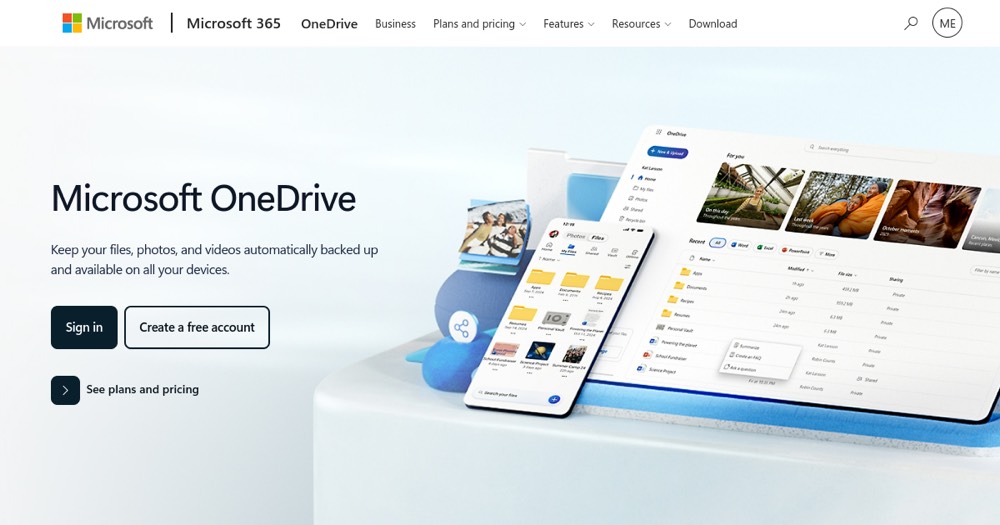
    OneDrive, preview 1
    About

    In practice. What you can do with OneDrive.

    OneDrive is microsoft cloud storage. Completely free.

    Practical uses

    • Store and sync Office documents.
    • Real-time collaborate on Excel/Word.
    • Auto-backup photos from mobile.

    Features & use cases

    Collaboration
    Knowledge management

    Pros and cons. What OneDrive does well, and what to expect.

    Pros

    • Free plan 5 GB (+ 15 GB email) useful.
    • Deep Microsoft 365 Office integration.
    • Secure Personal Vault included.
    • Native ransomware detection.

    Cons

    • Free 5 GB limited for heavy use.
    • Paid plans pricier than Dropbox/Google.
    • Fewer third-party integrations than alternatives.

    When it makes sense. Keep OneDrive, or challenge it?

    Keep if

    • You use Microsoft ecosystem (Office, Teams).
    • You want integrated simple cloud storage.

    Challenge if

    • You prefer non-Microsoft service (Google Drive, Dropbox).
    • You're looking for entirely free solution (5 GB limited).

    Our verdict. What to know about OneDrive.

    Why this verdict

    Average

    OneDrive is fairly easy to replace with an alternative, no free tier to test before paying, clearly documented use cases.

    OneDriveFree
    Visit