OBS is the default for free streaming and local recording; for heavy editing you need a dedicated app alongside it.
About
In practice. What you can do with OBS.
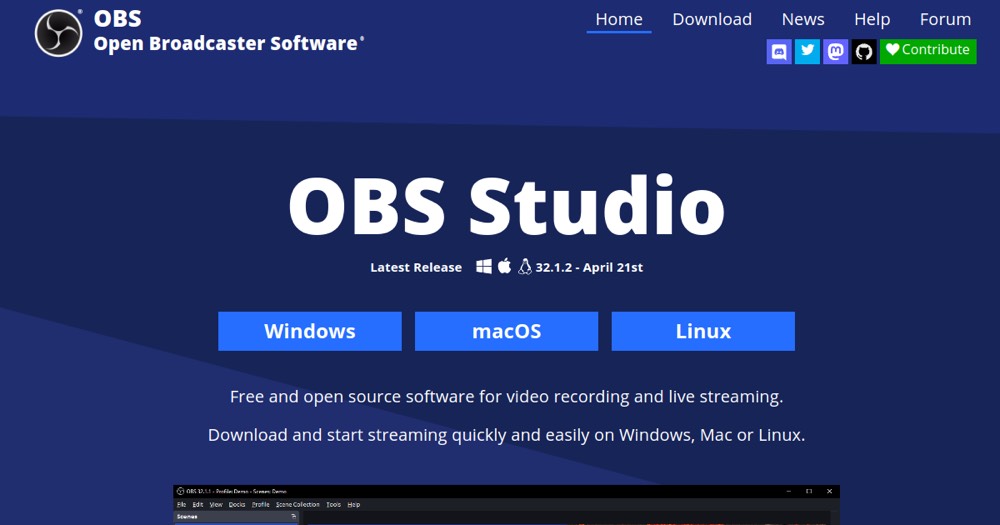
OBS Studio (Open Broadcaster Software) is the reference open-source software to capture your screen, webcam, and broadcast live to Twitch, YouTube, or any other service, or record locally. Free and watermark-free, it's the default choice for most streamers and tutorial video creators.
Its learning curve is steeper than simplified commercial tools (Streamlabs), but its flexibility (scenes, sources, plugins) makes it the reference tool once production needs become a bit more sophisticated.
Practical uses
Stream gameplay to Twitch or YouTube.
Record a screen tutorial or demo.
Produce a webinarMultiple sources.
Features & use cases
Creator workflow
Pros and cons. What OBS does well, and what to expect.
Pros
Completely free and open source.
No watermark or limits, commercial use allowed.
Cross-platform (Windows, macOS, Linux).
Rich plugin ecosystem.
Cons
Initial setup can be technical.
No built-in video editing.
Community support only.
When it makes sense. Keep OBS, or challenge it?
Keep if
You want to stream or record your screen for free.
You need scenes and multiple sources.
Challenge if
You want an ultra-simple, no-config solution.
You want built-in advanced video editing.
Our verdict. What to know about OBS.
Why this verdict
Average
OBS is fairly easy to replace with an alternative, a free tier to test before paying, clearly documented use cases.