OBS is the default for free streaming and local recording; for heavy editing you need a dedicated app alongside it.
About
In practice. What you can do with OBS.
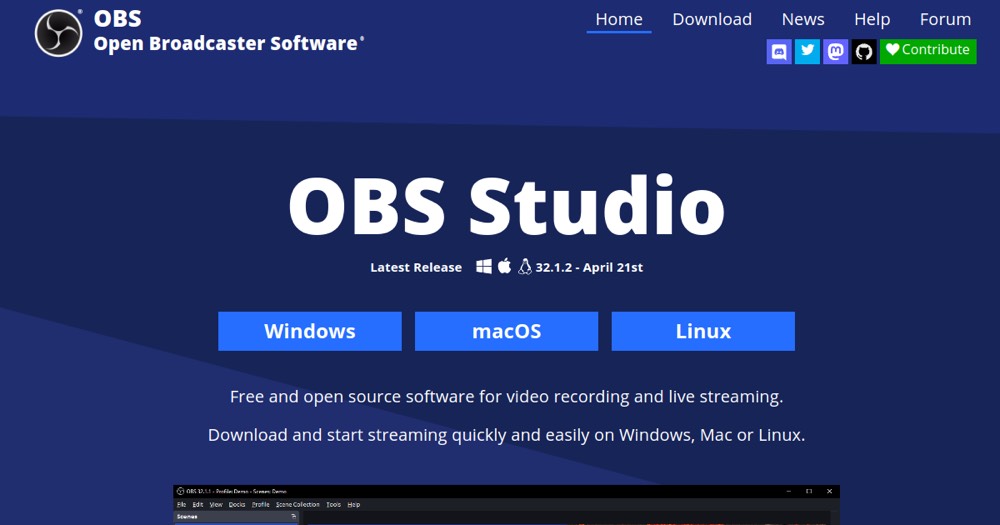
OBS Studio (Open Broadcaster Software) is the reference open-source software to capture your screen, webcam, and broadcast live to Twitch, YouTube, or any other service, or record locally. Free and watermark-free, it's the default choice for most streamers and tutorial video creators.
Its learning curve is steeper than simplified commercial tools (Streamlabs), but its flexibility (scenes, sources, plugins) makes it the reference tool once production needs become a bit more sophisticated.
Practical uses
Stream gameplay to Twitch or YouTube.
Record a screen tutorial or demo.
Produce a webinarMultiple sources.
Features & use cases
Creator workflow
Pros and cons. What OBS does well, and what to expect.
Pros
Completely free and open source.
No watermark or limits, commercial use allowed.
Cross-platform (Windows, macOS, Linux).
Rich plugin ecosystem.
Cons
Initial setup can be technical.
No built-in video editing.
Community support only.
When it makes sense. Keep OBS, or challenge it?
Keep if
You want to stream or record your screen for free.
OBS is fairly easy to replace with an alternative, a free tier to test before paying, clearly documented use cases.
The AI angle
OBS vs AI
AI augments this tool
Go further with AI
OBS Studio remains an open-source live video capture and broadcasting software, with no native AI — the third-party plugin ecosystem is gradually adding AI features (background removal, captions) around the software.
Can AI replace it?
Replace OBS with an AI? No: capturing and broadcasting a live video stream to multiple platforms remains a technical infrastructure need. AI plugins add features (virtual background, captions), they don't replace the capture software. Verdict: AI augments via plugins, OBS remains the broadcasting infrastructure.
OBS Summary
Category
productivity tool.
Price from
Price not public.
Best for
professionals.
Avoid if
You want an ultra-simple, no-config solution; You want built-in advanced video editing.
ToolTrim verdict
OBS is the default for free streaming and local recording; for heavy editing you need a dedicated app alongside it.
Frequently asked questions.
What to know before choosing OBS.
What is OBS used for?
Free open-source live video capture and broadcasting software, the streaming reference.
How much does OBS cost?
OBS doesn't publish a price list; check the official page for current pricing. Price verified on 2026-05-11.
Is OBS suitable for beginners?
OBS suits most professionals. See the "Who is it for" section for details.
Is OBS worth the price?
OBS is the default for free streaming and local recording; for heavy editing you need a dedicated app alongside it.