Magic Patterns makes sense for product teams wanting fast AI prototyping; for advanced design editing or free options, other tools fit better.
About
In practice. What you can do with Magic Patterns.
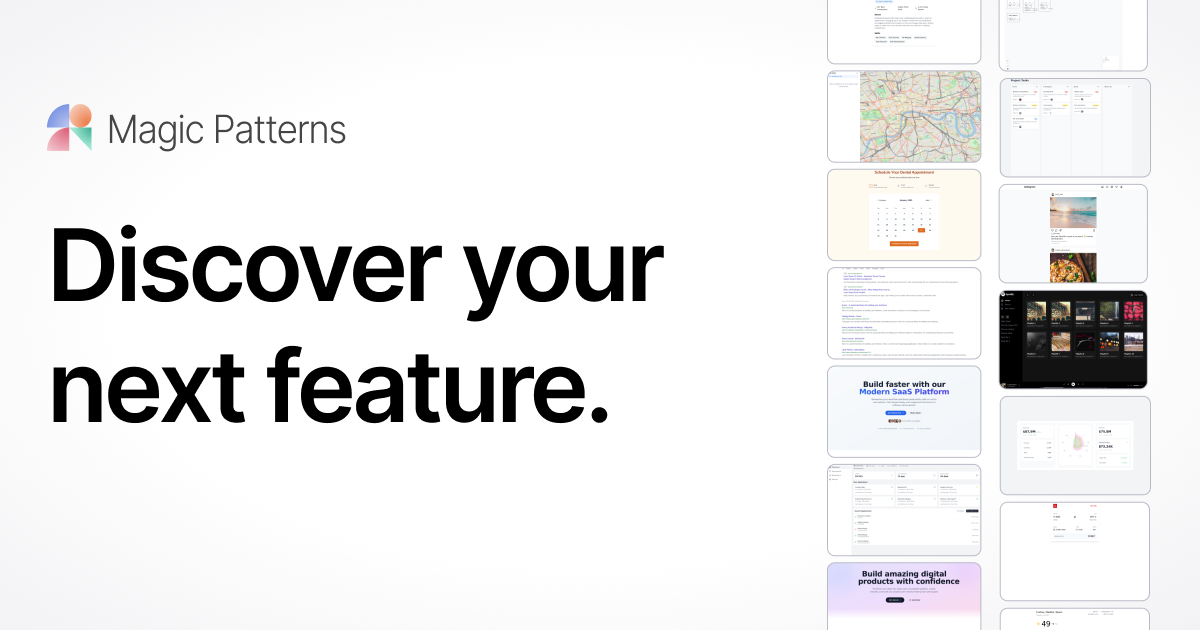
Magic Patterns is an AI tool specialized in generating UI components and full interfaces from text descriptions. Describe what you need — a pricing page, sign-up form, dashboard — and the AI generates ready-to-integrate React/Tailwind code.
The Starter plan at $20/month gives access to unlimited component generation with monthly credits, clean code export and design system integration. The real difference from v0 or Lovable: Magic Patterns is component-focused, not full-page, making it more precise for product designers who want fine control over UI patterns.
Ideal for a freelance designer or indie hacker iterating fast on interfaces without the Figma + developer roundtrip.
Practical uses
Generate wireframes and high-fidelity prototypes quickly.
Iterate on design variationsAI.
Align design and development on shared prototypes.
Produce rough designs for client feedback before heavy investment.
Save one to two weeks per feature in design cycle (Vanta case study).
Features & use cases
Generation image
UI components
Ai general
Code generation
Prototyping
UI design
Pros and cons. What Magic Patterns does well, and what to expect.
Pros
Very fast UI prototype generation from ideas.
AI tailored for collaborative design-engineering workflows.
Design system integration for visual consistency.
Real-time team collaboration without lag.
Robust free tier for testing before paying.
Used by renowned teams (Vanta, Ramp, DoorDash).
Cons
Paid plans required for advanced features.
Variable AI result quality depending on specs.
No substitute for thoughtful UX design and usability testing.
Limited Figma integration (no other design tools).
Learning curve for effective prompt engineering.
When it makes sense. Keep Magic Patterns, or challenge it?
Keep if
Your team regularly creates UI prototypes and wants to speed up iteration.
You need design system consistency in AI prototypes.
Magic Patterns becomes worthwhile when
+You use it at least once a week
+The monthly cost ($18.40) is small next to the time it saves you
Challenge if
You're mainly looking for advanced Figma editing (Magic Patterns is rapid prototyping).
You need a fully free solution without premium features.
Magic Patterns becomes too expensive when
−You use it less than once a month
−A simple free version or a tool already in your stack would do
Magic Patterns is fairly easy to replace with an alternative, a free tier to test before paying, clearly documented use cases.
The AI angle
Magic Patterns vs AI
AI augments this tool
Go further with AI
Magic Patterns generates functional UI interfaces and components from a prompt or sketch, positioning itself between a classic design tool and a full code generator like v0.
Can AI replace it?
Does Magic Patterns replace a UI designer? For a fast first draft of an interface or component, largely yes. For coherent brand visual direction and fine UX decisions, design expertise remains necessary. Verdict: AI strongly augments prototyping speed, a coherent design system remains human work.






 v0 by Vercel