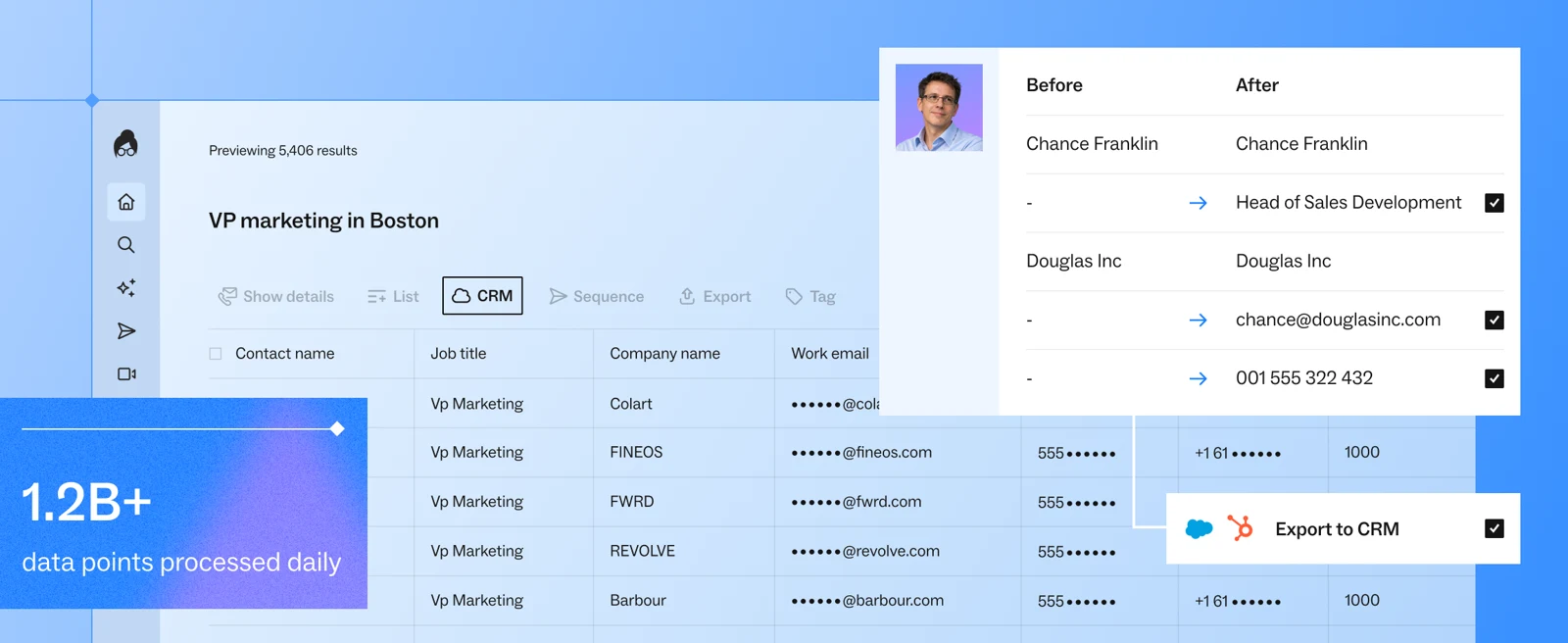
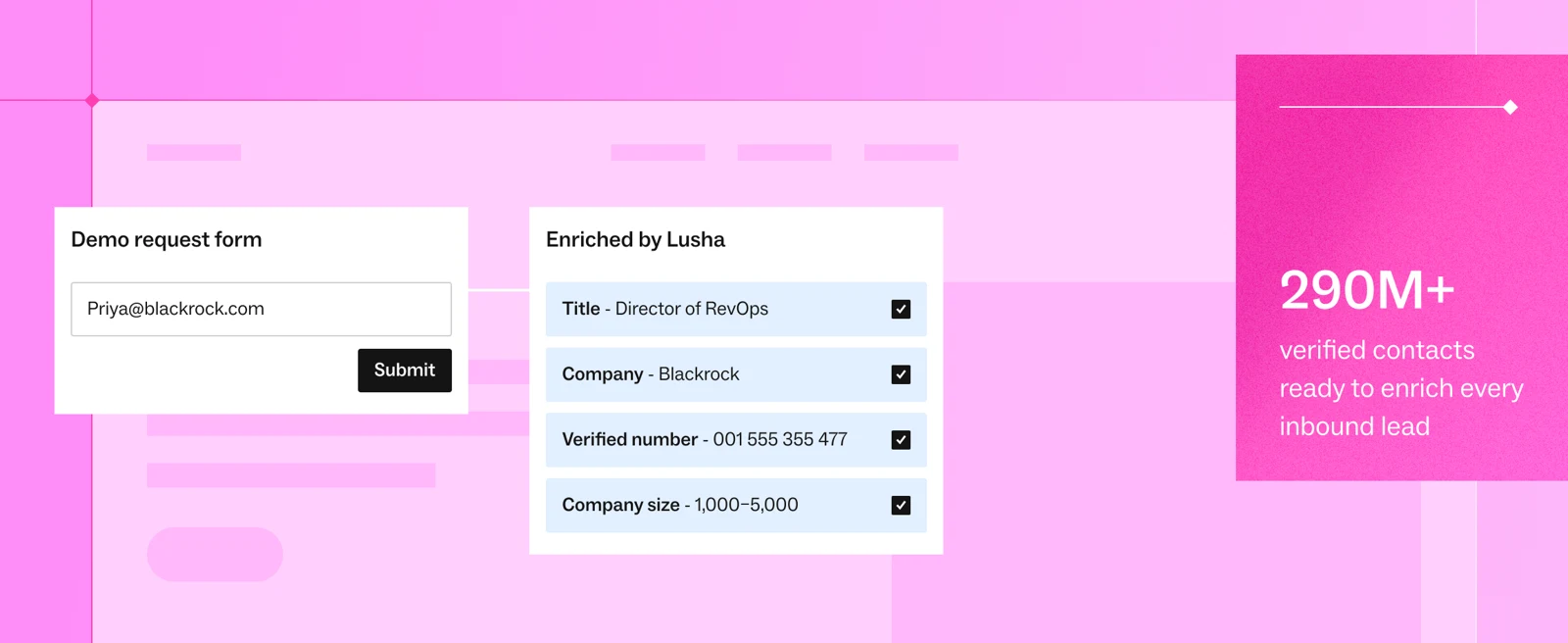
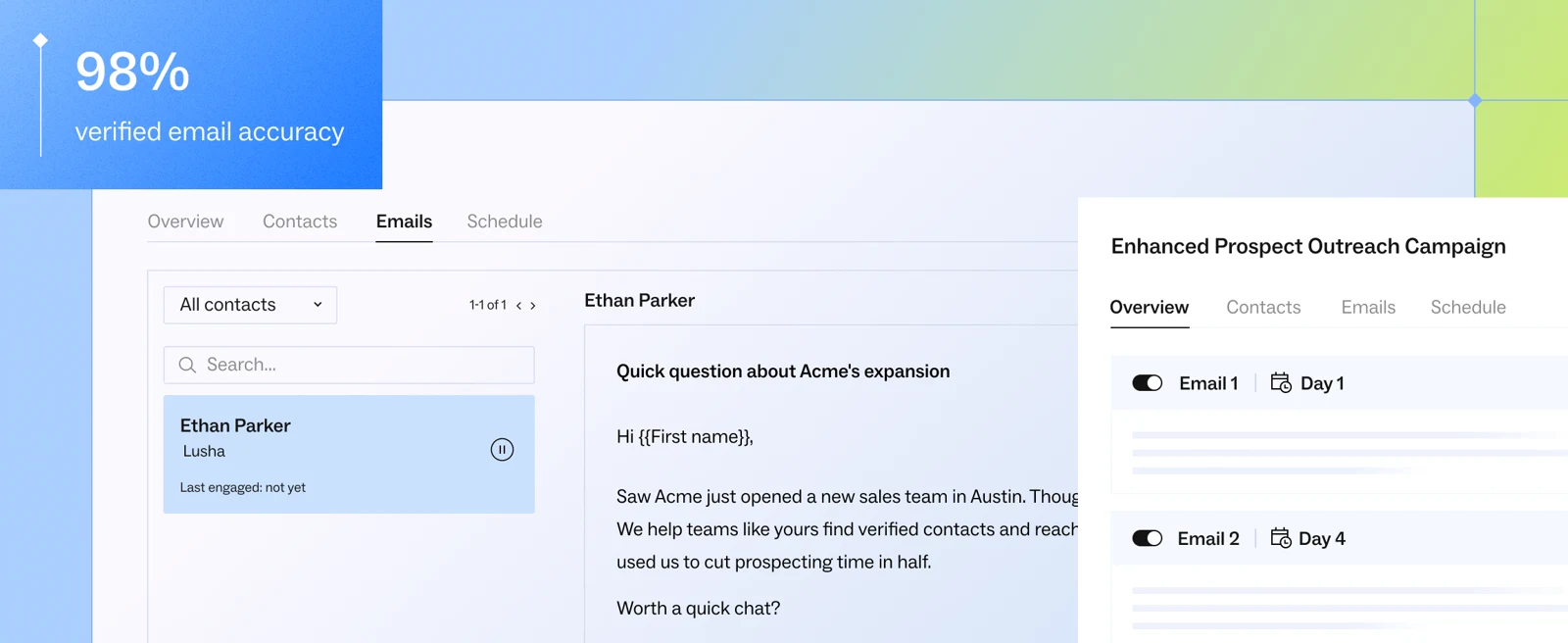
Lusha helps find professional contact details and enrich lists or a CRM. Plans combine credits, filters, enrichment and automation; API access and team controls depend on the tier. Free is useful for sampling, not for running a large campaign.
Before subscribing, test coverage in your target market and check a representative sample. An available contact is not permission to send outreach. CRM and CSV exports help recover data but do not automatically transfer workflows or usage rights. Avoid paying for overlapping databases if your existing prospecting platform covers the same contacts.
Practical uses
B2B contact data, CRM enrichment and prospecting.
Features & use cases
Prospection
Lead generation
B2b data
CRM enrichment
Email finder
Phone numbers
The case for and against. What Lusha does well, and when it costs too much.
For. What works in its favour.
Enrichment and CRM/CSV exports.
Free sample for coverage checks.
Against. What to plan for.
Credit-dependent cost.
Quality needs checking in your market.
Our verdict. What to know about Lusha.
How the score breaks down
Added value
3/5
Evaluate data in the target market. Desk research, not a hands-on test. https://www.lusha.com/pricing/ (2026-09-27).
Simplicity
4/5
Accessible search and enrichment. Desk research, not a hands-on test. https://www.lusha.com/pricing/ (2026-09-27).
Fit for purpose
3/5
Requires recurring B2B contact needs. Desk research, not a hands-on test. https://www.lusha.com/pricing/ (2026-09-27).
Performance
4/5
API and team controls depend on plan. Desk research, not a hands-on test. https://www.lusha.com/pricing/ (2026-09-27).
Reversibility
3/5
CRM and CSV exports; workflows need rebuilding. Desk research, not a hands-on test. https://www.lusha.com/pricing/ (2026-09-27).