

    My stack

    Logic Pro reviews

    Apple DAW for composition, mixing, and post-production.

    Visit website
    ToolTrim verdict3.8/ 5Great

    Logic Pro is the pick for producing in Apple's ecosystem; outside Mac/iPad or on a cross-platform team, a Windows-compatible DAW fits better.

    Logic Pro, preview 1
    About

    In practice. What you can do with Logic Pro.

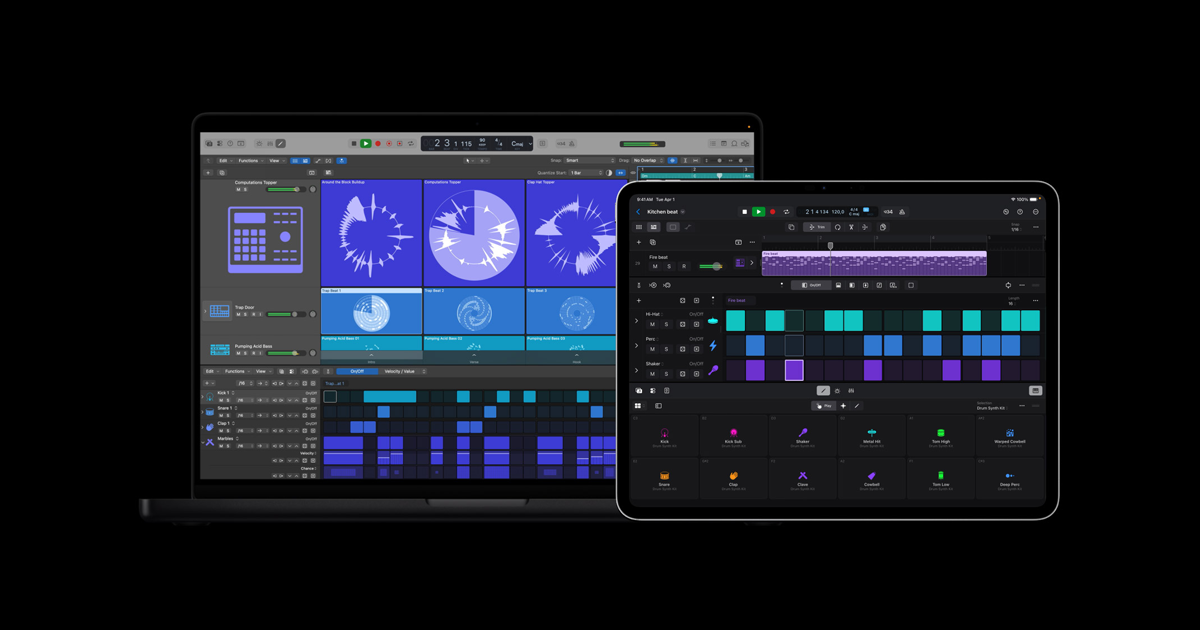
    Apple's professional digital audio workstation (DAW) for Mac and iPad, with a large library of instruments, loops and effects, plus advanced production and mixing tools.

    Practical uses

    • Compose and arrange a full track.
    • Record and mix a studio project.
    • Produce on the go on iPad.

    Features & use cases

    Creation
    Montage audio
    Enregistrement multipistes
    Audio
    Mixing
    Sound design

    Pros and cons. What Logic Pro does well, and what to expect.

    Pros

    • One-time purchase on Mac, no subscription.
    • Very rich instrument and loop library.
    • Advanced production and mixing tools.
    • Optimized for Apple hardware.

    Cons

    • Apple-only (no Windows).
    • iPad version is subscription-based.
    • Learning curve for beginners.

    When it makes sense. Keep Logic Pro, or challenge it?

    Keep if

    • You produce music on Mac or iPad.
    • You want a full DAW with a one-time purchase on Mac.

    Challenge if

    • You work on Windows or Linux.
    • You want a cross-platform DAW shared with PC collaborators.

    Our verdict. What to know about Logic Pro.

    Why this verdict

    Great

    Logic Pro is fairly easy to replace with an alternative, a free tier to test before paying, clearly documented use cases.

    Logic ProFree
    Visit