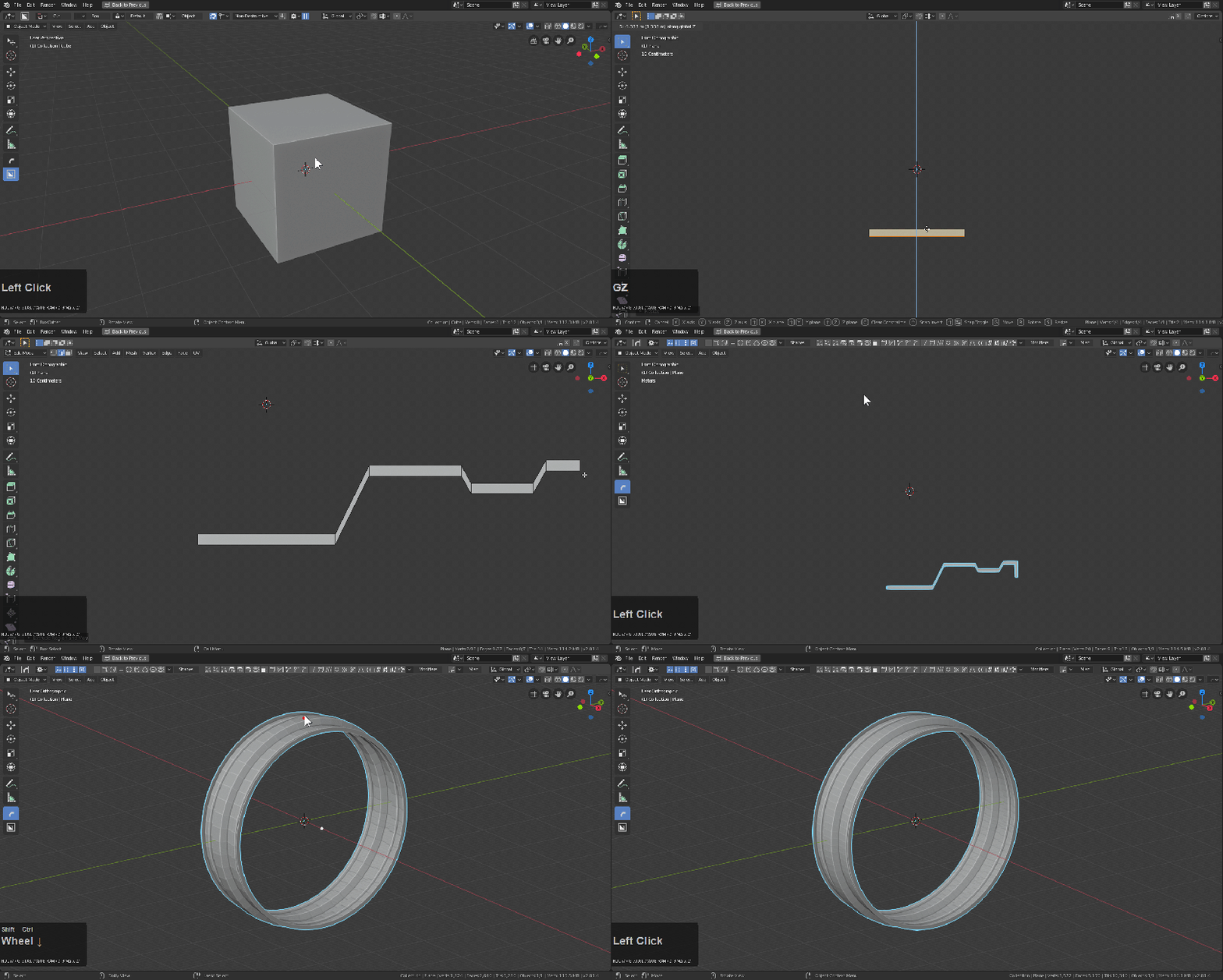
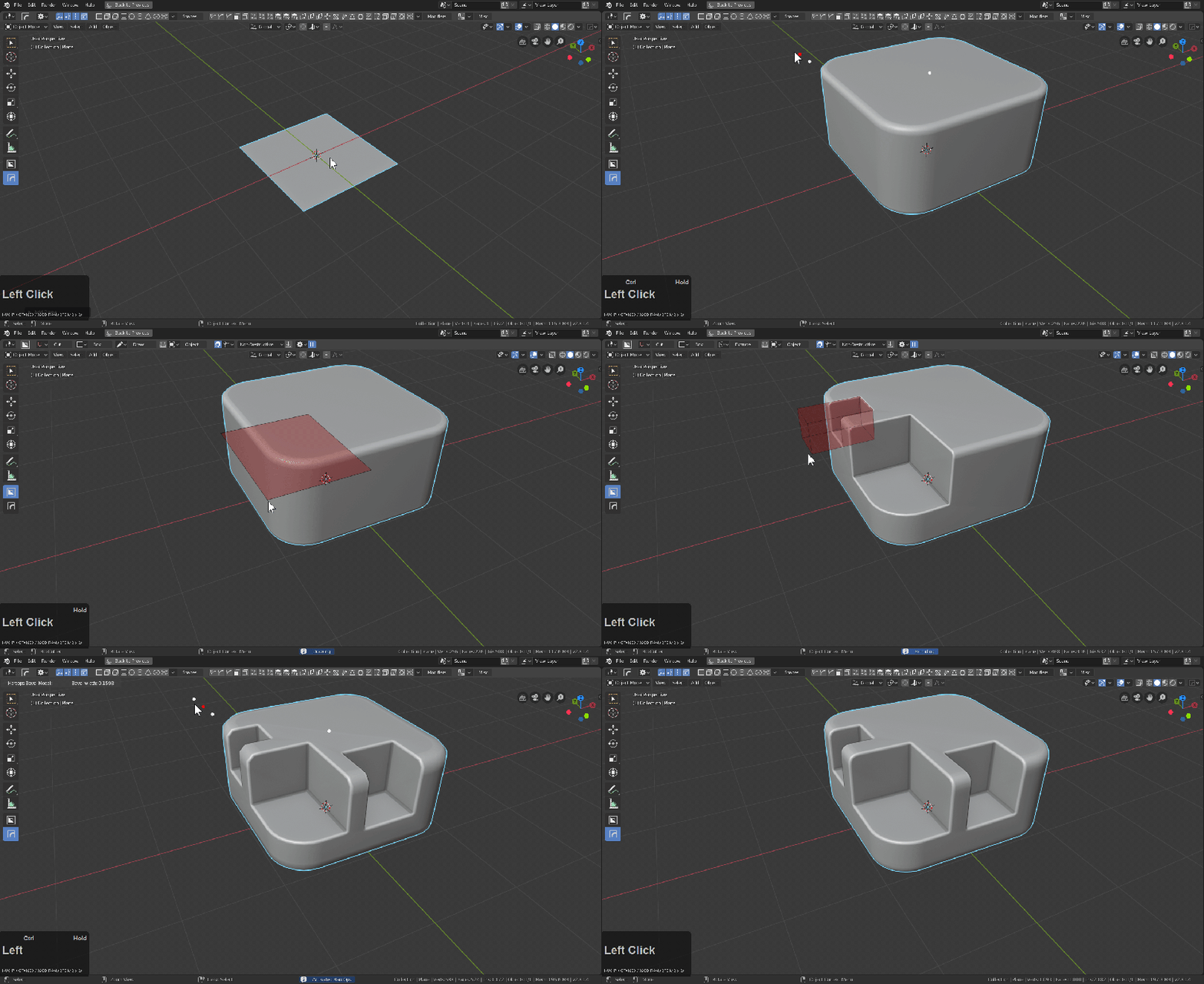
Suite of Blender add-ons for non-destructive hard-surface modeling. Combines Hard Ops (boolean manager) and Boxcutter (interactive cutting tool). Optimized workflow for concept artists, weapon/prop designers, and industrial design artists.
In practice. What you can do with Hard Ops / Boxcutter.
Suite of Blender add-ons for non-destructive hard-surface modeling. Combines Hard Ops (boolean manager) and Boxcutter (interactive cutting tool). Optimized workflow for concept artists, weapon/prop designers, and industrial design artists.
Key strengths: Revolutionary workflow for hard-surface modeling.; Ultra-fast and intuitive interface.; Perpetual license (no subscription).; Massive community with millions of tutorials.; Regularly updated and improved..
Hard Ops + Boxcutter is the hard-surface Blender gold standard; for soft modeling and sculpting, other tools fit better.
Practical uses
Design weapons, vehicles, robots.
Create fast hard-surface concept art.
Model props and industrial design.
Iterate rapidly on geometry without locked boolean dependencies.
Features & use cases
3D
The case for and against. What Hard Ops / Boxcutter does well, and when it costs too much.
For. What works in its favour.
Revolutionary workflow for hard-surface modeling.
Ultra-fast and intuitive interface.
Perpetual license (no subscription).
Massive community with millions of tutorials.
Regularly updated and improved.
You want a non-destructive and fast iterative workflow.
You prepare concept art or prop design.
Pays off from
57 minsaved a month
Hard Ops / Boxcutter costs $38/month. If your hour is worth $40, those 57 min cover it.
Against. What to plan for.
Specialized only in hard-surface.
Steep learning curve initially.
May seem expensive for hobbyists.
No direct support; community-driven.
You want a free Blender solution.
Hard-surface is not your main focus.
Too expensive if
You use it less than once a month
A simple free version or a tool already in your stack would do
Our verdict. What to know about Hard Ops / Boxcutter.
Why this verdict
Very good
Hard Ops / Boxcutter is fairly easy to replace with an alternative, no free tier to test before paying, clearly documented use cases.