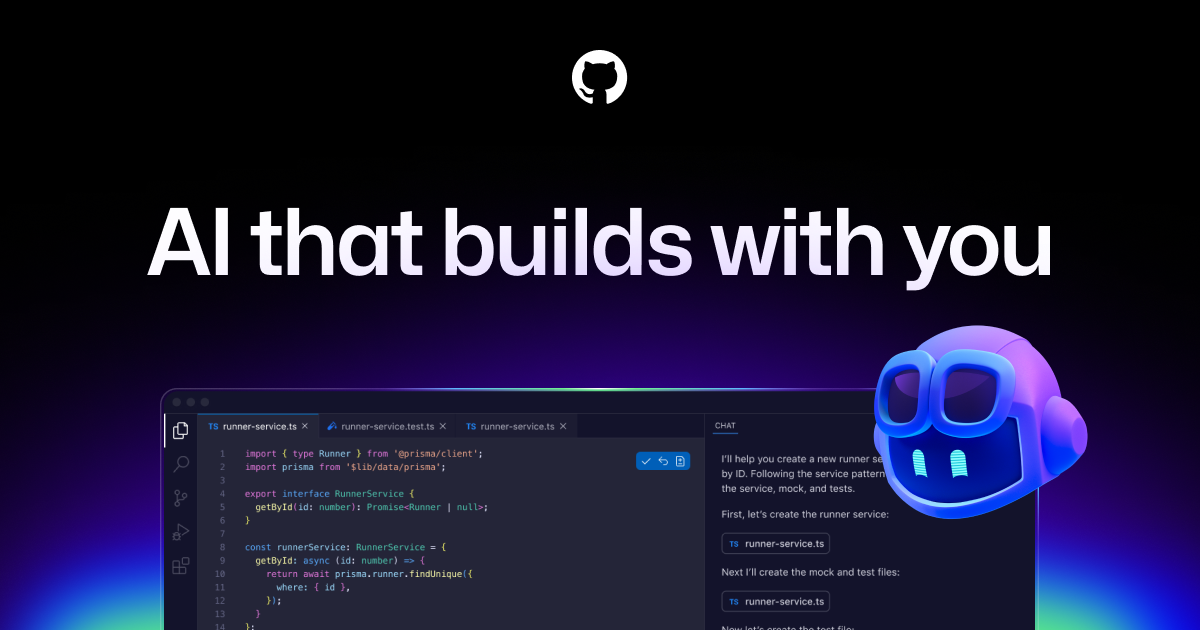
GitHub Copilot reviews AI development assistant for GitHub: inline autocomplete, code chat, review, agent mode, and CLI. June 2026: moved to usage-based billing (credits); inline suggestions free on all plans.
Overview Pricing Alternatives Verdict FAQ About In practice. What you can do with GitHub Copilot. AI development assistant for GitHub: inline autocomplete, code chat, review, agent mode, and CLI. June 2026: moved to usage-based billing (credits); inline suggestions free on all plans.
Key strengths: Inline autocomplete is completely free.; Seamless GitHub integration (PRs, issues).; Transparent pricing (clear credits).; Mature enterprise support..
GitHub Copilot is standard for GitHub teams; solo, Cursor packs more AI power.
Practical uses Develop in teams PR automation. Code coaching via AI review. Speed up GitHub issue triage. Features & use cases Coding
Documentation
Integration llm
The case for and against. What GitHub Copilot does well, and when it costs too much. For. What works in its favour. Inline autocomplete is completely free. Seamless GitHub integration (PRs, issues). Transparent pricing (clear credits). Mature enterprise support. You're in a team (Business plans). You like native VS Code integration. Pays off from
15 min saved a month
GitHub Copilot costs $10/month. If your hour is worth $40, those 15 min cover it.
Your hour is worth $40/h Against. What to plan for. Chat/review burn credits quickly. Fewer model choices than alternatives. Free tier is very limited (5 messages). You want a standalone AI solution. You use an editor other than GitHub or VS Code. Too expensive if
You use it less than once a month A simple free version or a tool already in your stack would do Our verdict. What to know about GitHub Copilot. Why this verdict Excellent
GitHub Copilot is fairly easy to replace with an alternative, a free tier to test before paying, clearly documented use cases.