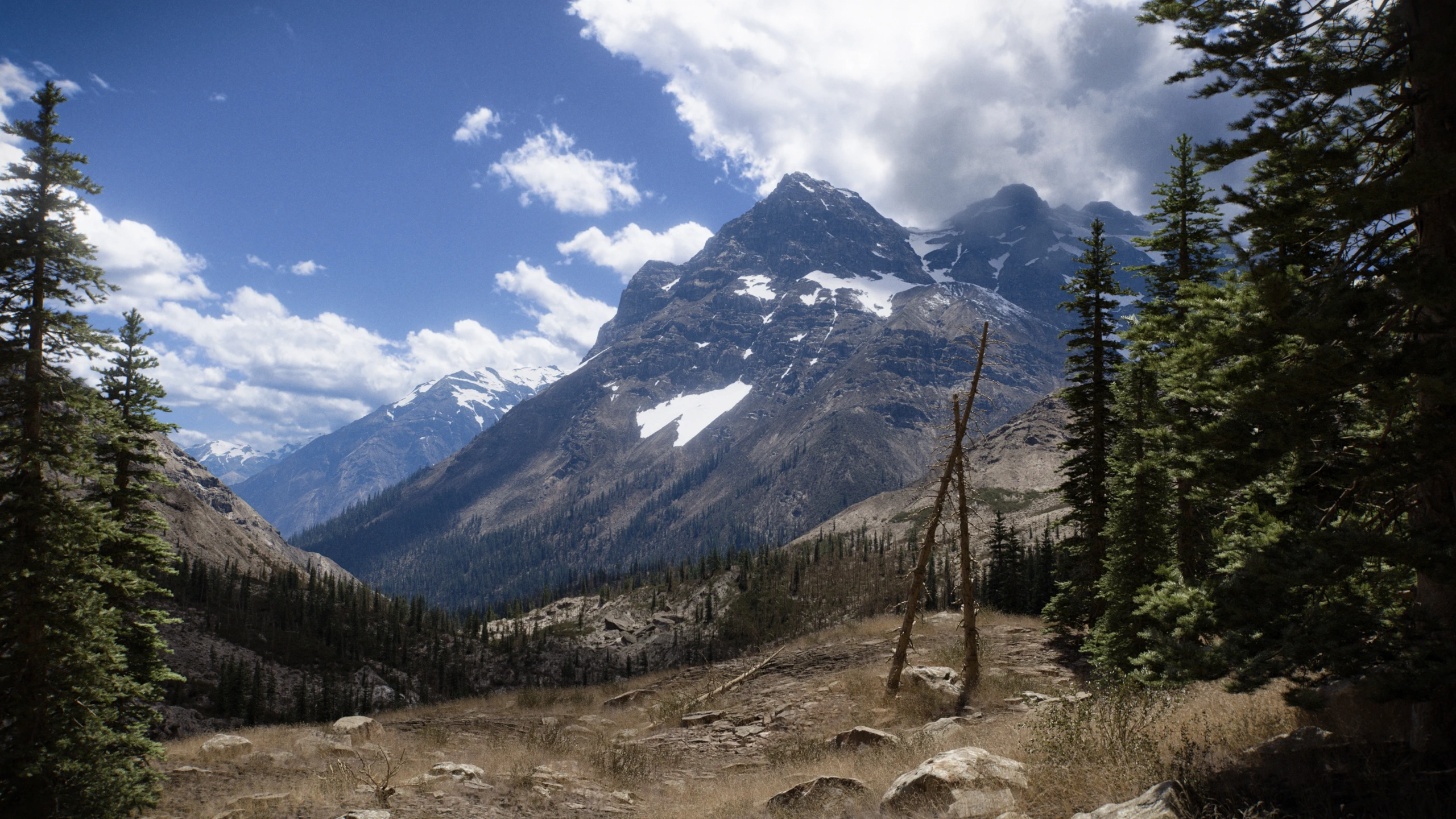
Gaea builds procedural 3D terrains through a node graph, and is used as a reference tool for landscape and environment work in games and VFX. Paid editions add tiled builds at very high resolution, Houdini support, and macro-based automation on top of the free, non-commercial Community edition.
The entry commercial license, Indie, costs 99 USD once, with no subscription, but is node-locked to two computers and excludes Houdini and macro creation. Freelancers and small studios under 1M USD in annual revenue fit the Indie or Professional editions; above that threshold, the more expensive Enterprise edition is required by the license terms.
Practical uses
Game studioGenerate a large, tiled terrain heightmap procedurally, then bring it into Unreal Engine for a level.
Freelance 3D artistBuy the Indie license once to produce commercial landscape renders without a recurring subscription.
Features & use cases
3D
Generation 3d
The case for and against. What Gaea does well, and when it costs too much.
For. What works in its favour.
One-time license, no recurring subscription for commercial use.
Supports very high-resolution tiled terrain builds on the paid editions.
Integrates with Unreal Engine and, from Professional up, with Houdini.
Against. What to plan for.
Node-locked by default; no floating license on the entry Indie tier.
Macro creation and Houdini support are missing from the cheapest commercial tier.
Windows only, based on available material.
Our verdict. What to know about Gaea.
How the score breaks down
Added value
4/5
A one-time 99 USD Indie license covers commercial terrain work indefinitely, with no recurring subscription, which is cheap relative to the category.
Simplicity
3/5
Neutral score: the time needed to produce a first usable terrain is not covered by the collected sources.
Fit for purpose
4/5
The tool is described as a standard for procedural terrain generation, with tiled builds at very high resolution confirmed on paid editions.
Performance
4/5
Support for tiled builds up to 262,144x262,144 and macro-based automation on the higher tiers point to a high capability ceiling in the category.
Reversibility
3/5
Neutral score: export formats and data portability out of Gaea are not covered by the collected sources.